









Smart Baby Monitors: How They Help, Their Limits, and How to Use Them Safely
Smart baby monitors can help you check on your sleeping baby, but they have limits. Learn the types, cord safety, privacy steps, and official advice.

On this page
- Key points
- How baby monitors have changed
- The main types of baby monitors
- Side-by-side comparison of baby monitors
- Where smart baby monitors genuinely help
- What smart monitors cannot do
- Physical safety: cords, batteries and placement
- Keeping your Wi-Fi monitor private and secure
- What to use at each age stage
- Official advice in Australia, the UK, the US and Canada
- Common mistakes parents make
- Frequently asked questions
- Sources
Short answer: A smart baby monitor lets you see and hear your baby from another room. It can give tired parents peace of mind and save trips into the nursery. However, no monitor can prevent sudden infant death. Room-sharing for the first six months, safe sleep rules, and keeping all cords well away from the cot matter far more than any gadget.
Health groups in Australia (Red Nose), the UK (The Lullaby Trust), the US (American Academy of Pediatrics) and Canada (Health Canada and the Canadian Paediatric Society) all agree on this point. A monitor is a helpful extra tool, not a safety device.
Key points
- Not a medical device: Consumer baby monitors do not prevent sudden unexpected death in infancy.
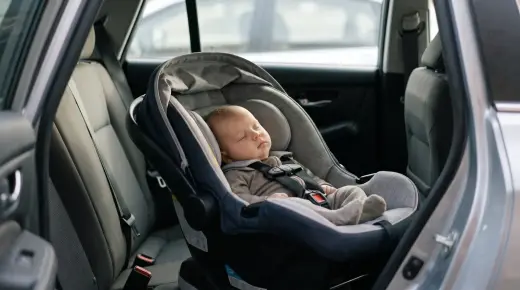
- Room-sharing comes first: Sleep your baby in a safe cot in your room for the first six months.
- Cord danger is real: Keep every monitor unit and power cord at least one metre away from the cot.
- Choose what fits your home: Audio, closed-circuit video, and Wi-Fi smart monitors each have clear pros and cons.
- Lock down Wi-Fi gear: Use strong passwords, turn on two-step sign-in, and install software updates.
- Check your baby, not just the screen: Feel your baby's chest or back to check if they are too hot or cold.
How baby monitors have changed
Older baby monitors were simple two-way radios. You placed one box near the cot and carried the other box with you. You could hear your baby cry, and that was all.
Today, parents have many more choices. Video monitors use small cameras with night vision so you can see your baby in the dark. Smart monitors connect to your home Wi-Fi and send video, sound, and room alerts straight to your phone.
Some newer products also go onto your baby's foot or under the mattress. They claim to track breathing, heart rate, or body movement. These products look high-tech, so many new parents wonder if they need one.
Understanding what each type can and cannot do helps you spend your money wisely. It also keeps your baby safer.
The main types of baby monitors
Most baby monitors fall into four main groups. You do not need the most expensive model to care for your baby well.
1. Audio-only monitors
An audio monitor has a baby unit for the nursery and a parent unit you carry around. It sends sound over a private radio signal without using the internet.
Audio monitors are simple to set up. They cost less than video models and have great battery life. Because they do not use Wi-Fi, strangers cannot hack into them over the internet. They work well in small homes, or when you only want to hear if your baby wakes up.
2. Dedicated video monitors (no Wi-Fi)
A dedicated video monitor pairs a camera with a small handheld screen. The camera talks directly to the parent screen over a closed wireless link. It does not need your home Wi-Fi or a phone app.
Many parents like this type best. You can look at the screen to see if your baby is truly awake or just making sleepy noises. There is no internet connection to secure, and your phone stays free for calls or rest. The main limit is range. Thick brick walls or large houses can weaken the signal.
3. Wi-Fi smart video monitors
A Wi-Fi smart monitor links a nursery camera to an app on your phone or tablet. You can watch live video from the living room, from the backyard, or while you are away at work.
Smart monitors often include extra features. Many have room temperature and humidity sensors, two-way talk, motion alerts, and video clips you can save. Some let grandparents or a second parent log in from another house.
The downsides are real too. Wi-Fi monitors stop working if your internet drops out. They can drain your phone battery if you leave the stream open. They also need strong privacy settings so strangers cannot view your feed.
4. Movement and wearable monitors
These devices include sensor pads that sit under the mattress and smart socks or bands that wrap around a baby's foot or tummy. They track small movements, breathing motion, or oxygen levels and send alerts to a base station or phone app.
Major health bodies do not recommend these monitors for healthy babies. Doctors at the Children's Hospital of Philadelphia point out that there is no proof these devices save lives in healthy infants. Research published in the medical journal JAMA also tested consumer pulse oximeter socks and found they were not reliable enough to replace medical gear.
Baby Monitors worth a look
Real products from our catalogue. We don't show star ratings or review counts; check the current price, stock and reviews on Amazon before you buy.


Eufy Baby Monitor E20
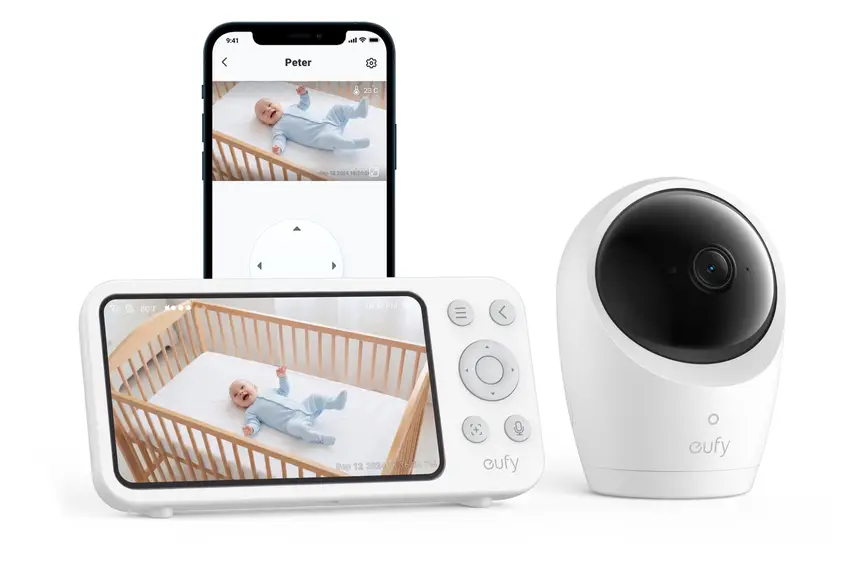
A monitor that works with or without Wi-Fi. You can share the app with up to 5 family members.
Read our full review →
Eufy Baby Monitor E21
The step-up Eufy monitor. It works with or without Wi-Fi and shares with up to 5 people.

Lollipop Smart Baby Camera
A Wi-Fi camera with AI cry, noise and crossing alerts and 1080p video.
Side-by-side comparison of baby monitors
This table compares the four main monitor types so you can see how they stack up.
| Feature | Audio-only | Dedicated video (no Wi-Fi) | Wi-Fi smart video | Wearable or under-mattress |
|---|---|---|---|---|
| Lets you hear baby | Yes | Yes | Yes | Usually via paired app or base |
| Lets you see baby | No | Yes, on parent screen | Yes, on phone app | No, unless paired with camera |
| Needs home internet | No | No | Yes | Often yes for app alerts |
| Works away from home | No | No | Yes | App alerts may work away |
| Risk of online hacking | Very low | Very low | Yes, if poorly secured | Yes, if connected to Wi-Fi |
| False alarms | Rare | Rare | Motion alerts can trigger often | Common, can cause high stress |
| Recommended to prevent SIDS | No | No | No | No |
Where smart baby monitors genuinely help
Even though a monitor is not a medical safety net, a good one still makes daily life easier. Here are the real ways smart devices help parents.
Checking without waking your baby
Babies are noisy sleepers. They grunt, sigh, kick, and stir between sleep cycles. With an audio monitor, you might rush into the room every time you hear a sound. Opening the door can wake a baby who was about to settle back down.
A video monitor lets you glance at the screen first. If your baby's eyes are shut and they are safe on their back, you can stay in bed. Everyone gets more rest.
Watching sleep position and cot safety
A clear video picture helps you check your baby's sleep space. You can see if a baby has rolled onto their tummy or wedged a leg between cot bars. If they have, you can go in and help them.
When a toddler moves from a cot to a bed, a wide-angle camera also lets you see if they have climbed out safely.
Staying connected when you are apart
Returning to work or leaving your baby with a trusted carer can feel hard. With a Wi-Fi monitor, a parent at work can peek in during nap time or wave through the screen when a partner is holding the baby. This small moment can help working parents feel close to their child.
Just be careful not to watch the app all day. Constant checking can raise your stress rather than lower it.
Keeping an eye on room comfort
Many smart monitors show the room temperature on your screen. Overheating is a known risk for sleeping babies, so a rough temperature guide is useful. It reminds you to dress your baby in lighter or warmer layers before bed.
Still, built-in sensors sit close to warm electronics and can read a little high. Always check your baby directly. Feel the back of their neck or their tummy. They should feel warm, not sweaty or cold.
Two-way talk for older babies and toddlers
Most smart monitors have a microphone button. For a newborn, a sudden voice from a speaker can startle them. For a toddler, though, hearing your calm voice from the speaker can help them settle while you walk down the hall.
What smart monitors cannot do
Marketing for smart baby gear often sounds like the product will watch over your baby so you do not have to. That is not true, and believing it can put your baby at risk.
They do not prevent sudden infant death
Red Nose in Australia and The Lullaby Trust in the UK both state clearly that there is no proof baby monitors reduce the risk of sudden infant death syndrome. The American Academy of Pediatrics says the same thing.
A monitor cannot replace safe sleep practices. Always put your baby to sleep on their back, on a firm and flat mattress, in a clear cot with no pillows, bumpers, toys, or loose blankets.
Wearable monitors can give false alarms or miss real problems
In a study published in JAMA, researchers tested two consumer infant pulse oximetry monitors against hospital machines. One monitor missed drops in blood oxygen. The other gave false alarms when babies were healthy.
False alarms in the middle of the night scare parents badly. They can also lead to unneeded trips to the emergency room. On the other hand, seeing normal numbers on an app might make a parent wait too long before seeking help for a sick baby. If your baby seems unwell, looks pale, or struggles to breathe, see a doctor right away even if an app looks normal.
They never replace an adult in the home
Never leave a baby alone in a house or flat while you pop out to the shops, even if you can see them on your phone. Wi-Fi can drop, power can fail, and you cannot reach your baby fast enough in an emergency.
Physical safety: cords, batteries and placement
Many parents worry about hacking, yet the biggest danger from a baby monitor is right inside the room. Power cords and small batteries can cause serious harm.
Keep all cords well out of reach
Babies and toddlers grab anything they can reach through cot bars. A loose power cord near a cot can wrap around a child's neck and cause strangulation. The U.S. Consumer Product Safety Commission has warned parents about this risk for years after tragic deaths linked to monitor cords.
Follow these cord rules every time:
- Place the camera and its cord at least one metre (about three feet) away from the cot, bassinet, or playpen.
- Use cord covers or plastic trunking fixed flat against the wall if you need to run a wire down to a power point.
- Never drape a cord over the cot rail or tuck it under the mattress.
- Check the room again as your baby grows and learns to stand or reach further.
Watch out for button batteries
Some monitor parent units, remote controls, and temperature sensors use small coin-shaped button batteries. If a child swallows a button battery, it can burn through their throat or gut in a very short time.
Product Safety Australia and regulators in the UK, US and Canada warn parents to check battery doors on all nursery gadgets. Make sure any battery compartment needs a screwdriver or tool to open. Keep spare batteries locked up high, and throw dead batteries away safely right away.
Mount cameras securely
If you put a camera on a shelf, make sure your child cannot pull the shelf down or tug the unit onto their head. Wall-mounted cameras must be screwed tightly into the wall, well above standing reach, with the cord covered all the way down.
Do not place monitors inside the cot
Never put a camera, sensor pod, or battery pack inside the cot or clipped onto the cot rail where a baby can grab or chew it. Keep the cot space completely clear.
Side by side: more baby monitors to compare
Real products from our catalogue. We don't show star ratings or review counts; check the current price, stock and reviews on Amazon before you buy.
 Reviewed
Nanit Pro Camera
Overhead 1080p Wi-Fi camera that tracks sleep and — with patterned Breathing Wear — breathing motion, without any electronics on the baby.
Read our full review →
VTech RM5764HDV2 Smart HD Pan and Tilt Baby Monitor
Smart video monitor
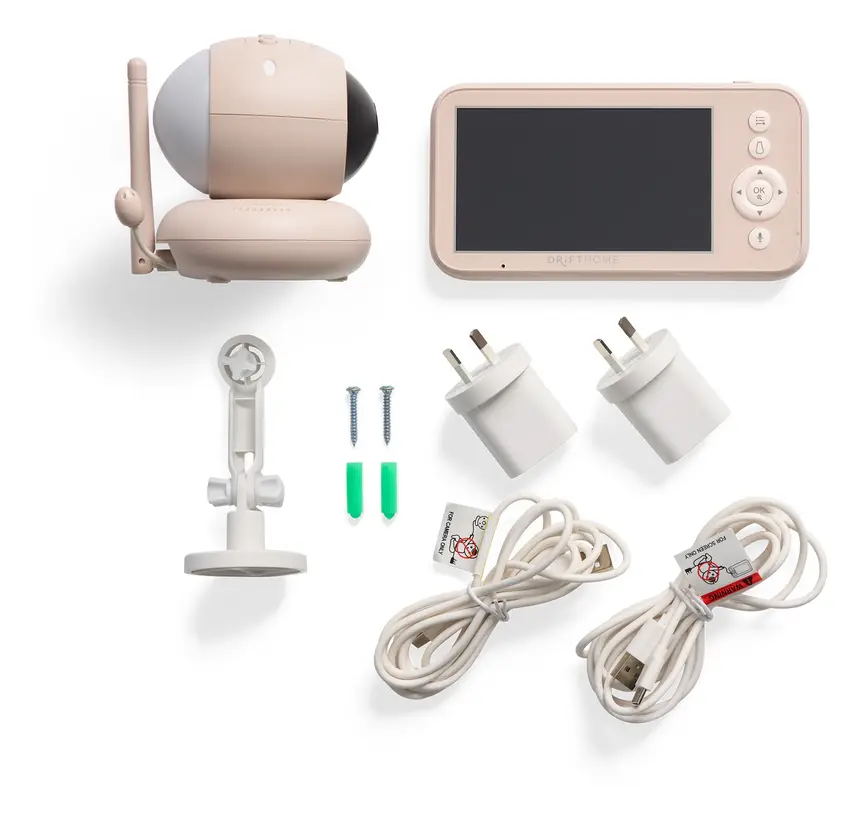
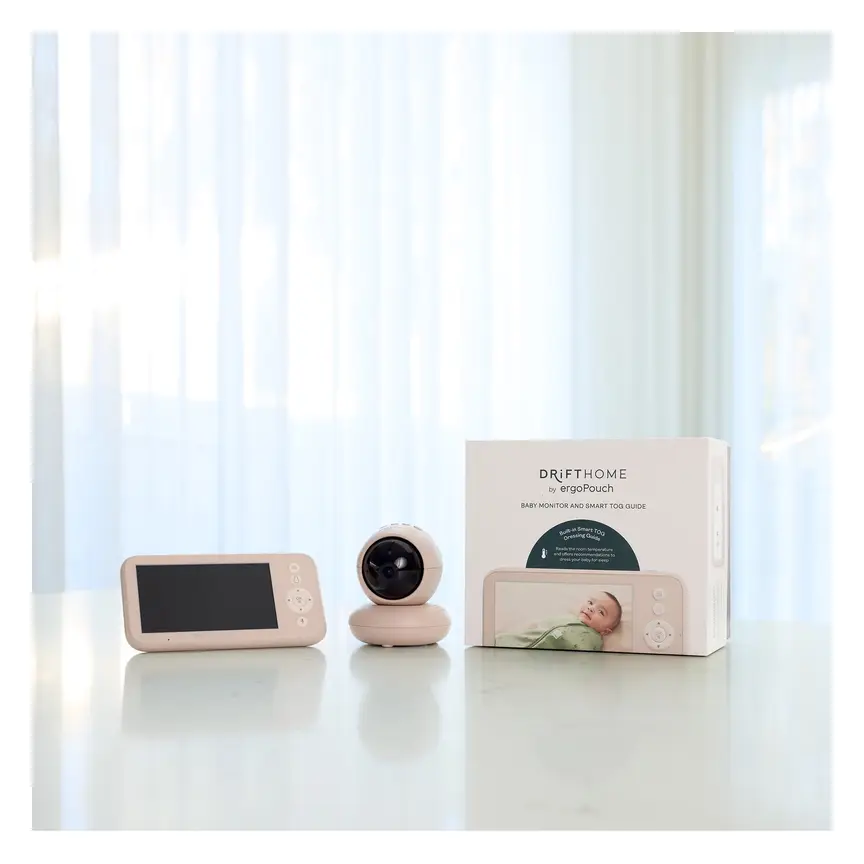
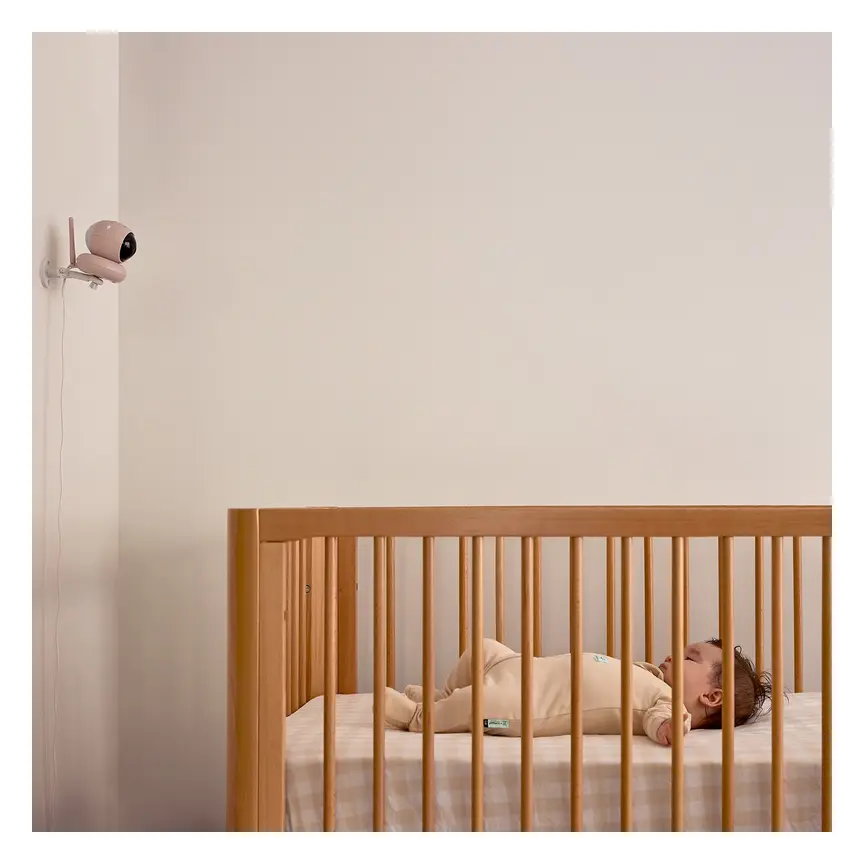
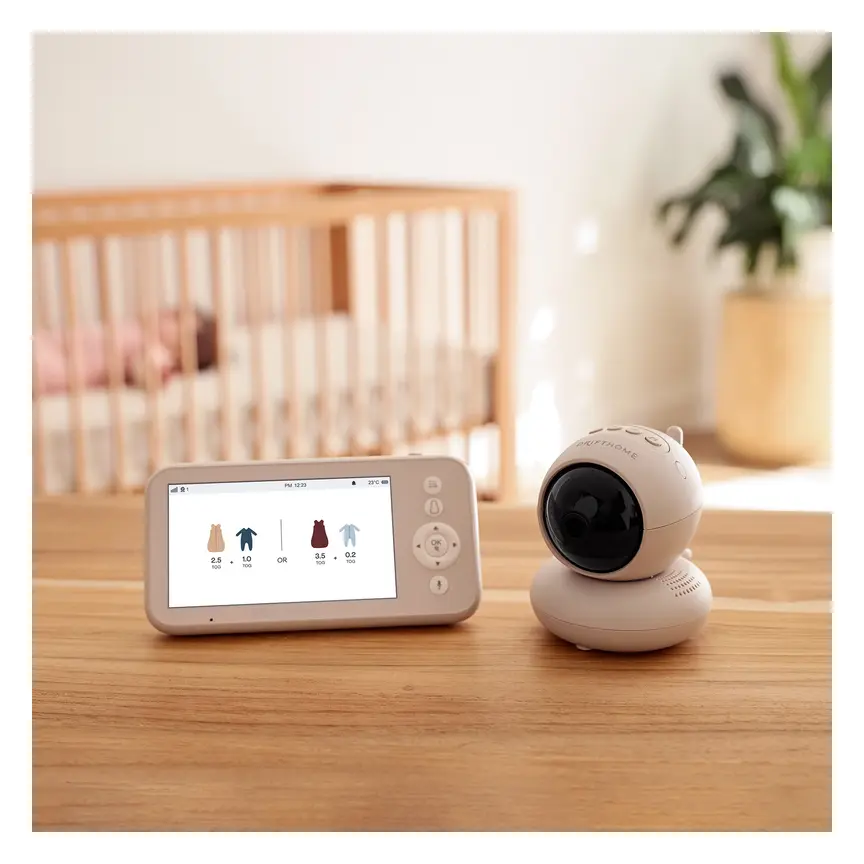
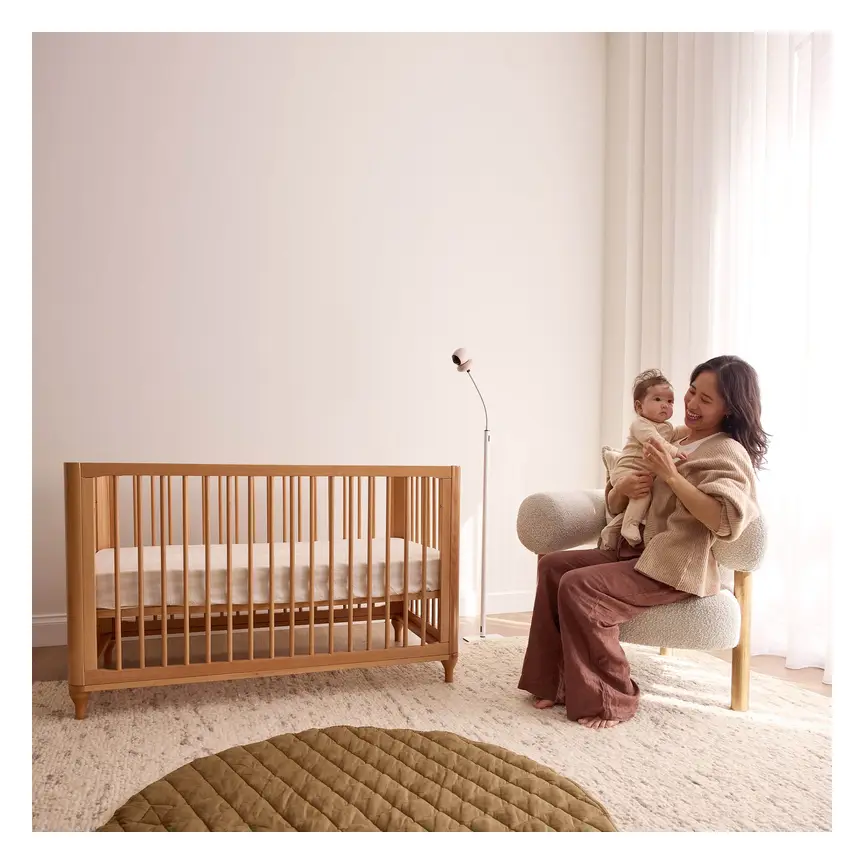
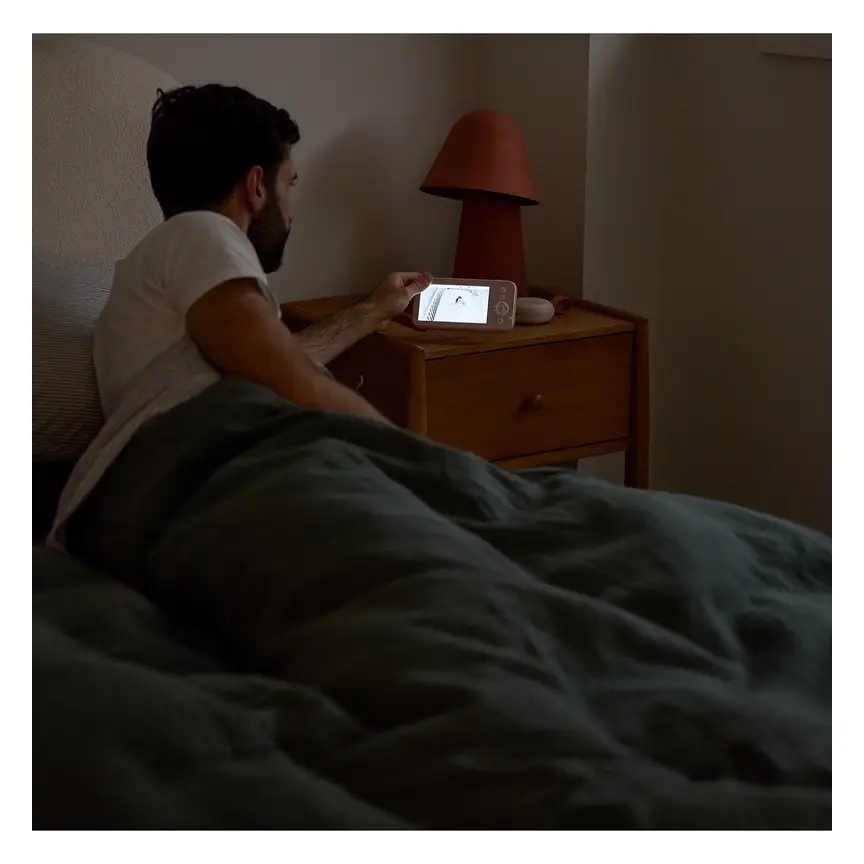
ergoPouch Drifthome Baby Monitor
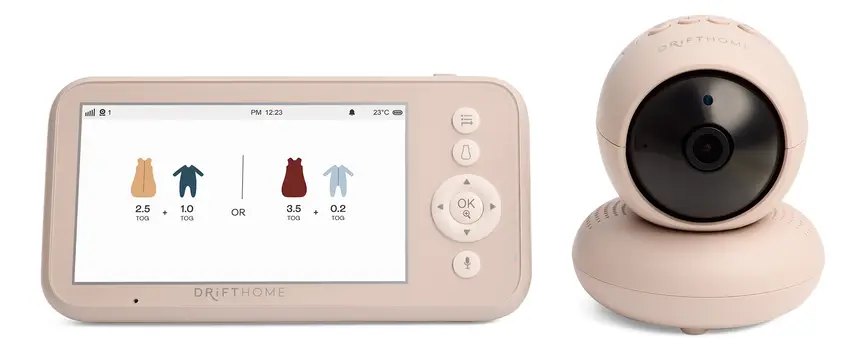
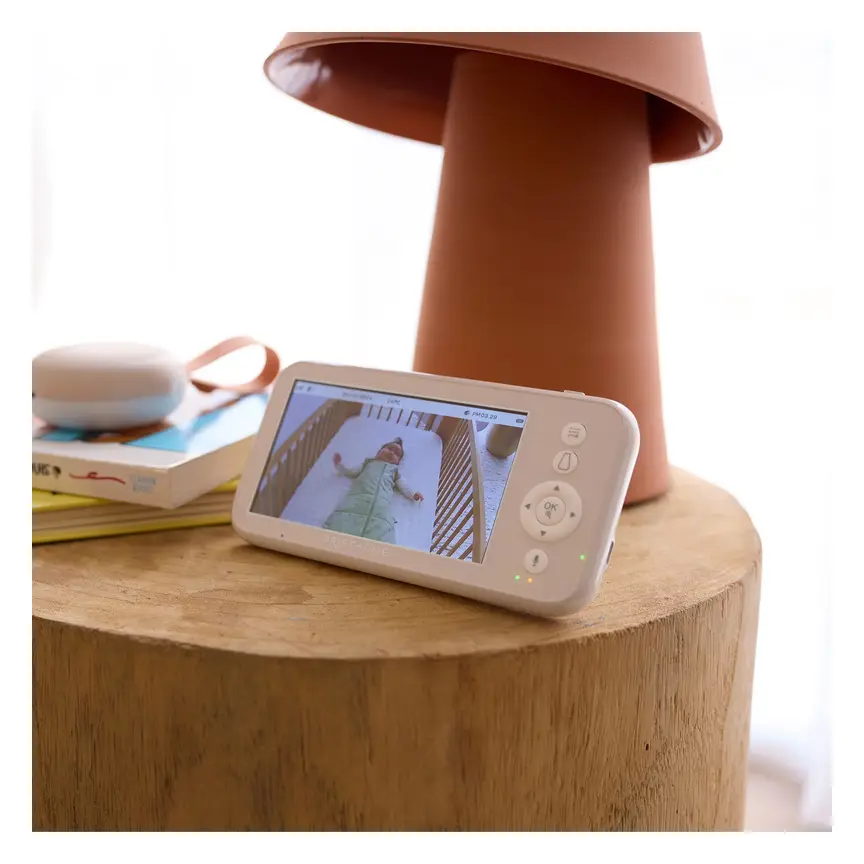
A non-Wi-Fi monitor with a built-in TOG dressing guide and up to 300 m range.
Read our full review →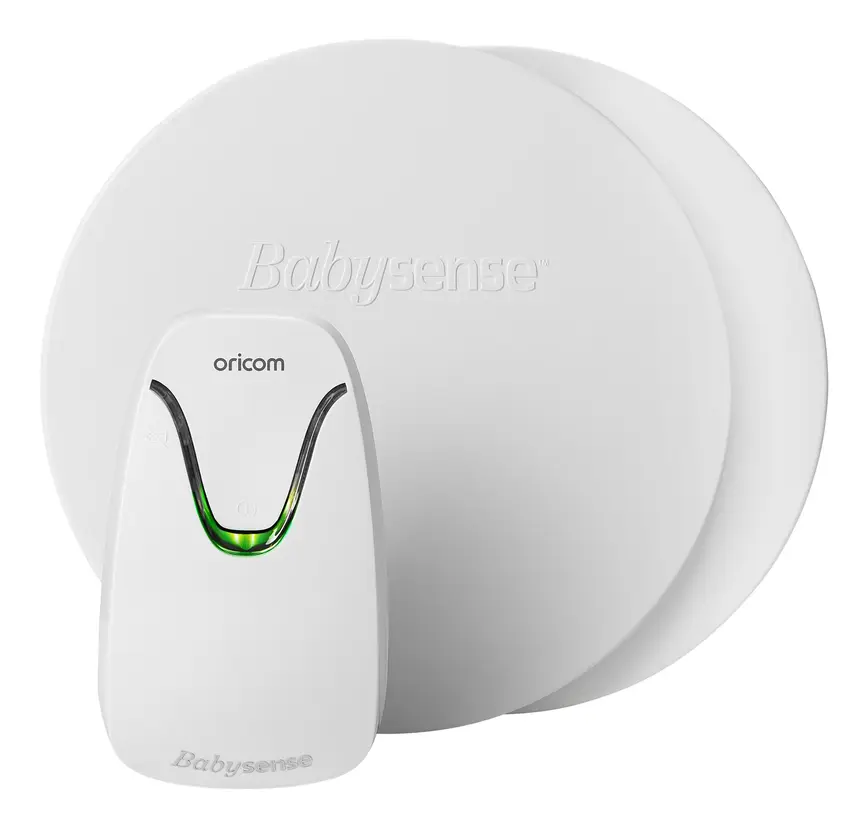
Oricom Babysense7 Breathing & Movement Monitor
A sensor pad listed as a medical device on the Australian Register of Therapeutic Goods. It sounds an alarm if it stops sensing breathing movement.
Keeping your Wi-Fi monitor private and secure
Anything connected to the internet can be a target if you leave it on default settings. Government cyber agencies in all four countries give clear steps to protect smart baby gear.
Get Cyber Safe in Canada, the Australian Department of Home Affairs, the UK Government, and the US Federal Communications Commission all advise parents to lock down smart home devices before using them.
Take these simple steps on day one:
- Change default passwords: Never keep the factory password on your camera or your home Wi-Fi router. Make a long, unique password you do not use anywhere else.
- Turn on two-factor sign-in: If the monitor app offers a second check, such as a code sent to your phone, turn it on. This stops someone logging in even if they guess your password.
- Install updates: Turn on automatic updates for the camera and the app. Updates fix security holes.
- Turn off remote viewing if you do not need it: If you only watch the monitor at home, check if the app lets you disable access from outside your home network.
- Use a separate guest Wi-Fi network: Many routers let you put smart gadgets on a guest network, away from your laptops and phones.
- Point the camera only at the cot: Aim the lens at the sleep space, not at the whole bedroom where you get dressed.
- Switch it off when not in use: Unplug the camera or cover the lens when your baby is awake and out of the room.
- Be careful with second-hand Wi-Fi gear: Reset any used smart monitor back to factory settings and remove old linked accounts before you set it up.
What to use at each age stage
Your monitoring needs change as your baby grows from a sleepy newborn into a curious toddler.
| Age stage | Where baby usually sleeps | What monitor setup works best |
|---|---|---|
| Newborn to 6 months | Safe cot or bassinet in your bedroom | You often do not need a monitor at night. A simple audio or closed video unit helps during daytime naps when you are in another room. |
| 6 to 12 months | Own room or still sharing with parents | An audio or video monitor helps you hear or see when your baby wakes or rolls. Keep cords at least one metre from the cot. |
| 12 to 24 months | Cot in own room | Video helps you spot climbing attempts early so you know when to lower the mattress or move to a bed. |
| 2 years and up | Toddler bed or big bed | A wide-angle camera or audio unit helps you hear if they get up at night. Remember to childproof the bedroom and secure heavy furniture to the wall. |
Remember that room-sharing for at least the first six months lowers the risk of sudden infant death. You do not need to rush your baby into their own room just because you bought a smart monitor.
Official advice in Australia, the UK, the US and Canada
Health and safety agencies across Australia, the UK, the US and Canada share very similar advice on baby monitors and smart nursery gear.
| Country | Health and safety bodies | Key advice on baby monitors |
|---|---|---|
| Australia | Red Nose, ACCC (Product Safety Australia), Department of Home Affairs | Monitors do not prevent SIDS. Room-share for the first six to twelve months. Keep cords away from cots. Check button battery safety and secure smart devices with strong passwords. |
| United Kingdom | The Lullaby Trust, NHS, Office for Product Safety and Standards (OPSS) | No proof monitors lower SIDS risk. Room-share for six months. Smart devices sold in the UK must follow consumer connectable product security rules, including no universal default passwords. |
| United States | American Academy of Pediatrics (AAP), Consumer Product Safety Commission (CPSC), FCC | Do not use consumer heart or breathing monitors to prevent SIDS. Keep cords at least three feet from cots. Look for secure smart gear and follow safe sleep rules. |
| Canada | Health Canada, Canadian Paediatric Society, Get Cyber Safe | Room-share for the first six months. Monitors are not a substitute for safe sleep or adult care. Secure Wi-Fi baby gear with unique passwords and regular updates. |
Common mistakes parents make
Even careful parents can slip into habits that add risk or stress. Watch out for these common mistakes.
Relying on an app instead of checking the baby
Screens can freeze, lose Wi-Fi, or show an old image. Temperature readouts can be wrong. If something feels off, walk into the room and check your baby with your own eyes and hands.
Leaving the screen glowing in your bedroom
Keeping a bright video screen next to your pillow all night can wreck your own sleep. Use a monitor with a voice-activated screen (often called VOX mode) so the screen stays dark until your baby makes a sound.
Watching the feed too much
Some parents check their phone app every few minutes. Instead of feeling calm, they feel more anxious. If the monitor makes you lose sleep, switch to a simple audio monitor or turn down the motion alerts.
Forgetting about blue light and noise in the nursery
Bright status lights on a camera can disturb a baby's sleep. Put a small piece of dark tape over bright green or blue indicator lights if they shine towards the cot. Also keep any built-in lullabies or white noise at a gentle volume, well away from your baby's ears.
Ignoring cord reach as your baby grows
A cord that looked safe for a newborn may be within reach once your baby pulls up to stand at eight or nine months. Check the cot perimeter every couple of months.
More options, from budget to premium
Real products from our catalogue. We don't show star ratings or review counts; check the current price, stock and reviews on Amazon before you buy.

 Reviewed
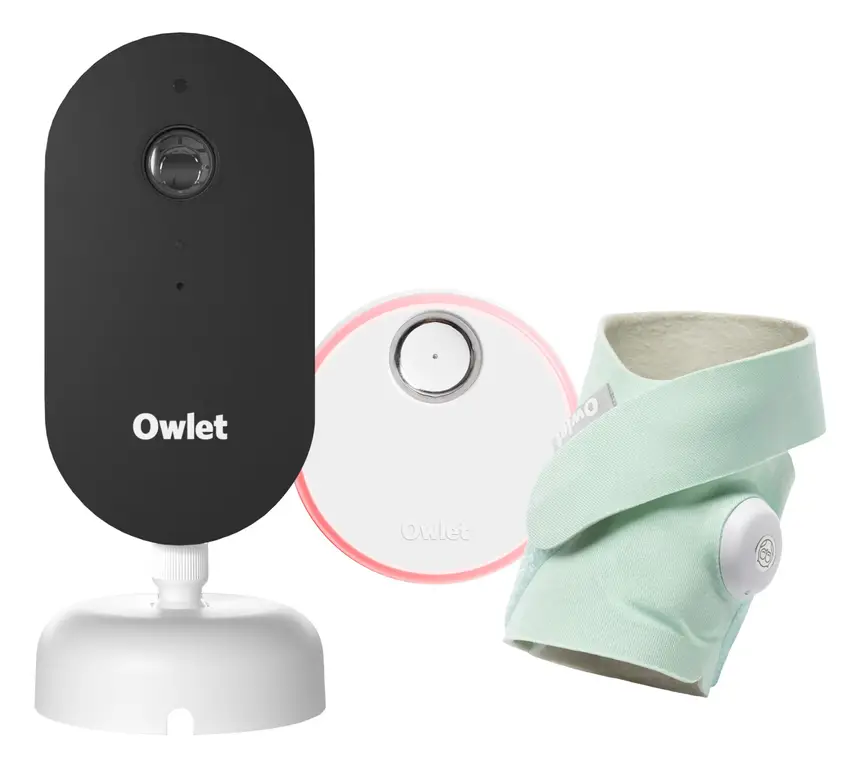
Owlet Dream Duo 3
A 2K camera plus the Dream Sock sensor that tracks pulse rate and oxygen. Like all monitors, it cannot prevent SIDS or SUDI.
Read our full review →
VTech BM2220 Digital Audio Baby Monitor
A low-cost sound-only monitor with two-way talk, a room temperature sensor and a night light.
Frequently asked questions
Do I really need a smart baby monitor?
No. Many families do very well with a basic audio monitor, a closed-circuit video monitor, or no monitor at all while room-sharing. Smart Wi-Fi features are a nice bonus for some homes, not a must-have.
Are Wi-Fi baby monitors safe from hackers?
Any internet device carries some risk, especially if you leave the default password in place. You can make a Wi-Fi monitor much safer by using a strong, unique password, turning on two-factor sign-in, and keeping the software updated. If you prefer zero online risk, choose an audio or dedicated video monitor without Wi-Fi.
Can a breathing or smart sock monitor prevent SIDS?
No. Red Nose, The Lullaby Trust, the American Academy of Pediatrics, and Health Canada all state that no monitor has been proven to prevent sudden infant death syndrome. Safe sleep habits—back to sleep, clear cot, smoke-free home, and room-sharing—are what protect your baby.
How far away should the baby monitor be from the cot?
Keep the monitor and its power cord at least one metre (three feet) away from the cot, bassinet, or playpen. Make sure your baby cannot reach the cord even when standing up and stretching an arm through the bars.
Can I trust the room temperature on my baby monitor?
Treat it as a rough guide only. Monitor sensors often sit close to warm camera parts and can read warmer than the air near your baby. Check your baby's tummy or the back of their neck to see if they feel comfortable.
What happens to a Wi-Fi monitor if the internet goes down?
Most Wi-Fi monitors stop sending video to your phone if your home internet or power cuts out. Some models keep working over local Wi-Fi if only the outside internet drops, while others stop completely. A battery-backed audio or dedicated video unit works even when the internet is down.
Sources
- Red Nose Australia – Baby monitors
- The Lullaby Trust (UK) – Baby monitors
- Children's Hospital of Philadelphia – Consumer baby monitors have little proven benefit for healthy infants (2017)
- JAMA – Accuracy of two consumer infant pulse oximetry monitors (Bonafide et al., 2018)
- U.S. Consumer Product Safety Commission – Infants and toddlers can strangle in baby monitor cords (Publication 5066)
- Get Cyber Safe (Government of Canada) – Cyber security tips for your baby gear
- Australian Department of Home Affairs – Security standards for smart devices
- UK Government – Security rules for smart devices (PSTI)
Related guides
More Gadgets & Electronics →
Smart Baby Monitors: How They Work, What Experts Say, and How to Use Them Safely

Wireless Baby Gadgets: Which Ones Help, What to Skip, and How to Use Them Safely

Smart Baby Monitors and Wall Mounts: How to Choose, Set Up and Use One Safely
