











Local 2.4GHz FHSS vs Smart App Baby Monitors: Security, Lag and Safety
Local 2.4GHz FHSS vs smart app baby monitors: how encryption, hacking risks, lag and cord safety compare, plus official advice for AU, UK, US and Canada.

On this page
- Key points
- What a local 2.4GHz FHSS baby monitor is
- What a smart app baby monitor is
- Zero-lag sound and video: why delay matters
- Cyber security and privacy: how both types compare
- Side-by-side comparison: local FHSS vs smart app monitors
- How to lock down a smart app baby monitor
- Physical safety: cords, batteries and safe sleep
- Which monitor fits each age and stage
- Official rules and advice in Australia, the UK, the US and Canada
- Common mistakes parents make
- Frequently asked questions
- Sources
Short answer: A local 2.4GHz FHSS baby monitor sends sound and video straight to a handheld screen without using the internet. This gives you almost zero delay and blocks remote hackers. A smart app monitor uses your home Wi-Fi and your phone. You can check your baby from anywhere, but you face more delay, internet dropouts, and account security risks.
Health and safety groups in Australia, the UK, the US and Canada agree on the biggest rule. A baby monitor is a helpful tool, not a safety device. It cannot prevent sudden infant death, and cord safety around the cot matters more than the screen you pick.
Key points
- No internet needed: Local FHSS monitors talk straight from the camera to the parent screen over a private radio link.
- Near-zero lag: Because the signal skips your router and cloud servers, you hear your baby cry right away.
- Lower hacking risk: Someone cannot log into a local-only monitor from another city or country.
- Smart apps need work: Wi-Fi monitors let you watch from work or travel, but you must lock down passwords, updates, and your home network.
- Cord danger is real: Keep every monitor and power cord well out of reach of the cot, even for babies who cannot sit up yet.
- Sleep safety first: Red Nose (Australia), The Lullaby Trust (UK), the American Academy of Pediatrics (US) and the Canadian Paediatric Society all say room-sharing for the first months is safest.
What a local 2.4GHz FHSS baby monitor is
A local baby monitor has two parts. One part sits in the nursery. The other part is a small screen or speaker you carry around the house.
These units do not connect to your home Wi-Fi. They do not need a phone app or an email login. You plug in the baby unit, turn on the parent unit, and they link up on their own.
What 2.4GHz and FHSS actually mean
The term "2.4GHz" is just the radio band the monitor uses. It is a shared band that many home gadgets use, like cordless phones and Wi-Fi routers.
"FHSS" stands for Frequency-Hopping Spread Spectrum. That sounds technical, but the idea is simple. Instead of staying on one radio channel, the camera and parent screen hop across many channels every second.
Both units know the exact hopping order. That gives you three clear benefits:
- Less interference: If one channel is busy with a microwave or neighbour's Wi-Fi, the monitor jumps to a clearer channel right away.
- Harder to snoop on: A nearby scanner cannot easily follow the hopping signal.
- Digital scrambling: Most modern FHSS monitors also scramble (encrypt) the sound and video before sending it. Only your paired parent unit can unscramble it.
Limits of a local FHSS monitor
A local monitor only works within radio range. Thick brick walls, metal frames, and multiple floors can shrink that range. If you step outside down the street, the signal drops out.
Picture quality on basic parent screens is also simpler than on a modern smartphone. That is usually fine for checking if your baby is awake or asleep.
What a smart app baby monitor is
A smart app monitor is a camera that joins your home Wi-Fi network. You watch and listen through an app on your phone, tablet, or computer.
When the camera picks up sound or motion, it sends the data to your Wi-Fi router. Your router sends it out over the internet to a company server. The server then pushes the video to your phone app.
Why parents like smart app monitors
- Unlimited range: You can check the nursery from the garden, from work, or while travelling, as long as both ends have internet.
- Sharp video: Phone screens show crisp detail, even in dark rooms.
- Shared access: Both parents, or a grandparent helping out, can view the feed on their own phones.
- Extra alerts: Many apps send a chime or pop-up when the baby cries or moves.
The trade-offs of Wi-Fi monitors
Because the video travels through your router and the internet, more things can go wrong. If your home internet goes down, the app may stop working. Even a slow upload speed at home can make the video freeze or look blocky.
You also rely on the monitor company. If the company shuts down its servers or stops updating the app, your camera can lose features or become unsafe to use.
Baby Monitors worth a look
Real products from our catalogue. We don't show star ratings or review counts; check the current price, stock and reviews on Amazon before you buy.


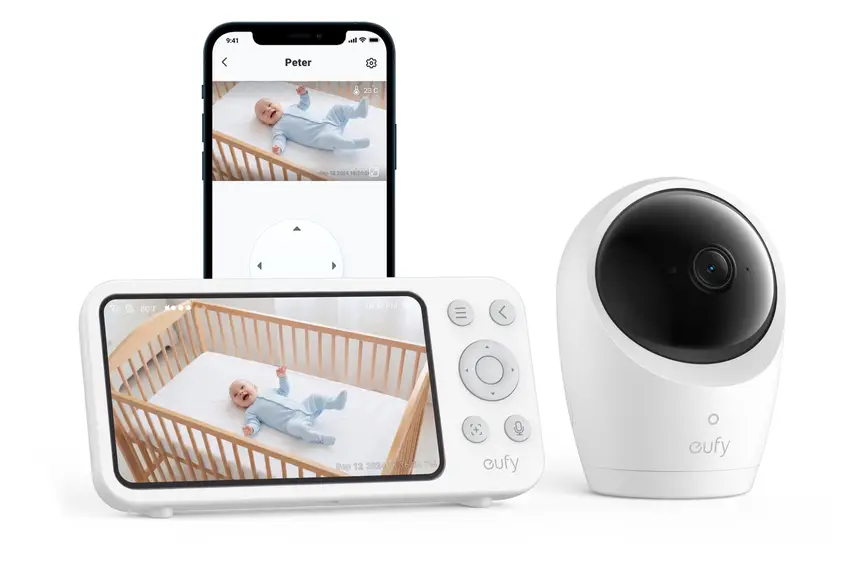
Eufy Baby Monitor E20
A monitor that works with or without Wi-Fi. You can share the app with up to 5 family members.
Read our full review →
Eufy Baby Monitor E21
The step-up Eufy monitor. It works with or without Wi-Fi and shares with up to 5 people.

Lollipop Smart Baby Camera
A Wi-Fi camera with AI cry, noise and crossing alerts and 1080p video.
Zero-lag sound and video: why delay matters
"Lag" (also called latency) is the gap between something happening in the cot and you seeing or hearing it.
With a local 2.4GHz FHSS monitor, the signal goes straight from the nursery to your hand. The gap is tiny, often less than a fraction of a second. When your baby coughs or cries, you hear it almost instantly.
With a smart app monitor, the video takes a longer trip. It gets packed into digital files, sent to your router, sent to a remote server, and sent back to your phone. Even on a fast connection, this often creates a delay of a few seconds. On a busy home network, the delay can stretch much longer.
Why a few seconds of lag can catch you out
- Delayed soothing: You may hear a cry a few seconds late, or hear an echo if you walk into the room while holding your phone.
- Two-way talk confusion: Speaking through a laggy app can sound robotic or cut off, which can startle a half-asleep baby.
- Silent freezes: Sometimes a video app freezes on a still image of a sleeping baby while the baby is actually awake and crying.
- Phone battery drain: Keeping a video app open all night drains your phone battery fast. If your phone goes to sleep or silent mode, you might miss a cry.
Some hybrid monitors offer both modes. They give you a handheld parent screen for overnight local use, plus an optional phone app when you want remote access. That can give you the best of both worlds, though turning on the Wi-Fi side still brings the same cyber security rules.
Cyber security and privacy: how both types compare
Stories about strangers talking through a baby monitor are scary. Knowing how each type works makes it much easier to protect your family.
How safe is a local 2.4GHz FHSS monitor?
A local FHSS monitor is not connected to the internet. A hacker in another country cannot reach it at all.
To hear or see a local monitor, someone would need to be physically close to your house, within radio range. Older analogue monitors from many years ago sent plain radio waves that anyone with a cheap receiver could hear. Modern digital FHSS monitors hop frequencies and scramble the data, making casual eavesdropping very hard.
The main privacy check on a local unit is pairing. Make sure only your own parent unit is paired to the camera, especially if you buy a second-hand monitor.
Where smart app monitors can be weak
Smart app monitors live on the internet. That means anyone on the internet can try to log in if the lock is weak. Get Cyber Safe (Government of Canada) warns that smart baby gear can expose your family's privacy if it is not set up safely.
Most real-world monitor breaches happen for simple reasons, not movie-style hacking:
- Reused passwords: Parents often use the same email and password they used on another website. When that other website leaks passwords, hackers test them on popular camera apps.
- Default passwords: Leaving a camera or router on its factory password makes it easy for automated tools to guess.
- Missing two-step sign-in: Without a second code sent to your phone, a stolen password is all someone needs to watch your nursery.
- Outdated software: Cameras need software updates (often called firmware updates) to fix security holes. Old cameras that no longer get updates stay vulnerable.
- Shared links left open: A babysitter or relative who was given app access might still have it months later.
Side-by-side comparison: local FHSS vs smart app monitors
This table compares how the two monitor types behave in daily family life.
| Feature | Local 2.4GHz FHSS monitor | Smart app (Wi-Fi) monitor |
|---|---|---|
| Internet needed? | No. Works straight out of the box. | Yes. Needs home Wi-Fi and internet. |
| Sound and video delay | Almost instant (near-zero lag). | Noticeable delay of a few seconds or more. |
| Remote hacking risk | None from the internet. Signal stays local. | Higher if passwords or updates are weak. |
| Range | Inside the home and nearby garden. | Anywhere with mobile data or Wi-Fi. |
| Screen reliability | Dedicated unit stays on all night. | Phone can sleep, mute, or run flat. |
| Video sharpness | Basic, clear enough to see movement. | High definition on modern phone screens. |
| Wi-Fi interference | Can clash with busy 2.4GHz routers if close. | Needs a steady Wi-Fi upload signal. |
| Travel use | Easy. Plug in anywhere without Wi-Fi logins. | Needs hotel or holiday Wi-Fi setup. |
| Ongoing company support | Works even if the maker stops making it. | Needs the maker to keep servers and apps running. |
How to lock down a smart app baby monitor
If you choose a smart app monitor, you can cut most cyber risks in about ten minutes. Follow these steps from official cyber security guides in Australia, the UK, the US and Canada:
- Change the default password right away. Never leave a factory password on your camera or your home Wi-Fi router.
- Use a long, unique password. Make a new password just for the monitor app. Three or four random words put together work well and are easy to remember.
- Turn on two-step sign-in. This is often called two-factor authentication (2FA). Even if someone steals your password, they cannot get in without the code on your phone.
- Turn on automatic updates. Firmware updates patch security bugs. Check the app settings once a month to make sure the camera is up to date.
- Use a separate guest Wi-Fi network. Most home routers let you turn on a guest network. Put your smart cameras on the guest network so they cannot reach your laptops or banking devices.
- Check who has access. Review the shared users list in the app every few months. Remove anyone who no longer needs to see the nursery.
- Turn off features you do not need. If you only use the monitor at home, check if remote viewing outside the house can be switched off.
- Unplug or cover the camera when not in use. If the nursery is empty during the day, or when your child is older, turn the camera off or point it at a wall.
- Check for security labels before buying. Look for clear promises on how long the maker will supply security updates, such as the UK smart device rules or the U.S. Cyber Trust Mark.
Extra tip for second-hand smart monitors
If you buy or borrow a used Wi-Fi monitor, do a full factory reset before connecting it to your Wi-Fi. That clears out any old accounts linked to the camera. Also check that the maker still supports that model with updates.
Side by side: more baby monitors to compare
Real products from our catalogue. We don't show star ratings or review counts; check the current price, stock and reviews on Amazon before you buy.
 Reviewed
Nanit Pro Camera
Overhead 1080p Wi-Fi camera that tracks sleep and — with patterned Breathing Wear — breathing motion, without any electronics on the baby.
Read our full review →
VTech RM5764HDV2 Smart HD Pan and Tilt Baby Monitor
Smart video monitor
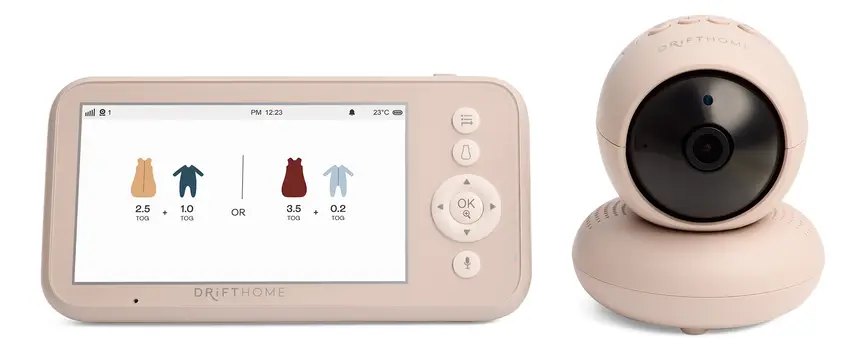
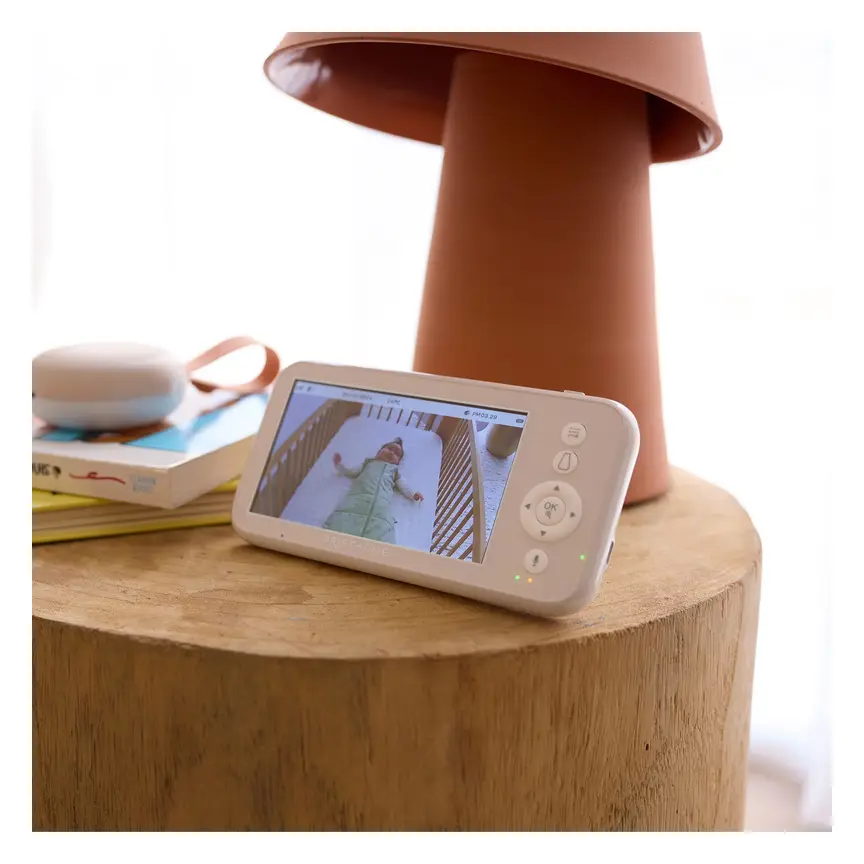
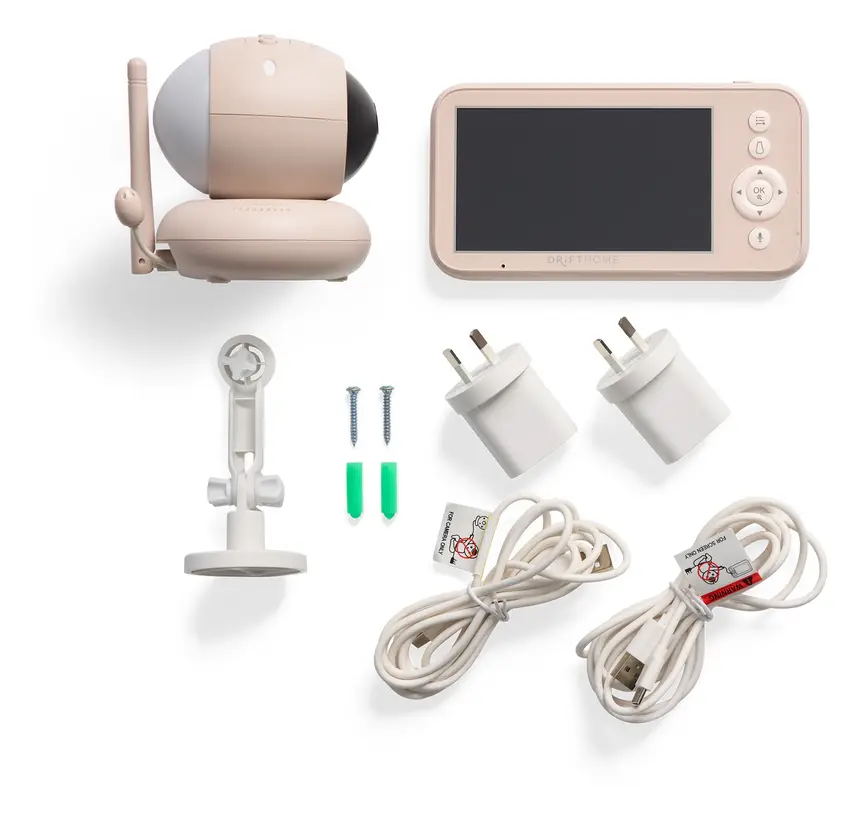
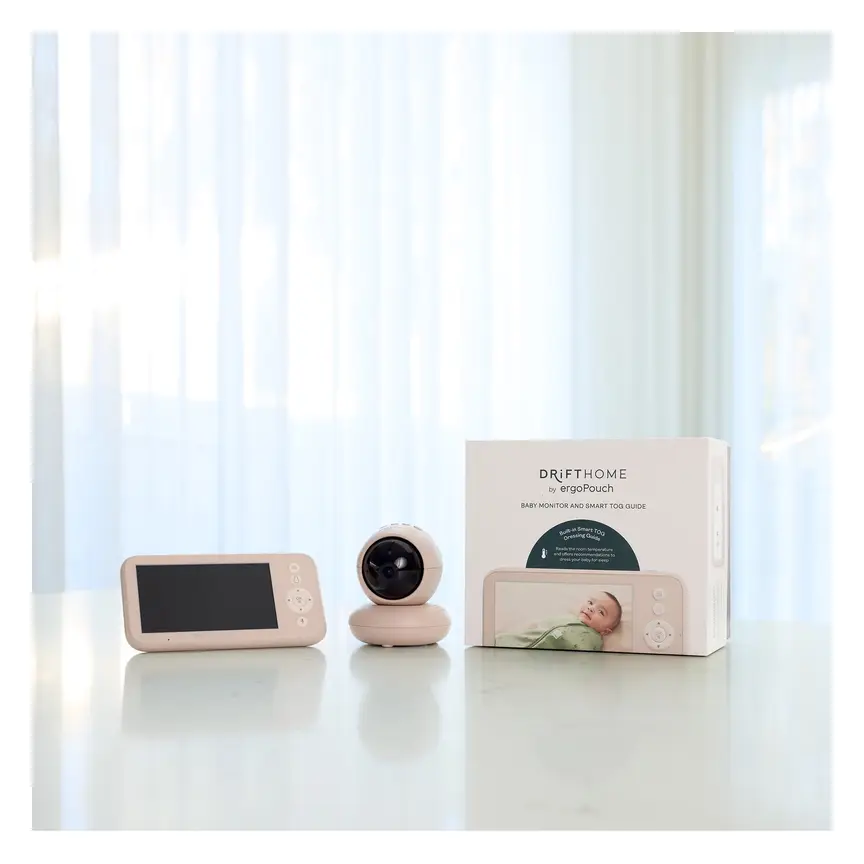
ergoPouch Drifthome Baby Monitor
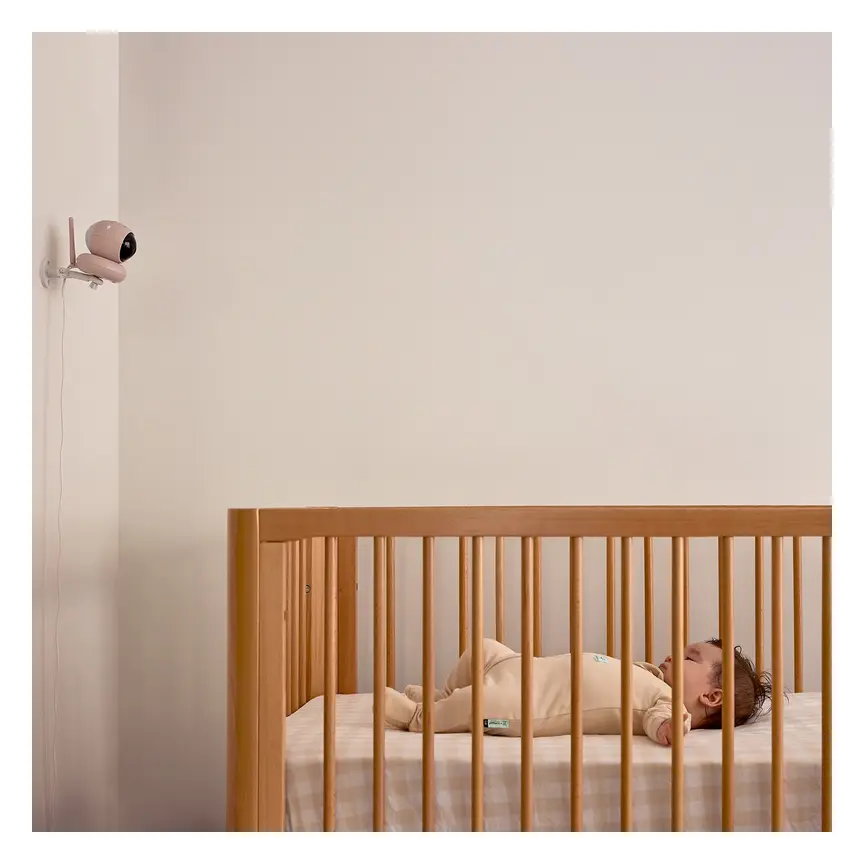
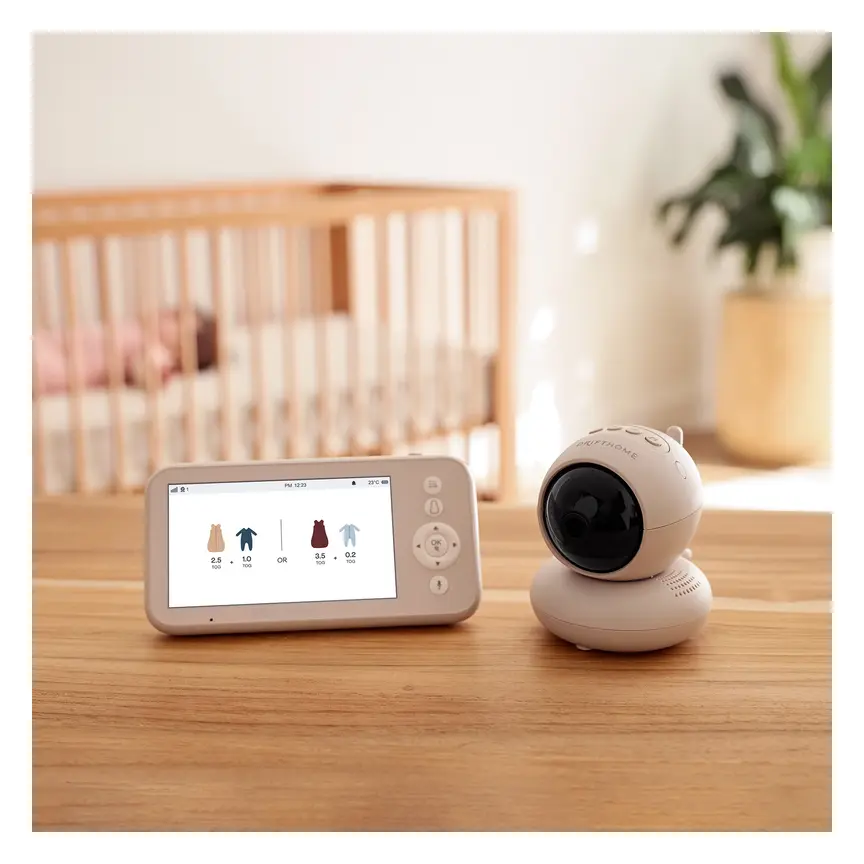
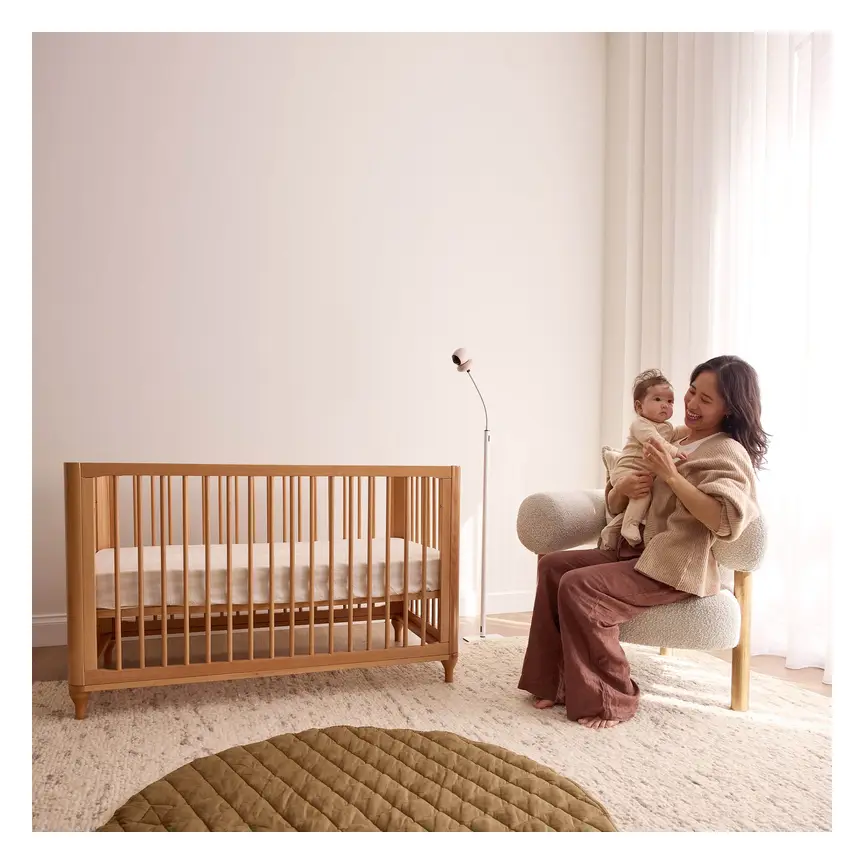
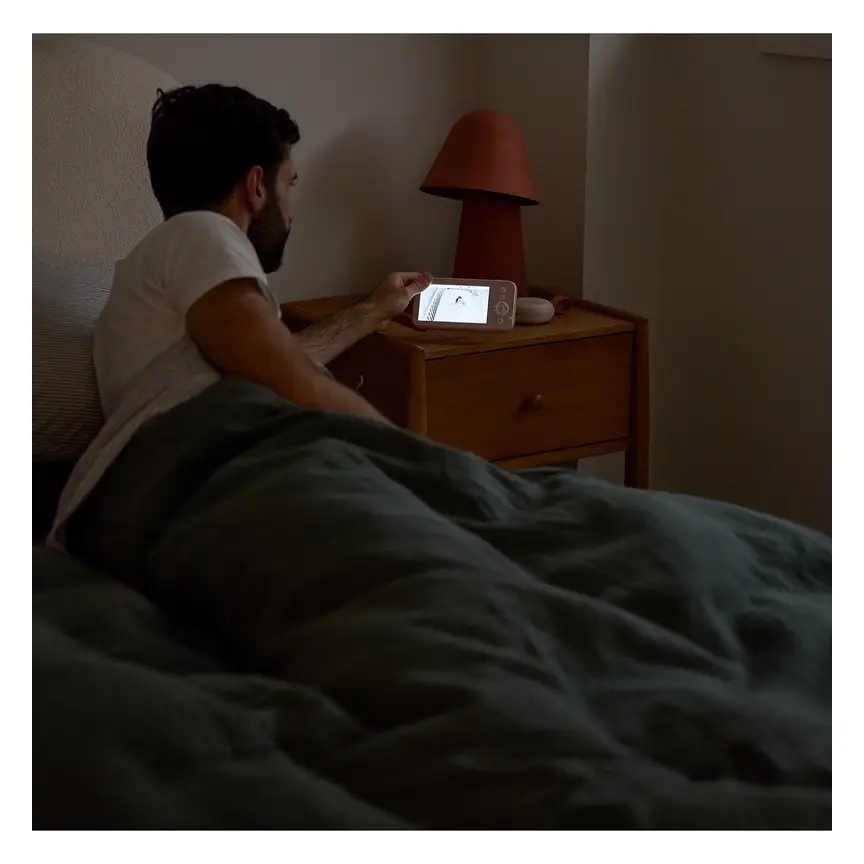
A non-Wi-Fi monitor with a built-in TOG dressing guide and up to 300 m range.
Read our full review →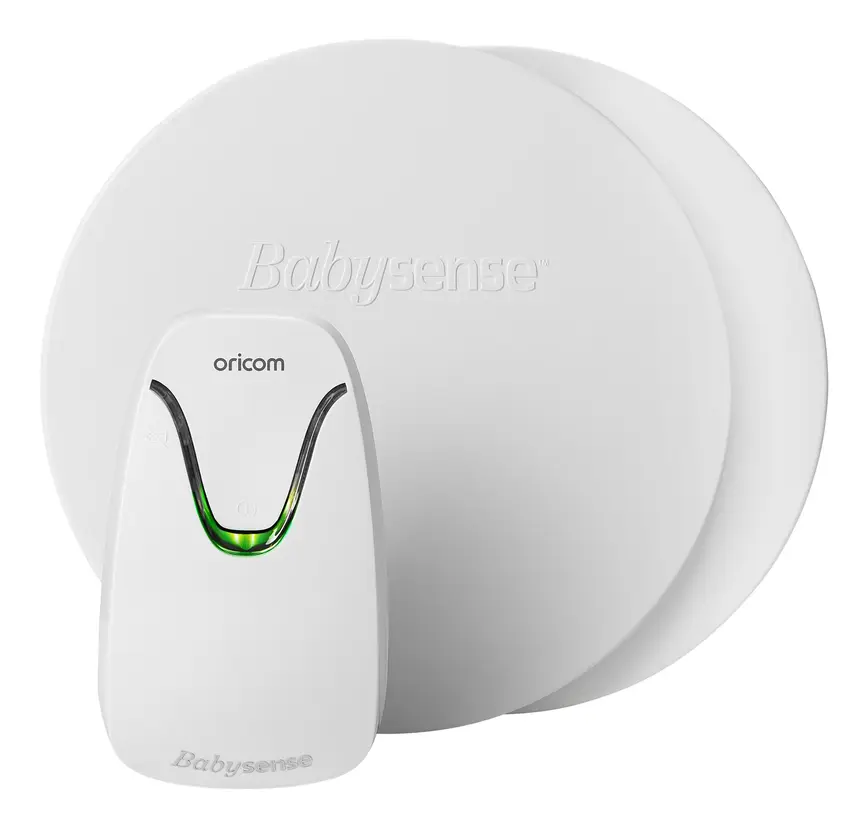
Oricom Babysense7 Breathing & Movement Monitor
A sensor pad listed as a medical device on the Australian Register of Therapeutic Goods. It sounds an alarm if it stops sensing breathing movement.
Physical safety: cords, batteries and safe sleep
Digital privacy gets a lot of headlines, but physical hazards around the cot are a much bigger daily risk for babies.
Keep cords far away from the cot
The U.S. Consumer Product Safety Commission (CPSC) warns that babies and toddlers can strangle in baby monitor cords. Babies grow fast. A baby who cannot roll today may pull a cord through cot bars next month.
Follow these strict rules for any monitor with a wire:
- Keep the camera and cord out of reach: Place the camera and its power cord at least 1 metre (about 3 feet) away from every side of the cot or bassinet.
- Secure loose wires: Use cord covers or clips along the wall so a toddler cannot grab a hanging loop.
- Never put a monitor inside the cot: Do not clip a camera to the cot rail or rest it on the mattress.
- Do not use a monitor as a cot toy: Never let your baby play with the parent unit or camera.
Battery and charging safety
Handheld parent screens usually run on built-in lithium-ion batteries. Some small temperature sensors or wearable clips may use coin or button batteries.
- Use the charger that came in the box: Fire and Rescue NSW advises charging lithium-ion devices with the right charger on a hard, flat surface. Never charge a parent unit under a pillow, on a sofa, or inside a cot.
- Watch for swelling or heat: If a parent unit battery swells up, feels very hot, or will not hold a charge, stop using it and recycle it safely.
- Keep button batteries away from children: Product Safety Australia warns that swallowed button batteries can cause severe internal burns in hours. Check that any battery door on a sensor needs a tool or screw to open.
A monitor does not prevent sudden infant death
Red Nose (Australia), The Lullaby Trust (UK), the American Academy of Pediatrics (US), and the Canadian Paediatric Society all give the same clear message. Baby monitors are not medical devices, and they do not prevent sudden infant death syndrome (SIDS).
Children's Hospital of Philadelphia (CHOP) researchers note that consumer monitors have little proven benefit for healthy babies. Breathing and movement pads can also trigger false alarms, which wake parents and cause stress.
The safest way for a baby to sleep in the early months is in the same room as you, on their back, on a firm, flat mattress in a clear cot. A monitor helps you hear or check your child when you step into another room, or once they move to their own bedroom.
Which monitor fits each age and stage
Your needs change as your child grows. Here is how to match your monitor setup to your child's age.
| Age stage | Sleep setup | Best monitor approach |
|---|---|---|
| Newborn to 6 months | Room-sharing in a cot or bassinet beside your bed. | You may only need a simple local audio monitor for daytime naps when you are in the living room. |
| 6 to 12 months | Moving to their own bedroom for some or all sleeps. | A local 2.4GHz FHSS video or audio monitor gives zero-lag alerts overnight without draining your phone. |
| 1 to 2 years | Standing in the cot and learning to climb. | Check cord placement again. Toddlers can reach much further through cot bars than babies can. |
| 2 years and up | Moving to a toddler bed and exploring the room. | Keep cords covered and out of reach. Many families switch off cameras once the child can call out or walk to their parents. |
Official rules and advice in Australia, the UK, the US and Canada
Parents in all four countries get similar advice on both sleep safety and smart device security. Governments have also brought in new rules so smart gadgets are safer out of the box.
| Country | Baby monitor and sleep advice | Smart device cyber security rules |
|---|---|---|
| Australia | Red Nose Australia says monitors do not prevent SIDS and should never replace safe sleep steps and checking your baby. | The Australian Department of Home Affairs sets smart device security rules, banning easy default passwords and requiring clear update support and bug reporting. |
| United Kingdom | The Lullaby Trust says monitors are not needed for safe sleep, recommends room-sharing for the first 6 months, and warns against loose cords. | UK Government smart device security laws require makers to ban universal default passwords, publish how long security updates last, and offer a way to report flaws. |
| United States | The American Academy of Pediatrics (AAP) and CHOP advise against relying on home monitors to prevent SIDS. The CPSC warns about cord strangulation near cots. | The Federal Communications Commission (FCC) runs the U.S. Cyber Trust Mark, a voluntary label for smart home products that meet strict cyber security checks. |
| Canada | The Canadian Paediatric Society (Caring for Kids) promotes safe, clear cots and room-sharing for the first 6 months. | Get Cyber Safe (Government of Canada) advises parents to change default passwords, turn on two-step sign-in, update firmware, and check privacy settings on baby gear. |
Common mistakes parents make
- Mounting the camera right above the cot: It gives a great view, but a dangling power cord is a serious strangulation hazard. Put the camera on a shelf or wall further away instead.
- Using a baby monitor instead of checking a sick baby: A screen cannot show skin colour well in night vision, and it cannot tell you how hard your baby is working to breathe. If your baby is unwell, check them in person.
- Leaving the smart monitor on default settings: Unchanged passwords and skipped software updates are the main way strangers access Wi-Fi cameras.
- Putting the baby unit too close to a Wi-Fi router: A 2.4GHz FHSS camera sitting right next to a 2.4GHz router can cause signal drops for both. Keep them a few metres apart if you can.
- Relying on phone volume overnight: Do Not Disturb mode, a flat battery, or a dropped Wi-Fi signal can stop an app from waking you. Keep a local monitor or check your phone alert settings before bed.
- Ignoring the red standby or infrared lights: Bright blue or white lights on a camera can disturb sleep in a dark nursery. Pick a model where indicator lights can be dimmed or taped over safely without blocking vents.
More options, from budget to premium
Real products from our catalogue. We don't show star ratings or review counts; check the current price, stock and reviews on Amazon before you buy.

 Reviewed
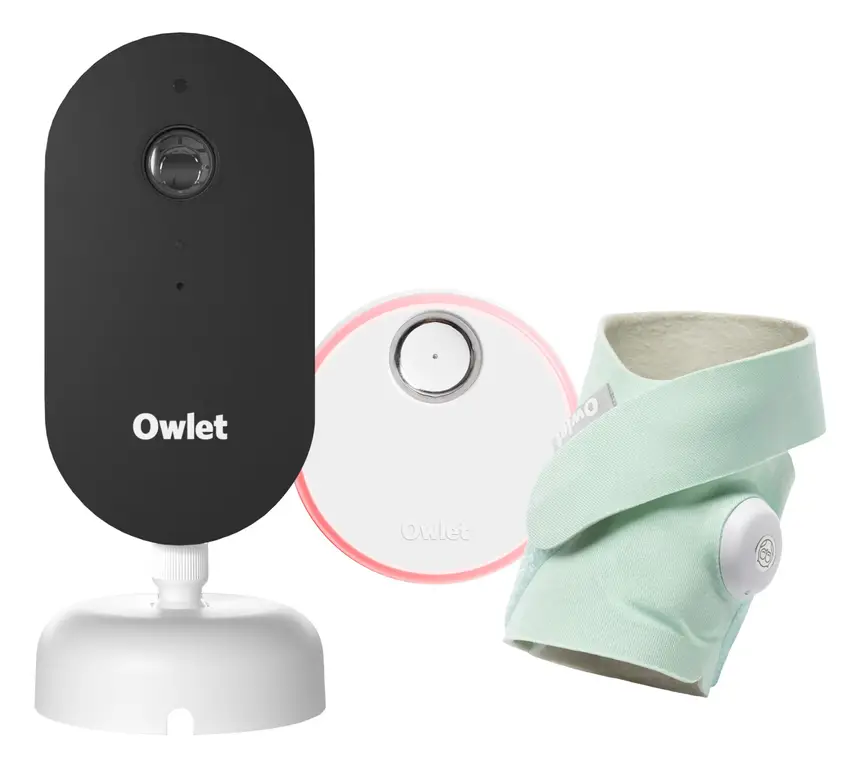
Owlet Dream Duo 3
A 2K camera plus the Dream Sock sensor that tracks pulse rate and oxygen. Like all monitors, it cannot prevent SIDS or SUDI.
Read our full review →
VTech BM2220 Digital Audio Baby Monitor
A low-cost sound-only monitor with two-way talk, a room temperature sensor and a night light.
Frequently asked questions
Can someone hack a 2.4GHz FHSS baby monitor?
Someone cannot hack a local-only FHSS monitor over the internet because it has no internet connection. To listen in, a person would need special radio gear right outside your home. Even then, digital hopping and scrambling make it very hard to read.
Do I need a Wi-Fi baby monitor, or is a local monitor enough?
For most families at home, a local 2.4GHz FHSS monitor is enough. It works without internet, has almost no sound delay, and has a screen that stays on beside your bed. A Wi-Fi monitor is mainly useful if a parent travels for work or wants to check in from outside the house.
Why does my 2.4GHz baby monitor make my Wi-Fi slow?
Both devices share the 2.4GHz radio space. If the monitor sits right next to your router or laptop, they can bump into each other's signals. Moving the camera a little further from the router, or putting your phones and laptops on the 5GHz Wi-Fi band, usually fixes this.
Are breathing or movement sensor monitors worth it?
Health bodies in Australia, the UK, the US and Canada do not recommend breathing or oxygen monitors for healthy babies. They do not prevent SIDS and can cause lots of false alarms. Always follow safe sleep rules first: baby on their back, on a firm flat mattress, with a clear cot.
How far should a baby monitor be from the cot?
Keep any monitor and its power cord at least 1 metre (3 feet) away from every part of the cot. Make sure your baby cannot reach the camera or any wire, even when standing up in the cot later on.
Can I use a smart baby monitor without internet?
Most app-only cameras stop working if your Wi-Fi or internet goes down. If you want a monitor that keeps working when the internet drops, look for a local 2.4GHz FHSS monitor or a dual-mode monitor that includes its own local parent screen.
Is a second-hand baby monitor safe to buy?
A used local FHSS monitor is usually fine if the battery still holds a charge, the cord is undamaged, and you re-pair the units. Be much more careful with used Wi-Fi monitors. Only buy one if you can factory reset it completely and if the maker still sends security updates for that model.
Sources
- Red Nose Australia – Baby monitors
- Australian Department of Home Affairs – Security standards for smart devices
- The Lullaby Trust (UK) – Baby monitors
- UK Government – Security rules for smart devices (PSTI)
- Federal Communications Commission (US) – U.S. Cyber Trust Mark
- U.S. Consumer Product Safety Commission – Infants and toddlers can strangle in baby monitor cords (Publication 5066)
- Get Cyber Safe (Government of Canada) – Cyber security tips for your baby gear
- Children's Hospital of Philadelphia – Consumer baby monitors have little proven benefit for healthy infants (2017)
Related guides
More Gadgets & Electronics →
Smart 2K Wi-Fi vs 2.4GHz FHSS Baby Monitors: Safety, Privacy and How to Choose

Smart Baby Monitors: New Features, Safety Rules, and What Actually Helps
AI Baby Monitors for Rollover and Covered-Face Alerts: Local Processing vs. Cloud Plans
