







Baby Wearables and Sleep Monitors: What They Do, What Experts Say, and How to Choose
What baby wearables do, what health experts say, and how to stay safe. Plain-English guide for parents in Australia, the UK, the US, and Canada.

On this page
- Key points
- What baby wearables are and how they work
- What medical experts and safety groups say
- Types of baby wearables compared
- How baby wearables fit different age stages
- Safety, batteries, cords, and skin checks
- Phone apps, Wi-Fi, and data privacy
- Official advice in Australia, the UK, the US, and Canada
- How to choose if you still want one
- Common mistakes parents make with baby wearables
- What to do if you feel very anxious at night
- Frequently asked questions
- Sources
Short answer: A baby wearable is a small sensor your baby wears while they sleep. It can track movement, heart rate, skin temperature, or oxygen levels. Many parents buy one hoping it will prevent sudden infant death syndrome (SIDS). However, major child health groups say there is no proof that baby wearables prevent SIDS. They also warn that false alarms can cause stress, and missed alarms can give false comfort. If your baby is healthy, safe sleep habits matter far more than any gadget.
This advice is shared by leading child safety groups in Australia (Red Nose), the UK (The Lullaby Trust), the US (American Academy of Pediatrics), and Canada (Canadian Paediatric Society).
Key points
- No SIDS protection: No consumer baby wearable has been proven to prevent SIDS or sleep-related deaths.
- Not medical gear: Most shop-bought wearables are wellness gadgets, not hospital-grade medical monitors.
- Accuracy varies: A study published in JAMA found that consumer pulse oximeters (oxygen monitors) can miss real drops or trigger false alarms.
- Safe sleep comes first: Always place your baby on their back on a firm, flat, clear mattress.
- Check the hardware: Keep cords away from the cot, check battery doors for button batteries, and watch your baby's skin for marks.
- Protect your data: Wi-Fi monitors and phone apps need strong passwords and regular updates.
What baby wearables are and how they work
A baby wearable is a small electronic device that sits on your baby's body or clothing. It measures body signals while your baby sleeps and sends that data to a base station, a receiver, or a smartphone app.
Some parents call them smart baby monitors or breathing monitors. They are different from standard audio or video baby monitors. A normal monitor lets you hear or see your baby from another room. A wearable tries to measure what is happening inside or on your baby's body.
Most baby wearables use one or more of these simple tools:
- Motion sensors: Tiny chips called accelerometers feel when your baby's tummy or chest rises and falls. If the sensor feels no movement for a set number of seconds, it sounds an alarm.
- Pulse oximetry: A small red or infrared light shines gently through the skin, usually on the foot or toe. A sensor reads how much light passes through. From that, it estimates your baby's heart rate and blood oxygen level.
- Temperature sensors: A small metal or plastic pad rests against your baby's skin to track warmth. Note that skin temperature is not the same as a true core body temperature from a thermometer.
Some wearables connect using Bluetooth over a short distance. Others use Wi-Fi to send alerts to your phone anywhere. A few use a dedicated parent unit that does not need the internet at all.
What medical experts and safety groups say
Many new parents feel anxious at night. Checking if a newborn is still breathing is very common. Companies know this, so they often market baby wearables with words like "peace of mind".
Doctors and safe sleep charities look at the evidence first. Across Australia, the UK, the US, and Canada, their message is very clear. Healthy babies do not need breathing or oxygen monitors at home.
Why doctors urge caution
In 2017, doctors at the Children's Hospital of Philadelphia reviewed consumer baby monitors. They found little proven benefit for healthy babies. They warned that these devices are not tested like hospital tools. They also noted that marketing claims can mislead tired parents.
In 2018, a study published in the medical journal JAMA tested two consumer baby pulse oximetry monitors against a hospital-grade monitor. The researchers looked at babies in a hospital setting. One consumer monitor missed many real drops in oxygen and gave many false alarms. The other worked better for low oxygen, yet still had limits and false readings. The study showed that consumer wearables do not match hospital gear.
The two big risks: false alarms and false comfort
Experts worry about two main problems with consumer wearables:
- False alarms: Babies kick, wriggle, and breathe in uneven patterns. Newborns often pause their breathing for a few seconds, then start again. A sensor can slip off a tiny foot or lose contact with the skin. When the alarm goes off at 3:00 AM for no reason, parents panic. Many families end up sleeping worse, not better, and some even rush to emergency departments with a healthy baby.
- False comfort: The bigger danger is trusting the app too much. If a parent thinks a smart sock will always wake them up, they might take unsafe shortcuts. For example, they might put the baby to sleep on their tummy, use loose blankets, or share a couch. No gadget can make an unsafe sleep setup safe.
What about SIDS?
SIDS stands for sudden infant death syndrome. It is the sudden, unexplained death of a baby under one year old, usually during sleep. Red Nose in Australia, The Lullaby Trust in the UK, the American Academy of Pediatrics (AAP) in the US, and the Canadian Paediatric Society all state that breathing monitors and wearables have not been shown to prevent SIDS.
Only a few babies need medical monitoring at home. For example, a baby born very early or a baby with a specific heart or lung condition may be sent home with a hospital-grade monitor. In those cases, a doctor prescribes the device, sets the alarm limits, and trains the parents in baby CPR and first aid.
Baby Monitors worth a look
Real products from our catalogue. We don't show star ratings or review counts; check the current price, stock and reviews on Amazon before you buy.
 Reviewed
Nanit Pro Camera
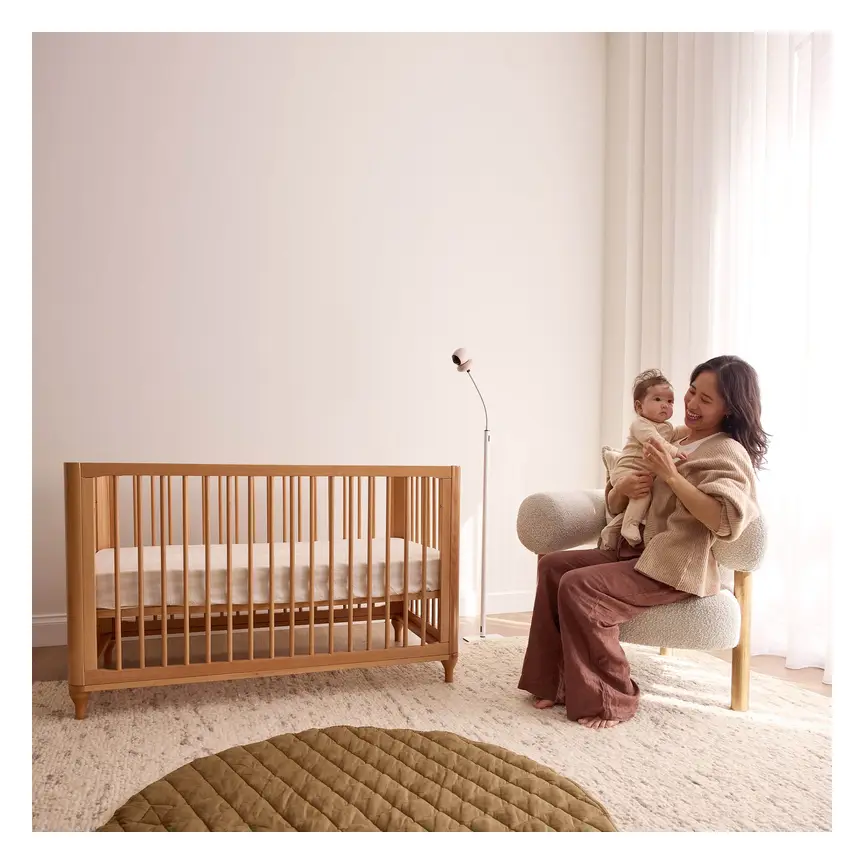
Overhead 1080p Wi-Fi camera that tracks sleep and — with patterned Breathing Wear — breathing motion, without any electronics on the baby.
Read our full review →
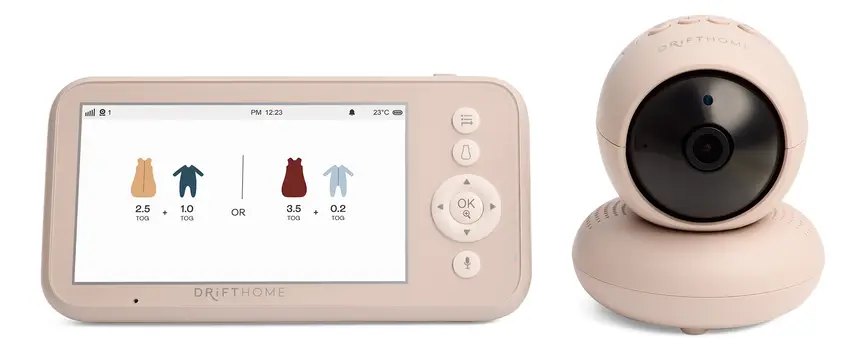
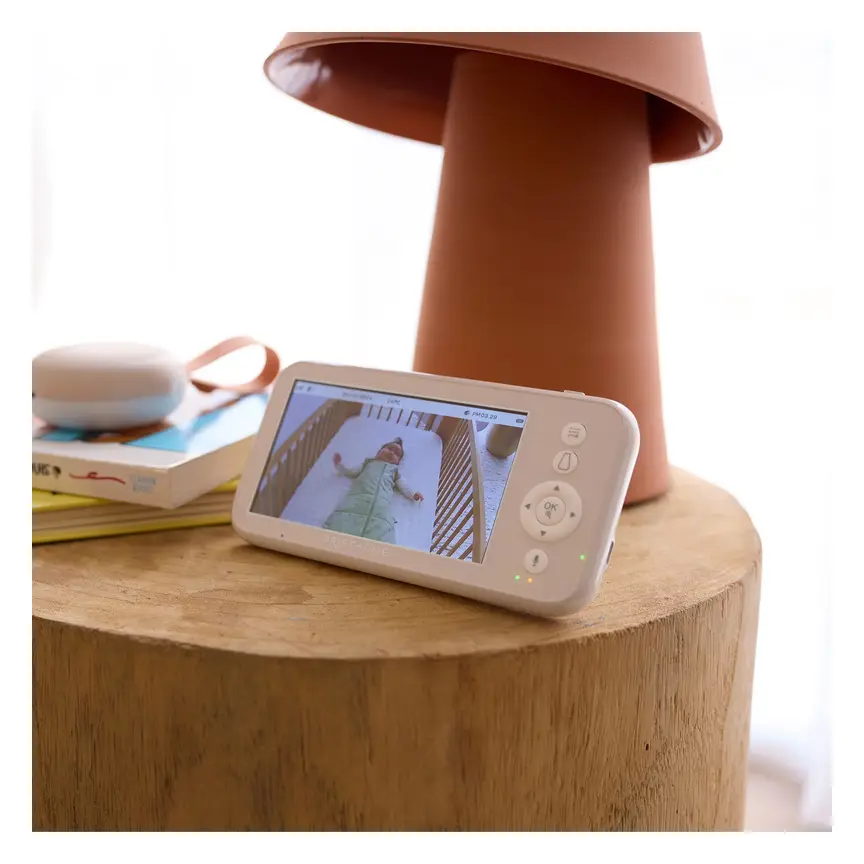
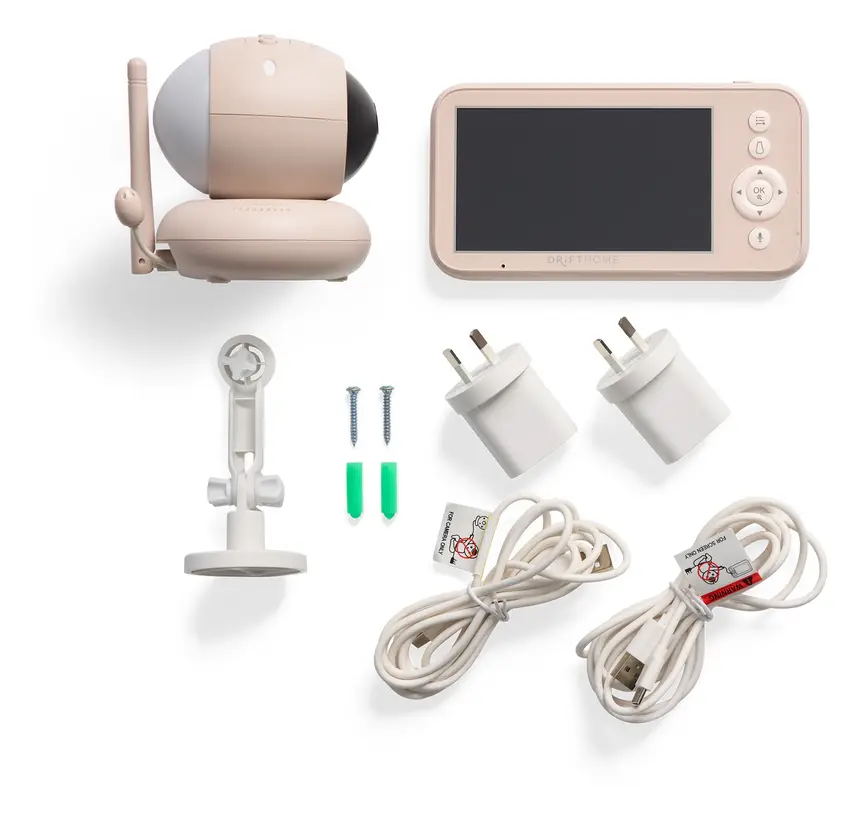
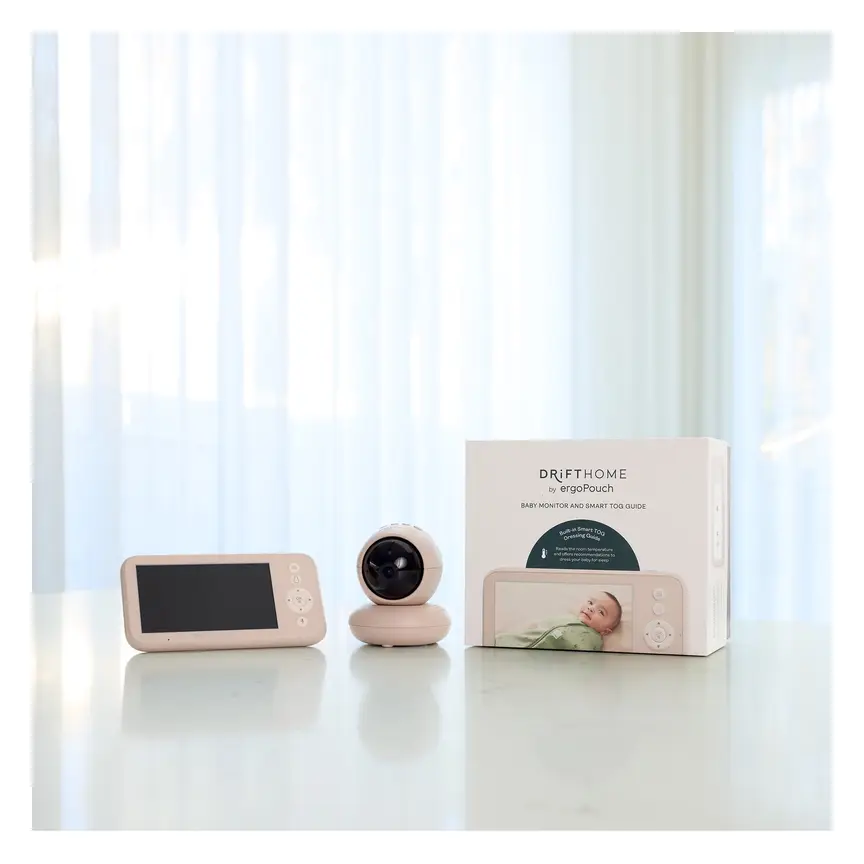
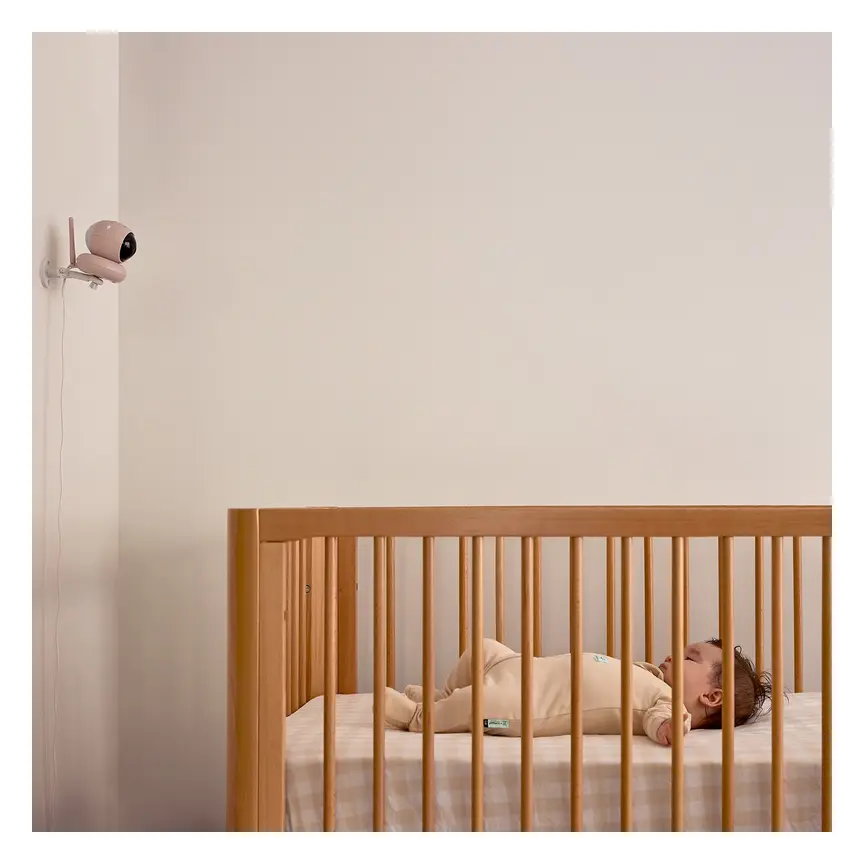
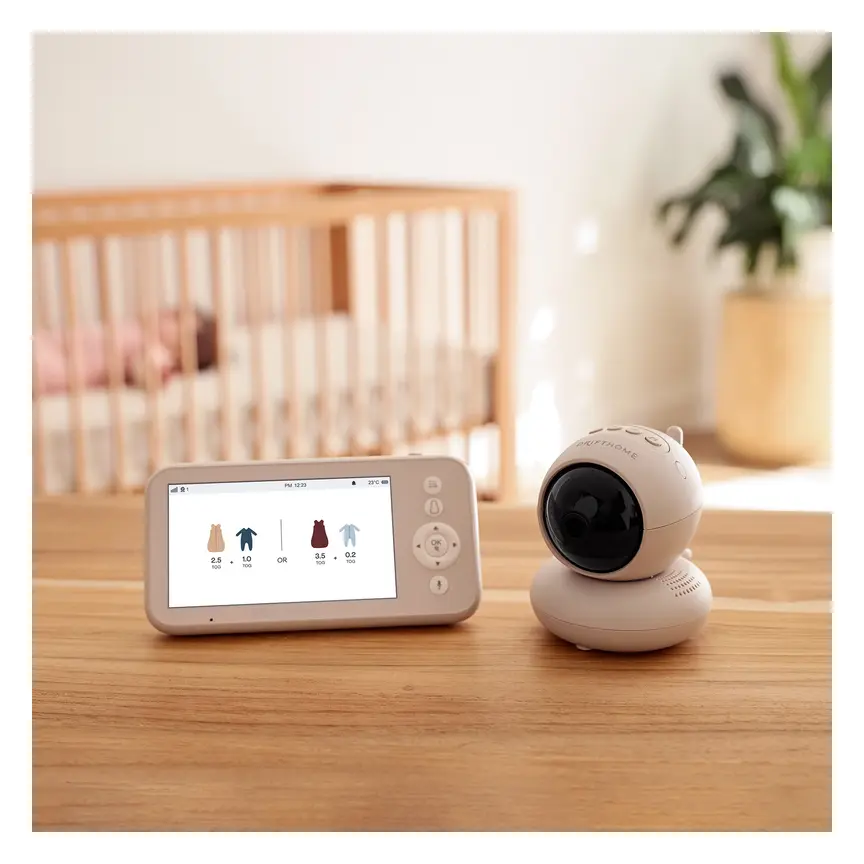
ergoPouch Drifthome Baby Monitor
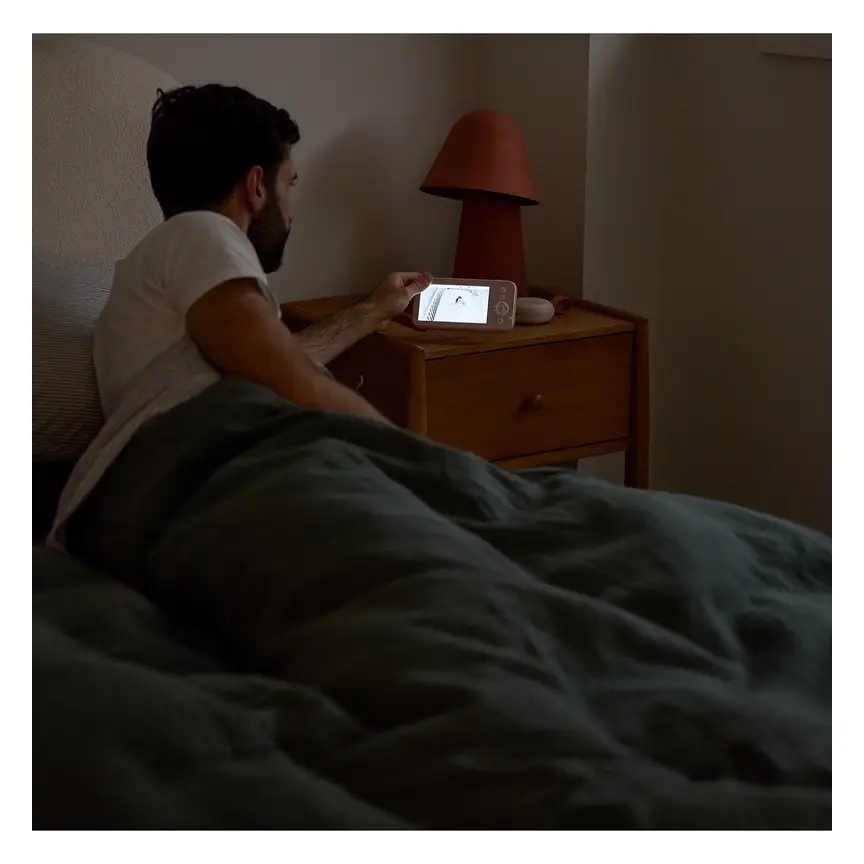
A non-Wi-Fi monitor with a built-in TOG dressing guide and up to 300 m range.
Read our full review →
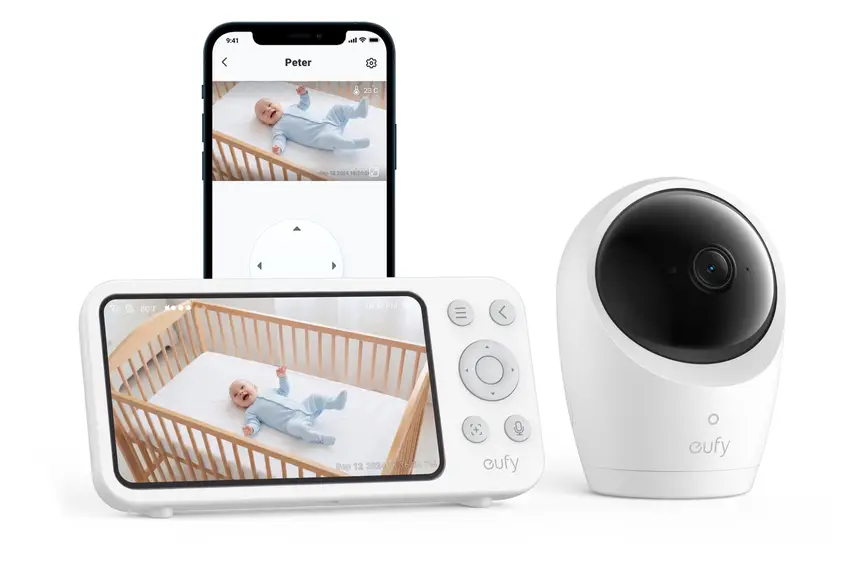
Eufy Baby Monitor E20
A monitor that works with or without Wi-Fi. You can share the app with up to 5 family members.
Read our full review →Types of baby wearables compared
If you are looking at baby sleep tech, you will see four main styles in shops. Three sit on your baby, and one sits under the mattress. Here is how they compare.
| Type | How it attaches | What it tracks | Main pros | Main risks or limits |
|---|---|---|---|---|
| Smart sock or foot band | Wraps around the baby's foot or ankle with soft fabric and hook-and-loop tape. | Heart rate, oxygen estimate, movement, and sometimes skin temperature. | Stays in place better than loose clips; no cords inside the cot. | Can cause skin marks or redness if too tight; kicks can trigger false alarms; not a hospital oximeter. |
| Nappy or belly clip | Clips onto the front waistband of a disposable or cloth nappy. | Tummy movement and sometimes skin temperature or rollover alerts. | Small, light, and easy to pack for travel; often works without Wi-Fi. | Falls off easily if the nappy is loose; can pinch skin if fitted badly; small parts risk if chewed by an older baby. |
| Smart clothing or chest band | Sensor snaps into a special onesie, sleeping bag, or soft chest strap. | Breathing movement, body position, and sometimes skin temperature. | Harder for baby to kick off; no separate sock needed. | Needs special clothes that baby outgrows fast; chest straps must not restrict breathing; washing takes extra care. |
| Under-mattress sensor pad | Flat pad sits under the cot mattress, not on the baby. | Tiny movements from breathing and body motion through the mattress. | Nothing touches the baby's skin; no battery or clip on baby. | Has cords that must stay well away from the cot; does not work well on adult beds or travel cots; sensitive to fan vibrations. |
Notice that under-mattress pads are not strictly wearables, because nothing goes on the baby. Still, parents often compare them side by side with smart socks and nappy clips.
How baby wearables fit different age stages
A wearable that works for a sleepy newborn often becomes tricky once your baby starts moving. Here is what usually happens as your child grows.
Birth to 3 months
Newborns sleep for short blocks around the clock. They do not kick hard or roll over yet. This is the age when parents feel most nervous and use wearables the most. A smart sock or nappy clip usually stays in place well at this stage. Remember that newborns also have irregular breathing. Short pauses of a few seconds can be normal, so some motion sensors may beep more often.
3 to 6 months
At this age, babies wake up more and start kicking their legs strongly. Many babies begin trying to roll over. A nappy clip may pop off when your baby rolls onto their tummy or kicks their feet. A smart sock can get kicked off unless a normal sock goes over the top. Always make sure nothing in the cot is tight around the chest or neck once rolling starts.
6 to 12 months
Babies now roll, sit, pull up on cot rails, and put everything in their mouths. This is a major safety turning point. Any small clip, sensor pod, or fabric strap that comes loose is a choking hazard. Many parents stop using nappy clips by this stage. If you use a smart sock, check that your baby cannot pull it off and chew the sensor pod.
12 months and older
Most toddlers do not need a wearable at all. Healthy one-year-olds have strong airways and steady breathing. They also love taking off socks, undoing straps, and opening flaps. At this stage, a simple audio or video monitor is usually much easier and safer if you still want to check on them from another room.
Safety, batteries, cords, and skin checks
Putting electronics on or near a sleeping baby brings real physical risks. Before you buy or use any baby wearable, check these four safety areas.
1. Button batteries and lithium-ion batteries
Small clip-on wearables often run on coin-sized button batteries. Button batteries are deadly if swallowed. If a child swallows a button battery, it can burn through the throat or gut in just two hours. Product Safety Australia warns parents to check every baby gadget for button batteries.
- Choose wearables with rechargeable sealed batteries instead of loose coin cells when possible.
- If a device uses a coin battery, the battery door must need a tool or two separate actions to open.
- Never leave spare or flat batteries within reach of children.
Many smart socks use tiny rechargeable lithium-ion batteries. Check the device before every use. Stop using it right away if the pod feels unusually hot, looks swollen, or has a cracked casing. Only charge it with the cable and charger made for it, and never charge it inside the cot.
2. Cords and strangulation risks
Cords are a serious strangulation hazard for babies and toddlers. The US Consumer Product Safety Commission (CPSC) has recalled video monitors after deaths caused by monitor cords near cots. Even if your wearable is wireless, the base station, camera, or under-mattress pad usually has a power cord.
- Keep all cords at least one metre (about three feet) away from the cot or bassinet.
- Never place a charging base on the cot rail or inside the sleep space.
- Use cord covers or mount cords firmly to the wall if a camera sits near the bed.
3. Skin marks, burns, and tight straps
Baby skin is thin and delicate. A strap that looks fine at bedtime can leave deep red marks by morning, especially if your baby's foot swells slightly overnight. Pulse oximetry socks also use a small LED light that warms the skin slightly. If the sensor sits too tightly on one spot for hours, it can irritate or even injure the skin.
- Switch feet each night if you use a smart sock.
- Make sure you can slide one finger easily under the strap.
- Wash fabric bands gently with mild soap and let them dry completely before putting them back on.
- Stop using the wearable if you see blisters, red welts, or peeling skin.
4. Choking and small parts
Older babies explore the world with their mouths. Any sensor pod that pops out of a sock or unclips from a nappy can end up in a baby's mouth. Check that the sensor locks firmly into its band or pocket. Never use a wearable with frayed stitching, broken clips, or loose foam padding.
Phone apps, Wi-Fi, and data privacy
Many modern baby wearables connect to your home Wi-Fi and send data to cloud servers. Some also pair with a nursery camera. Any internet-connected baby gadget can be a target for hackers if you do not set it up safely.
Government cyber agencies in Canada (Get Cyber Safe), Australia (Department of Home Affairs), the UK, and the US (Federal Communications Commission) all give clear advice for smart home and baby devices:
- Change default passwords: Never keep the factory password that came in the box. Use a long, unique passphrase for the app and your home Wi-Fi.
- Turn on two-factor sign-in: If the app offers a second check—like a text code or authenticator app—switch it on.
- Keep firmware updated: Install app and device updates as soon as they appear. Updates fix known security holes.
- Limit who has access: Only share the app login with trusted caregivers. Remove access if someone no longer looks after your baby.
- Check what is shared: Turn off extra data sharing or cloud video storage if you do not need it.
- Buy from trusted makers: Cheap, unbranded gadgets from unknown online sellers often skip basic security checks and never receive updates.
Also watch out for phone alerts at night. If your phone goes into "Do Not Disturb" mode or loses Wi-Fi, you might miss an alarm. On the other hand, constant phone notifications can keep you awake even when your baby is sleeping peacefully.
Side by side: more baby monitors to compare
Real products from our catalogue. We don't show star ratings or review counts; check the current price, stock and reviews on Amazon before you buy.

Eufy Baby Monitor E21
The step-up Eufy monitor. It works with or without Wi-Fi and shares with up to 5 people.

Lollipop Smart Baby Camera
A Wi-Fi camera with AI cry, noise and crossing alerts and 1080p video.
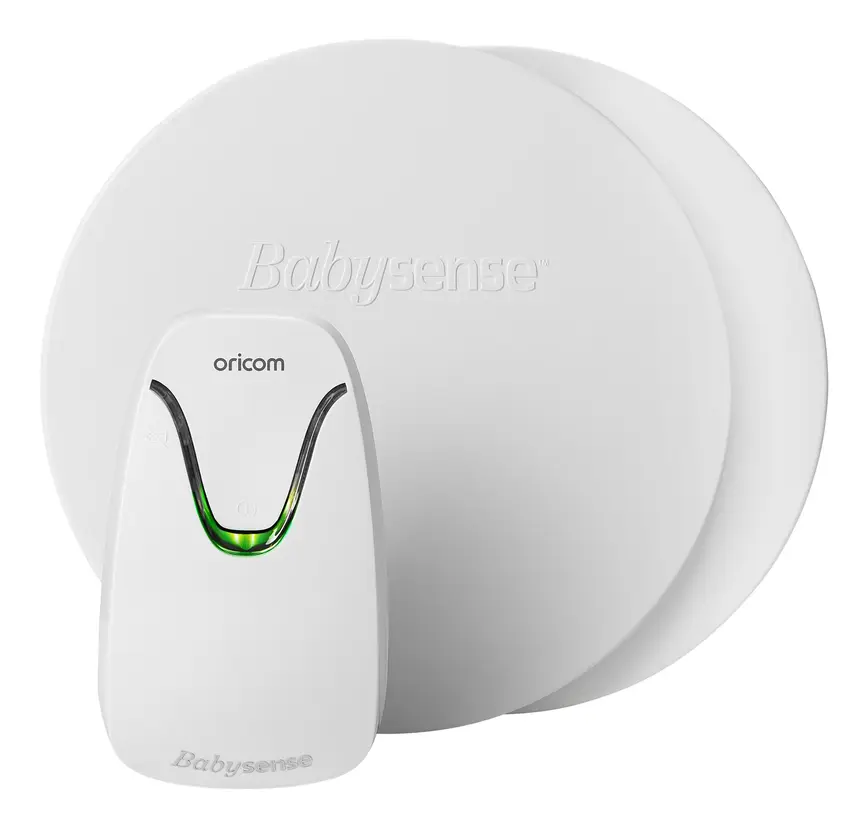
Oricom Babysense7 Breathing & Movement Monitor
A sensor pad listed as a medical device on the Australian Register of Therapeutic Goods. It sounds an alarm if it stops sensing breathing movement.

Official advice in Australia, the UK, the US, and Canada
Health and safety rules are remarkably consistent across all four countries. Here is what the main official bodies say side by side.
| Topic | Australia | United Kingdom | United States | Canada |
|---|---|---|---|---|
| Do monitors prevent SIDS? | Red Nose: No evidence that home monitors prevent SIDS or unexpected death. | The Lullaby Trust: No evidence that movement or breathing monitors prevent SIDS. | AAP: Do not use home cardiorespiratory monitors to reduce SIDS risk. | Canadian Paediatric Society: Home monitors do not prevent SIDS and are not recommended for healthy babies. |
| Safe sleep basics | Back to sleep, head/face uncovered, smoke-free, firm flat cot, room-share for 6–12 months. | Back to sleep, clear cot, firm flat waterproof mattress, room-share for first 6 months. | Back to sleep, firm flat non-inclined surface, clear crib, room-share without bed-sharing. | Back to sleep, firm flat surface, no loose bedding, room-share for at least 6 months. |
| Medical vs consumer gear | TGA regulates medical devices; most baby wearables are wellness items, not medical gear. | NHS / OPSS: Only use medical monitors if prescribed by a hospital team. | FDA clears true medical pulse oximeters; many consumer socks are wellness products unless cleared. | Health Canada regulates medical devices and recalls unsafe consumer baby gear. |
| Smart device security | Home Affairs sets smart device security rules (no default passwords, update support). | UK Government enforces connectable product security rules for smart gadgets. | FCC runs the U.S. Cyber Trust Mark for safer smart home gear. | Get Cyber Safe advises strong passwords, two-step sign-in, and regular updates. |
Across all four countries, the top way to protect a sleeping baby costs nothing at all. Put your baby on their back for every sleep. Use a firm, flat mattress with a fitted sheet. Keep pillows, cot bumpers, loose blankets, and soft toys out of the cot. Share a room with your baby—with your baby in their own cot or bassinet—for at least the first six months.
How to choose if you still want one
Even after reading the medical advice, some parents still want a wearable. Maybe you lost a previous baby, or you feel calmer seeing data on a screen. That is your choice as a parent. If you decide to buy one, focus on safety, comfort, and simplicity rather than flashy marketing.
1. Decide if a simple monitor is enough
Ask yourself what problem you want to solve. If you just want to know when your baby wakes up and cries, a basic audio monitor is cheap, reliable, and has no Wi-Fi risks. If you want to check their position without opening the bedroom door, a non-Wi-Fi video monitor works well. You only need a wearable if you specifically want movement or heart-rate tracking.
2. Check how it alerts you
Look for a wearable with a dedicated base station that stays in your bedroom and beeps loudly on its own. Relying only on a smartphone app is risky. Phones run out of battery, drop Wi-Fi, or get silenced by mistake. A local alarm that works even when the internet goes down is much more dependable.
3. Check battery and material safety
Look for soft, breathable fabric that washes easily. Avoid thick plastic parts that press hard into baby skin. Make sure there are no loose coin batteries that a curious toddler could reach. Read independent recall lists from Product Safety Australia, OPSS in the UK, CPSC in the US, or Health Canada before buying second-hand gear.
4. Check sizing and weight limits
Every smart sock or band has a weight range. A band made for a 5 kg baby will slip right off a 2.8 kg newborn. Check whether extra sock sizes come in the box or cost extra later. Also check if the sensor works through a sleeping bag or swaddle.
5. Think about subscription fees
Some baby wearable brands lock sleep history, charts, or extra features behind a monthly fee. Read the fine print before you buy. Make sure the core safety and alarm features work without paying every month.
Common mistakes parents make with baby wearables
Even well-meaning parents can slip into habits that make a wearable less safe or more stressful. Watch out for these five common traps.
- Replacing safe sleep rules with a gadget: Putting a baby to sleep on their tummy or in a nest/lounger because they have a smart sock on. Safe sleep rules apply every single sleep, with or without a monitor.
- Ignoring your own eyes and ears: If your baby looks pale, feels very hot, breathes fast, or will not wake for feeds, call a doctor or emergency services right away. Never wait just because an app shows a green light or normal number.
- Checking the app all night: Staring at live heart-rate numbers on your phone can feed anxiety and steal your own sleep. Parents need rest to care for a newborn safely.
- Strapping it on too tightly: Tightening a sock or chest band to stop false alarms can restrict blood flow or hurt delicate skin. Follow the finger-gap fit rule every time.
- Using a consumer wearable for a medical issue: If your baby has breathing pauses, reflux concerns, or a heart condition, talk to your paediatrician or GP. Ask for proper medical guidance instead of guessing with a shop-bought gadget.
What to do if you feel very anxious at night
Worrying about your baby is normal, especially in the early weeks. Still, if checking your baby or watching an app stops you from sleeping at all, talk to a doctor, midwife, or child health nurse. Postnatal anxiety is very common and very treatable. Getting real support for your own wellbeing helps both you and your baby far more than any sensor.
It also helps to learn baby CPR and choking first aid before your baby arrives or in the early months. Knowing what to do in an emergency builds real, lasting confidence.
More options, from budget to premium
Real products from our catalogue. We don't show star ratings or review counts; check the current price, stock and reviews on Amazon before you buy.
 Reviewed
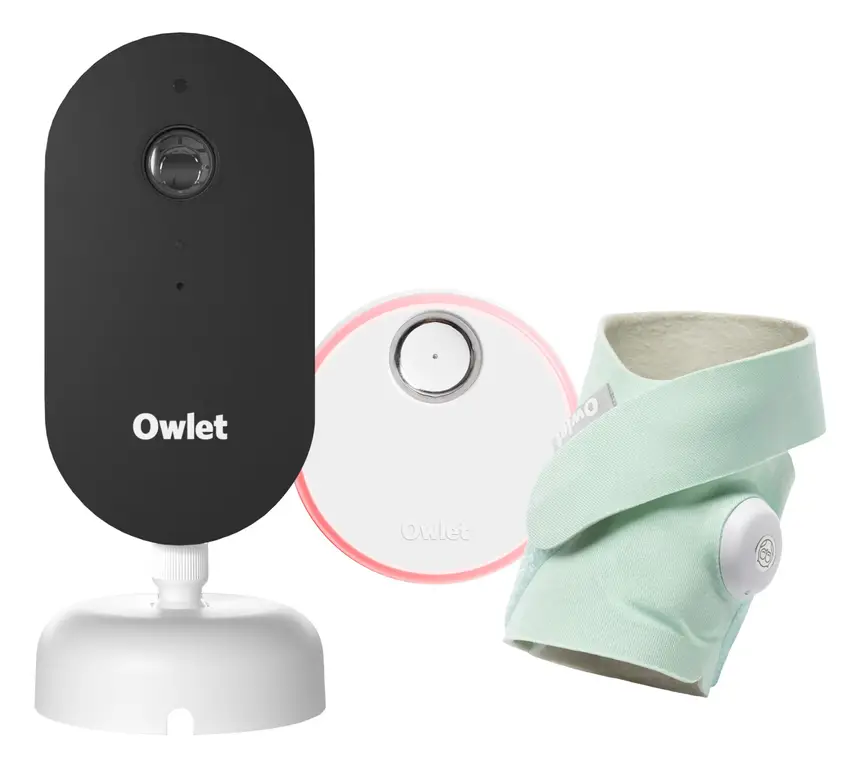
Owlet Dream Duo 3
A 2K camera plus the Dream Sock sensor that tracks pulse rate and oxygen. Like all monitors, it cannot prevent SIDS or SUDI.
Read our full review →
VTech BM2220 Digital Audio Baby Monitor
A low-cost sound-only monitor with two-way talk, a room temperature sensor and a night light.
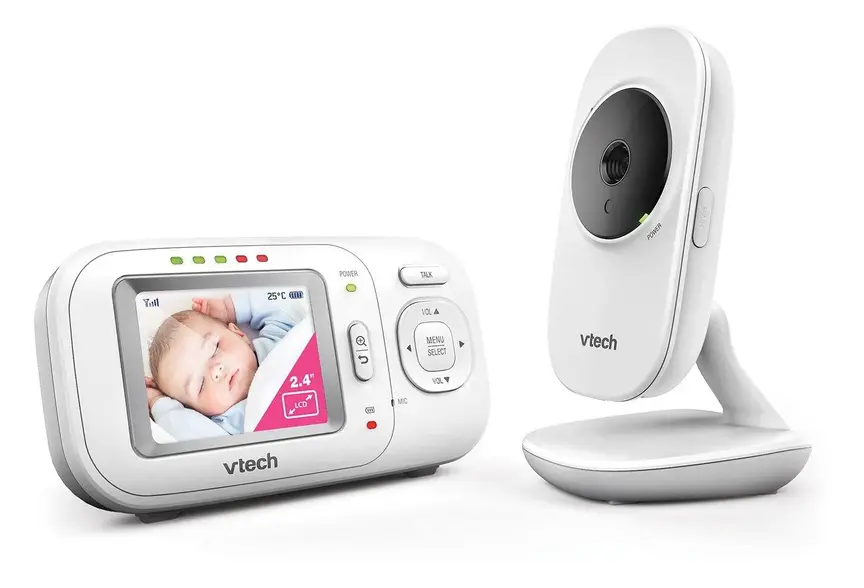
VTech BM2700 Video and Audio Baby Monitor
Non-wifi video monitor
Frequently asked questions
Do baby wearables prevent SIDS?
No. Health groups in Australia (Red Nose), the UK (The Lullaby Trust), the US (AAP), and Canada (Canadian Paediatric Society) all say there is no proof that baby wearables or breathing monitors prevent SIDS. Safe sleep practices—back to sleep, a firm flat clear cot, and a smoke-free home—are the proven ways to lower the risk.
Are baby wearables accurate?
Not always. A 2018 study in the medical journal JAMA tested two consumer infant pulse oximeters against a hospital monitor and found uneven results. One missed real drops in oxygen and caused false alarms. Movement, loose socks, and cold feet can all confuse a home sensor.
What is the difference between a consumer wearable and a hospital monitor?
Hospital monitors are medical devices. They go through strict testing and are set up by doctors for babies with specific health needs. Most consumer baby wearables are sold as general wellness products. They are not built or approved to diagnose, treat, or prevent any medical condition.
Can a smart sock burn or hurt my baby's foot?
Yes, if it is fitted poorly or faulty. Tight straps can leave red marks, blisters, or sores on delicate skin. The small light sensor can also warm the skin if pressed too hard in one place for hours. Switch feet each night, keep the strap loose enough to slide a finger under, and check the skin every morning.
Should I get a baby wearable if my baby was born early?
Ask your baby's hospital team or paediatrician before buying one. Premature babies sometimes need a hospital-grade monitor at home, which your doctor will prescribe and explain. Do not rely on a shop-bought wearable to manage a premature baby's breathing or heart rate without medical advice.
Do I need a Wi-Fi wearable or a simple audio monitor?
For most healthy babies, a simple audio monitor or a non-Wi-Fi video monitor is plenty. It lets you hear or see when your baby wakes up, without extra straps on your baby or Wi-Fi privacy worries. You can also place a bassinet or cot right next to your bed for the first six months, which health experts recommend.
What should I do if the alarm goes off?
Go straight to your baby and look at them, not at your phone. Check if they are breathing normally, moving, and a healthy skin colour. If the baby is fine and the sock simply slipped off, fix the fit or take it off. If your baby is unresponsive, limp, blue, or not breathing, call emergency services immediately and start baby CPR if trained.
Sources
- Red Nose Australia – Baby monitors
- The Lullaby Trust (UK) – Baby monitors
- American Academy of Pediatrics (US) – A parent's guide to safe sleep
- Caring for Kids (Canadian Paediatric Society) – Safe sleep for babies
- JAMA – Accuracy of two consumer infant pulse oximetry monitors (Bonafide et al., 2018)
- Children's Hospital of Philadelphia – Consumer baby monitors have little proven benefit for healthy infants (2017)
- Product Safety Australia – Button batteries guide
- Get Cyber Safe (Government of Canada) – Cyber security tips for your baby gear
Related guides
More Clothing & Accessories →
Baby Head Protector Backpacks: What Parents Need to Know

GOTS vs OEKO-TEX: What Labels on Baby Clothes Tell You

Baby Knee Pads for Crawling on Tile, Patios and Concrete: What Parents Should Know