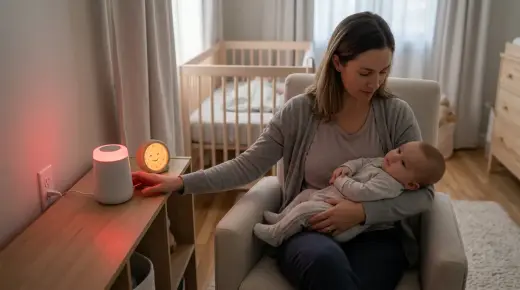











How to Set Up a Smart Nursery Safely: Cot First, Gadgets Second
A step-by-step guide to setting up a smart nursery: a safe cot first, then where to put monitors, lights, sound machines and sensors, and how to keep them…
On this page
- Step 1: Start with the cot
- Step 2: Make the room safe before adding tech
- Step 3: Choose only the gadgets you need
- Step 4: Place every gadget safely
- Step 5: Set up your smart devices securely
- Step 6: Light, temperature and sound
- Step 7: Plan for the next stages
- Do a test run before your baby arrives
- When someone else looks after your baby
- A simple smart nursery shopping list
- Common mistakes
- FAQ
- Sources
Short answer: Start with a safe cot, not gadgets. Your baby needs a cot that meets your country's safety rules, a firm flat mattress that fits well, and nothing else inside it. Then add only the gadgets that really help you: usually a monitor, a dim night light and maybe a room thermometer. Put every device and cord at least 1 metre (3 feet) from the cot, set strong passwords on anything that connects to Wi-Fi, and keep your baby in your room for at least the first six months.
This guide walks you through setting up a nursery step by step, in the order that matters most for safety.
Step 1: Start with the cot
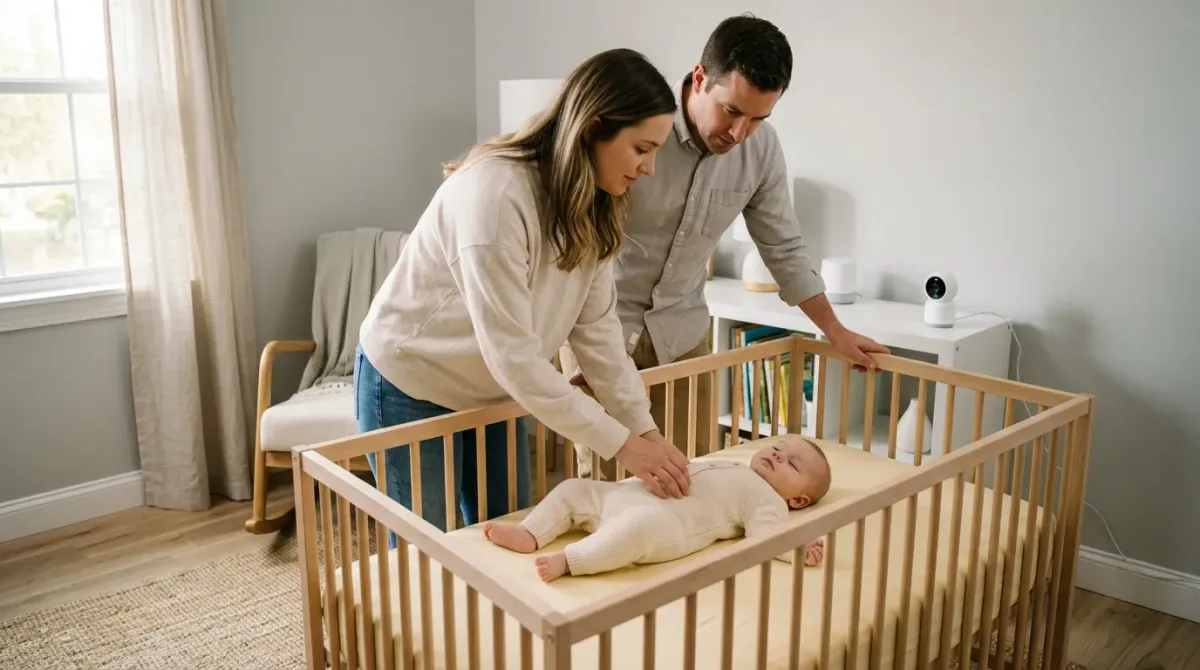
The cot is the most important thing in the nursery. No gadget makes up for an unsafe sleep space.
What a safe cot looks like
- It meets your country's safety rules. In Australia, household cots must meet a mandatory standard (based on AS/NZS 2172). In the UK, look for cots made to BS EN 716. In the US, cribs must meet the federal crib standard enforced by the Consumer Product Safety Commission (CPSC). In Canada, cribs must meet the Cribs, Cradles and Bassinets Regulations, and drop-side cribs have been banned since 2016.
- The mattress is firm, flat and fits snugly. There should be no big gap between the mattress and the cot sides. Never add a second mattress or a soft topper.
- It is bare. Just a fitted sheet. No pillows, bumpers, soft toys, sleep positioners, wedges or loose blankets.
- It is in good condition. No broken or missing parts, loose screws or peeling paint. Health Canada advises not using cribs more than 10 years old.
Where to put the cot
- Away from windows, blind cords and curtain cords.
- Away from heaters, lamps and power points.
- Away from shelves or wall art that could fall in.
- For the first six months, in your bedroom. Red Nose, the Lullaby Trust, the American Academy of Pediatrics (AAP) and Health Canada all recommend room sharing for at least six months.
Safe sleep basics
These come from Red Nose and match advice from the UK, US and Canada:
- Always put your baby on their back to sleep.
- Keep their head and face uncovered.
- Keep your baby smoke-free, before and after birth.
- Give them a safe sleep space, day and night.
- Sleep your baby in their own safe space in your room for at least six months.
- Breastfeed if you can.
Step 2: Make the room safe before adding tech
Blind and curtain cords
Looped cords on blinds and curtains can strangle young children. Product Safety Australia has rules for how cords must be secured, and Health Canada warns about the same danger. Use cordless blinds, or tie cords up high and fit a tension device or cleat. Keep the cot well away from any window with cords.
Anchor furniture
Chests of drawers, bookcases and TVs can tip over onto a child who climbs or pulls on them. Product Safety Australia's toppling furniture guide says to anchor furniture to the wall. Do it before your baby starts to crawl. It's easier when the room is empty.
Button batteries
Many small gadgets, like remote controls, sensors, night lights and toys, use coin-sized "button" batteries. If a child swallows one, it can burn through their throat in as little as two hours. Product Safety Australia has mandatory rules that require battery compartments to be secure. Wherever you live:
- Choose gadgets with screw-closed battery doors.
- Keep spare and used batteries locked away.
- If you think a child has swallowed a button battery, get emergency help straight away. Don't wait for symptoms.
Power points and cords
Use power point covers or safety switches. Keep power boards off the floor near the cot. Don't run cords across the room where a baby, toddler or parent could trip.
Step 3: Choose only the gadgets you need
Smart nursery gadgets can be useful. They can also clutter the room, add cords and cost a lot. Ask: "What problem does this solve for us?"
| Gadget | What it helps with | Do most families need it? | Safety notes |
|---|---|---|---|
| Baby monitor (sound or video) | Hearing or seeing your baby from another room | Useful once baby naps or sleeps in their own room | Camera and cord at least 1 m from the cot; doesn't prevent SIDS |
| Dim night light | Night feeds and nappy changes without bright light | Handy for most | Cool to touch; out of reach; no button batteries within reach |
| Room thermometer | Checking if the room is very hot or cold | Helpful in hot or cold climates | Dress baby for the room; feel their neck or tummy to check |
| White noise or sound machine | Masking household noise | Optional | Keep the volume low and the machine away from the cot |
| Smart plug or smart bulb | Turning lights on and off with your phone or voice | Optional | Secure the app; keep plugs out of reach |
| Air purifier | Smoke, pollen or dust | Only for some homes | True HEPA, no ozone; cord out of reach |
| Smart wearable or breathing monitor | Tracking breathing, heart rate or oxygen | Not recommended for healthy babies as a SIDS strategy | Check medical device status; can cause false alarms and worry |
Cots, Bassinets & Bedside Sleepers worth a look
Real products from our catalogue. We don't show star ratings or review counts; check the current price, stock and reviews on Amazon before you buy.
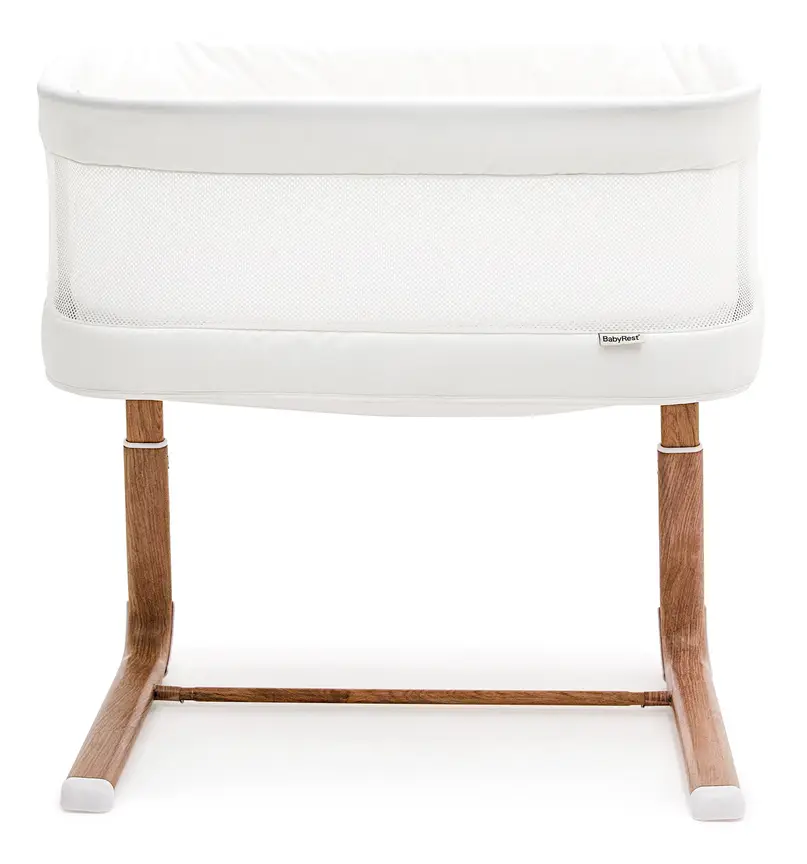


BabyRest Swan Smart Bassinet
A bassinet that rocks by itself when baby stirs, with 3 rocking levels, lullabies and a remote.
Read our full review →
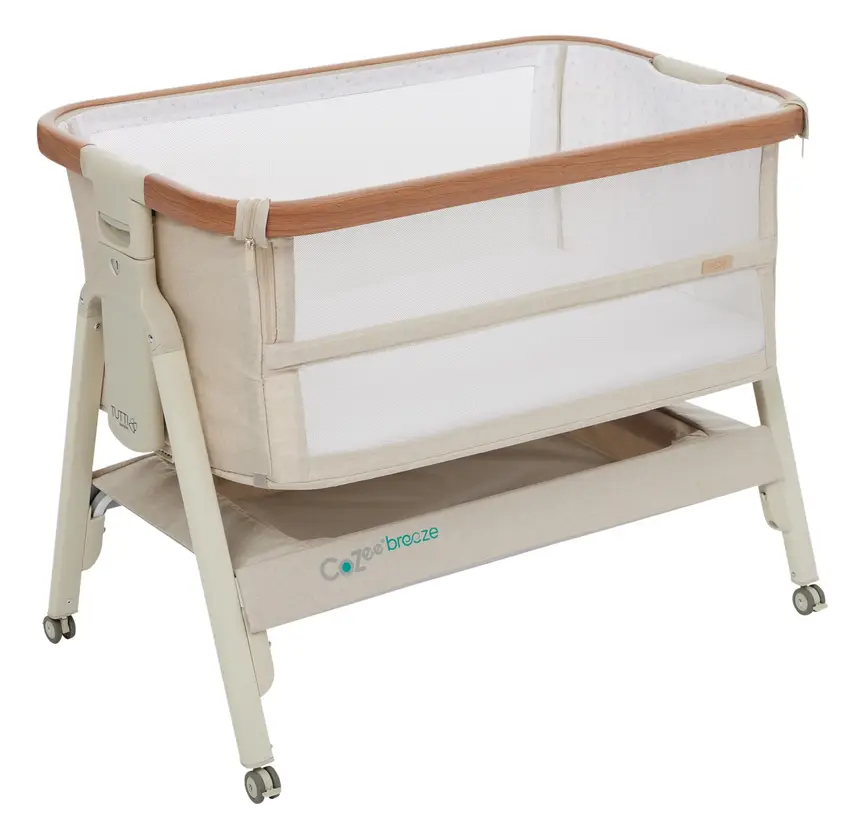
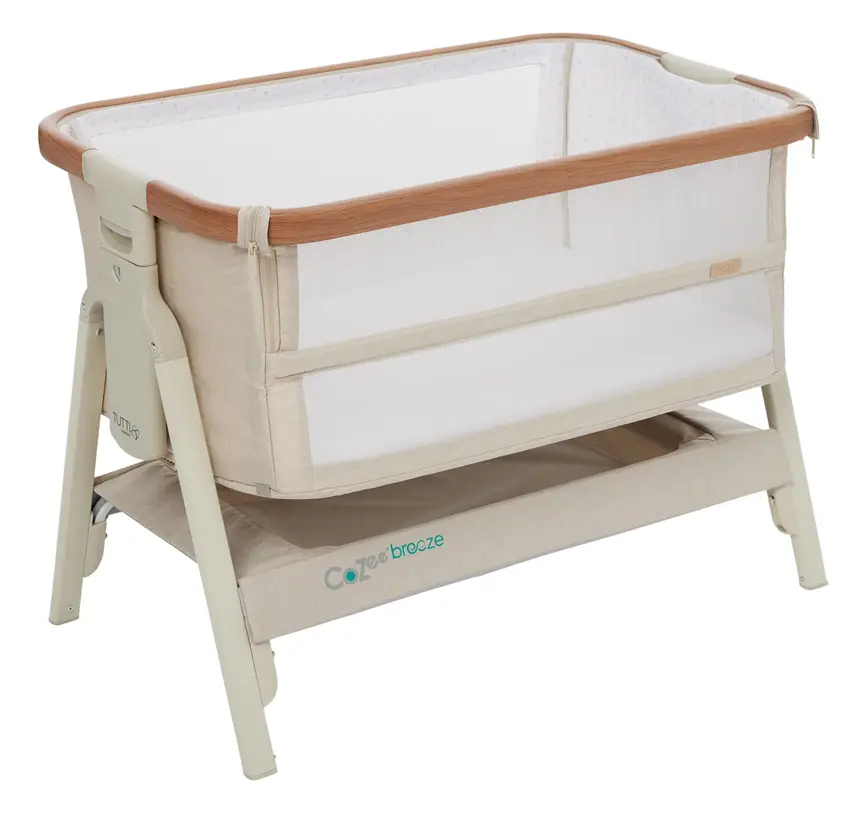
Tutti Bambini CoZee Breeze Lite
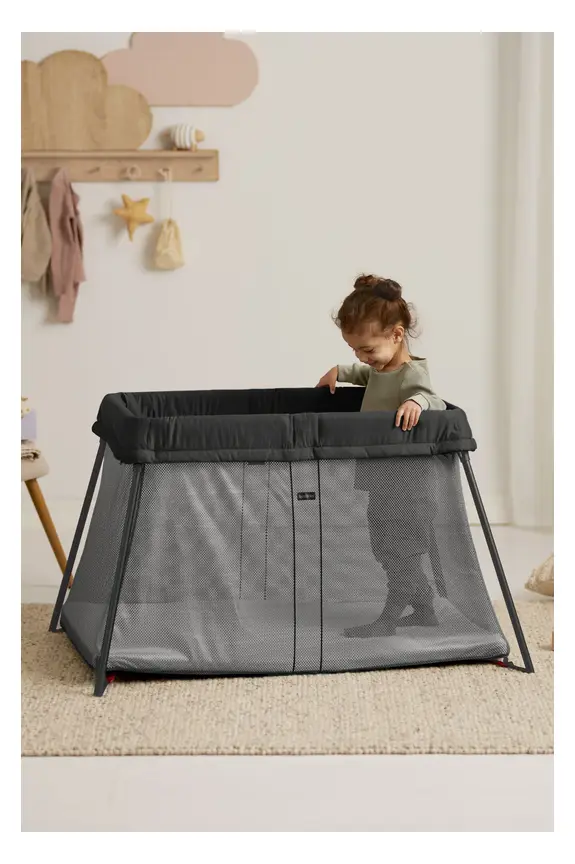
A bedside sleeper that opens or folds in about 30 seconds, with mesh sides and a travel bag.
Read our full review →
4baby Snuggle Cuddle Bedside Sleeper
A low-cost bassinet that turns into a bedside sleeper, with 4 heights and mesh sides.
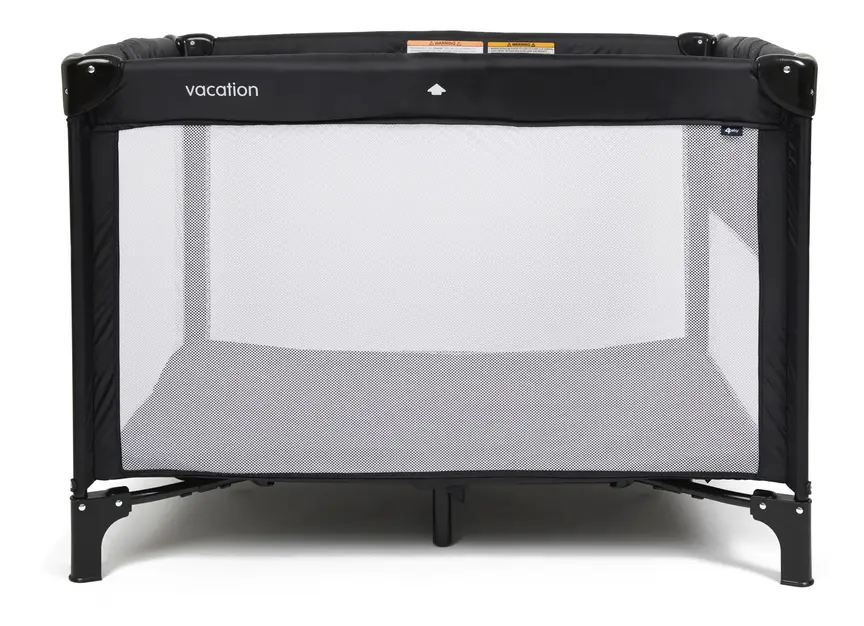
4baby Vacation Portacot
A low-cost portacot with a padded mattress and mesh sides.
Compare all cots, bassinets & bedside sleepers in our reviews →
Step 4: Place every gadget safely
The 1-metre rule
The US Consumer Product Safety Commission recalled about 1.7 million video monitors in 2011 after two babies were strangled by camera cords. It advises keeping monitor cords at least 3 feet (about 1 metre) from any cot, bassinet or play yard. Health Canada says to keep cords from baby monitors, lamps, sound machines and other electronics out of reach, and to mount the monitor on a wall, not on the crib.
Use the same rule for every gadget: nothing electrical, and no cords, within 1 metre of the cot.
Where to put each gadget
- Monitor camera: high on the wall or on a tall stand, angled down at the cot. Cord along the wall in a cord cover.
- Night light: plugged in low on the far side of the room, or on a shelf out of reach. It should be dim and warm-coloured, just bright enough to see.
- Sound machine: across the room, not on the cot rail or in the cot.
- Thermometer: at about cot height but not on the cot, away from windows, heaters and direct sun so it gives a fair reading.
- Smart speaker: if you use one, keep it out of reach and think about whether you want a microphone in your baby's room.
- Power board: behind furniture, off the floor if possible, and away from the cot.
Re-check as your baby grows
Babies roll, then sit, then pull up and stand. Each stage means they can reach further. Every few weeks, stand at the cot and reach out as if you were a standing baby. If you can touch a cord, curtain or gadget, move it.
Step 5: Set up your smart devices securely
Any device that connects to the internet can be a privacy risk if it isn't set up well. This matters most for cameras and microphones in a child's room.
Rules that help
- UK: since 29 April 2024, smart devices sold to consumers can't use universal or easy-to-guess default passwords. Makers must say how long the device will get security updates.
- Australia: similar mandatory security rules apply to most consumer smart devices made from 4 March 2026.
- US: the voluntary U.S. Cyber Trust Mark label helps you find devices that meet a set of security checks.
- Canada: the Get Cyber Safe program gives tips for securing baby gear.
Your security checklist
- Change any default password before you use the device.
- Use a long password you don't use anywhere else. A password manager helps.
- Turn on two-step login (a code sent to your phone).
- Install updates for the device and the app.
- Set up a guest Wi-Fi network for smart gadgets if your router allows it.
- Turn off features you don't use, like remote access, cloud recording or voice control.
- Check who has access in the app. Remove old phones or people who no longer need it.
- When you sell or give away a device, reset it to factory settings.
Wi-Fi or not?
If you only need to hear or see your baby from the next room, a monitor that doesn't use Wi-Fi is simpler and avoids most internet risks. Wi-Fi gadgets make sense if you want to check in from work or another building.
Step 6: Light, temperature and sound
Light
Babies don't need total darkness, but a darker room at night can help them tell night from day. Use block-out curtains (without loose cords) and a dim night light for feeds. Avoid bright screens and blue-white light during night feeds.
Temperature
Red Nose says to dress your baby for the room, not to rely on a set temperature, and to keep their head and face uncovered. A room thermometer helps you notice if a room is very hot or cold. To check your baby, feel the back of their neck or their tummy. They should feel warm, not hot or sweaty. Hands and feet often feel cool, which is normal.
- Use a safe baby sleeping bag that fits well (fitted neck and armholes, no hood).
- Don't use hats or beanies for sleep indoors.
- Don't put the cot next to a heater, fan heater or in direct sun.
Sound
A steady background sound can help some babies settle and can mask household noise. If you use a sound machine, keep it across the room and the volume low. Turn it off or down once your baby is asleep if you can.
Step 7: Plan for the next stages
Newborn to 6 months
Your baby sleeps in your room, in a cot or bassinet. You may not need a monitor at night yet. A monitor is more useful for day naps. Keep the bedroom set up with the same safety rules: bare cot, cords away, gadgets out of reach.
6 to 12 months
Many families move their baby to the nursery. Now the monitor matters more. Your baby starts to sit and pull up, so lower the cot base to its lowest setting as the maker says, and re-check reach.
12 months and up
Toddlers climb. Anchor everything. Move the camera higher if needed. When your child tries to climb out of the cot, it's time to think about a bed.
Side by side: more cots, bassinets & bedside sleepers to compare
Real products from our catalogue. We don't show star ratings or review counts; check the current price, stock and reviews on Amazon before you buy.

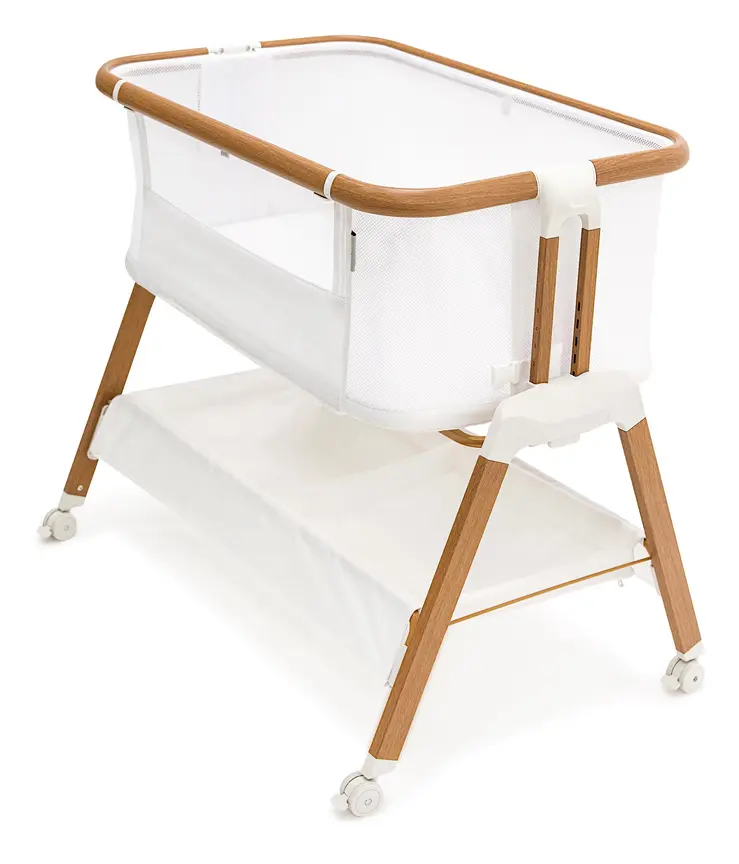
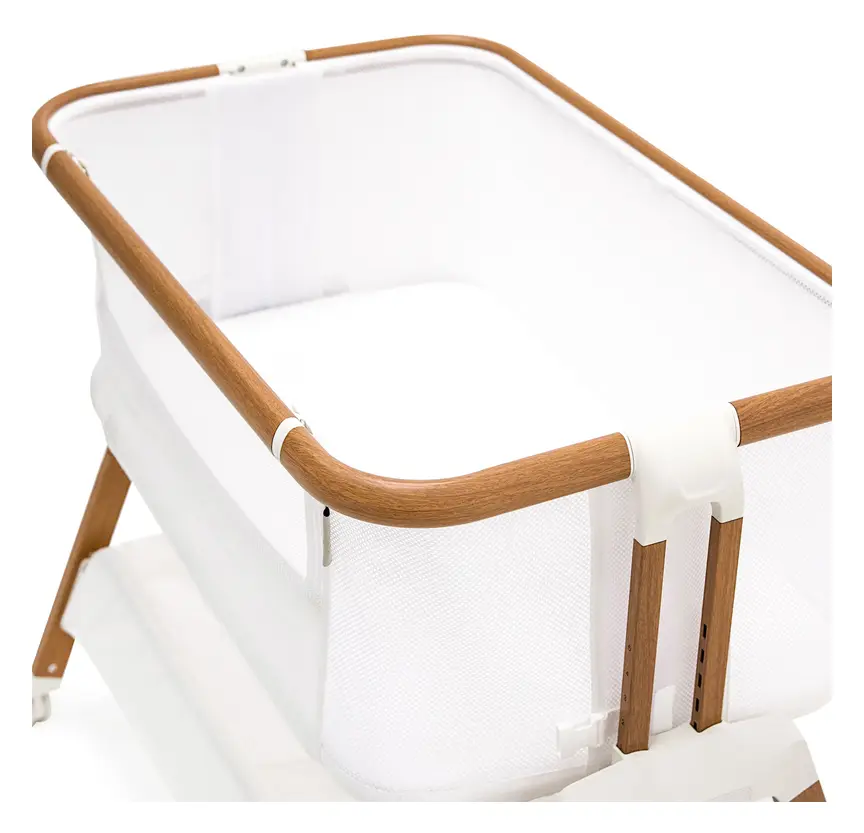
BabyRest Alfie2 Bedside Bassinet
A bedside bassinet with 5 heights, a drop-down side, wheels and an insect net.
Read our full review →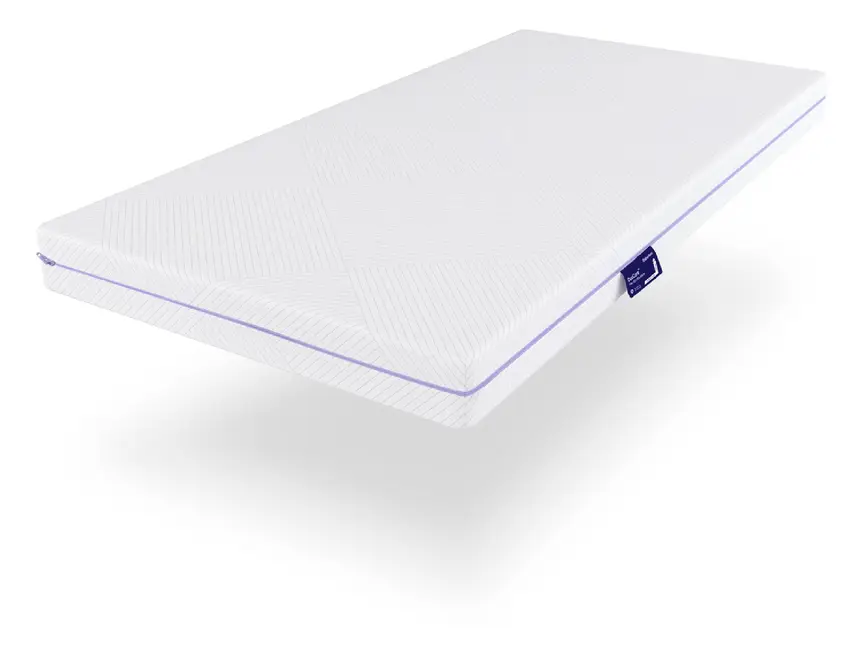
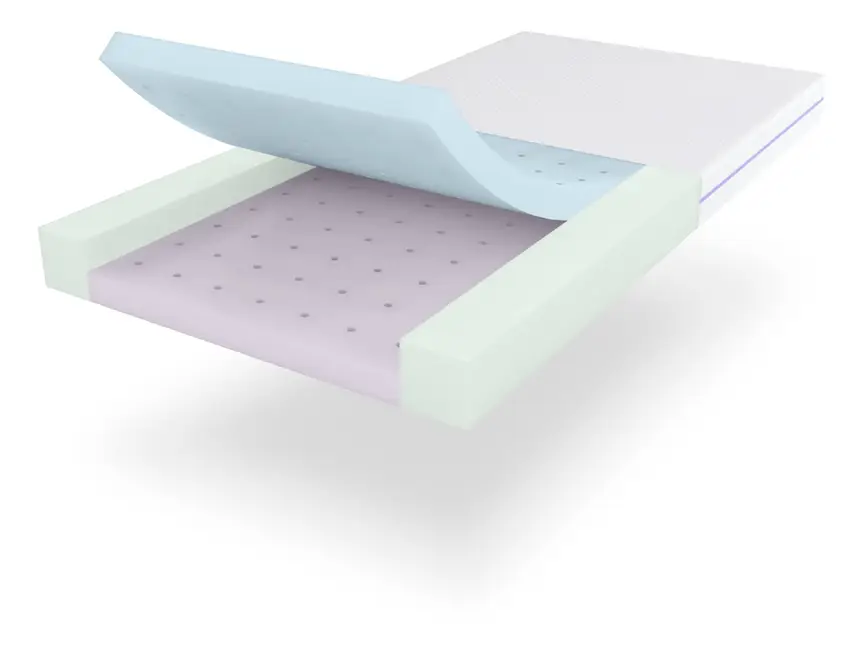

BabyRest Duocore Bamboo Cot Mattress
A two-sided mattress: a baby side to 12 kg and a toddler side from 12 kg to about 4 years.
Read our full review →


Boori Matilda Cot Bed
A cot that turns into a toddler bed using its own end panels. No extra kit needed.
Read our full review →Compare all cots, bassinets & bedside sleepers in our reviews →
Do a test run before your baby arrives
A few weeks before your due date, spend one evening testing everything. It is much easier to fix problems now than at 3 am with a crying newborn.
- Turn off the main light. Can you see well enough with the night light to change a nappy? Is the light too bright?
- Test the monitor at night. Turn on night vision. Check the picture from your bed, the kitchen and the lounge. Make a soft sound near the cot and check you can hear it.
- Walk the room in the dark. Are there cords you could trip on? Move them.
- Do the reach test. Kneel and stand at the cot. Reach out in every direction. Nothing electrical, no cords and no curtains should be within reach.
- Check the room temperature at night and in the afternoon. Is the cot in a hot spot near a window or a cold spot near a door?
- Practise with the apps. Log in, turn on two-step login, and turn off features you don't need. Add your partner's phone if you want them to have access.
- Write down the basics. Put the emergency number (000 in Australia, 999 in the UK, 911 in the US and Canada) and your local health advice line somewhere easy to find.
When someone else looks after your baby
Grandparents, babysitters and other carers may not know your setup or the latest safe sleep advice. Advice has changed a lot over the years. Things that were common a generation ago, like tummy sleeping, bumpers and thick quilts, are no longer recommended.
- Show them the setup. Walk them through the monitor, the night light and how you put the baby down.
- Explain the basics simply. Back to sleep. Bare cot. Head and face uncovered. Sleeping bag, not loose blankets. No smoking near the baby.
- Leave clear notes. A short list on the fridge helps: feeds, sleep times, how to use the monitor, and emergency numbers.
- Share access carefully. If they need the monitor app, add them as a guest user if the app allows it, and remove them later. Don't share your own password.
- Check the travel cot. If your baby sleeps at someone else's house, the same rules apply. The portable cot should meet your country's standard, with only its own thin, firm mattress, set up exactly as the instructions say.
A simple smart nursery shopping list
- A cot that meets your country's standard, with a firm, well-fitting mattress.
- Two or three fitted sheets.
- Safe sleeping bags in the right size and warmth for your climate.
- A monitor (sound or video), with a wall mount.
- Cord covers.
- A dim night light.
- A room thermometer (optional).
- Furniture anchors and power point covers.
- Cordless blinds or cord tidies.
Everything else is optional. Buy it only if it solves a real problem for your family.
Common mistakes
- Buying gadgets before the cot is sorted. Safe sleep comes first.
- Putting a camera, light or sound machine on the cot rail. Cords and devices must stay at least 1 metre away.
- Filling the cot with "nursery decor". Bumpers, pillows, toys and quilts look nice in photos but are not safe.
- Thinking a breathing monitor prevents SIDS. No health body in Australia, the UK, the US or Canada says it does.
- Forgetting button batteries in remotes, sensors and toys.
- Leaving default passwords on Wi-Fi gadgets.
- Not anchoring furniture until the baby is already climbing.
- Making the room too hot with heaters and too many layers.
- Moving the baby to their own room too early. Room share for at least six months.
More options, from budget to premium
Real products from our catalogue. We don't show star ratings or review counts; check the current price, stock and reviews on Amazon before you buy.

Boori Oasis Oval Cot
A curved solid beech cot on lockable wheels, with two base heights.

Boori Pocket Spring Mattress (standard cot)
A pocket spring cot mattress that comes rolled. Let it expand for up to 24 hours.
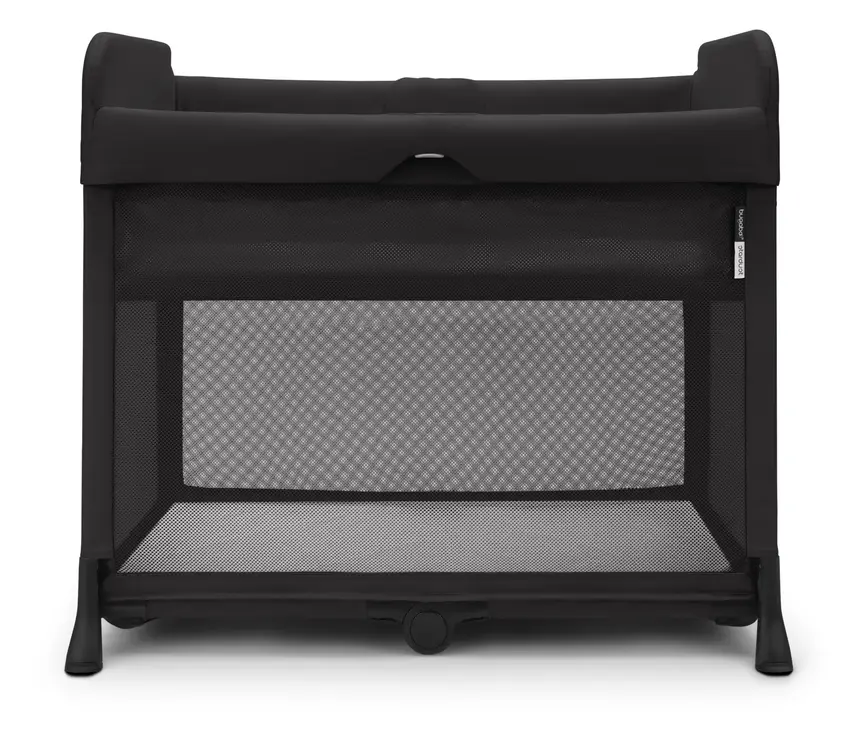

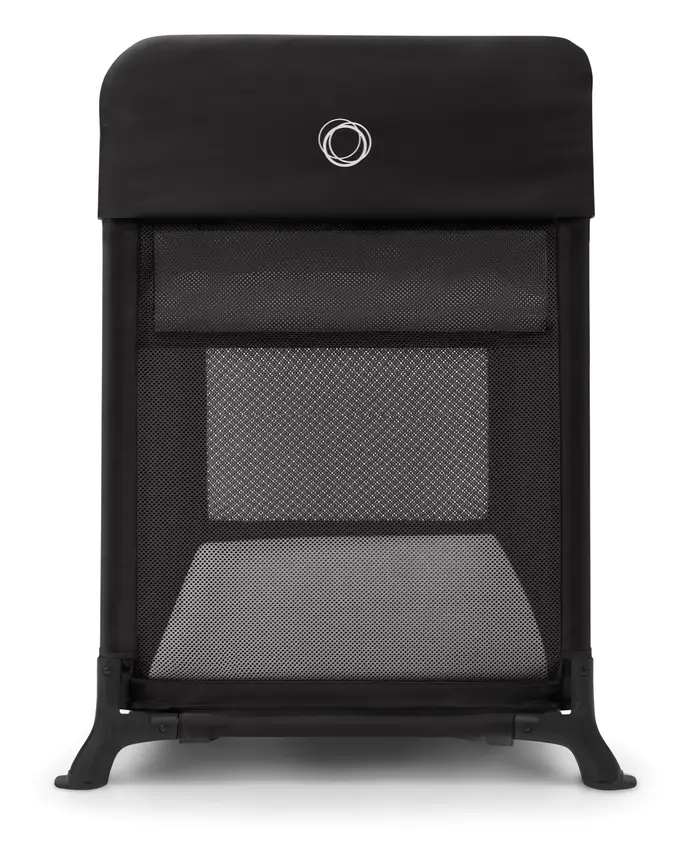
Bugaboo Stardust Plus
A pop-up portacot with a bassinet, for naps at home or away.
Read our full review →Compare all cots, bassinets & bedside sleepers in our reviews →
FAQ
What smart gadgets does a nursery really need?
None are strictly needed. Most families find a baby monitor and a dim night light useful. A room thermometer can help in very hot or cold places. Everything else is optional.
How far should gadgets be from the cot?
At least 1 metre (3 feet), with all cords and plugs out of reach. Check again as your baby learns to roll, sit and stand.
Do smart nurseries make babies safer?
Not on their own. Safe sleep habits are what lower the risk of SIDS. Gadgets can help you hear and see your baby, but they don't replace back to sleep, a bare cot, a smoke-free home and room sharing.
Can I put a smart speaker in the nursery?
You can, but think about privacy. It has a microphone. Keep it out of reach, turn off features you don't need, and secure the account.
Is a second-hand cot OK?
It can be, if it meets the current safety standard in your country, has all its parts and instructions, and isn't damaged. Health Canada advises against cribs over 10 years old. Always use a new mattress that fits snugly if you can.
When should I set up the nursery?
Many parents set up during pregnancy, often in the third trimester. That gives you time to anchor furniture, sort out cords and test the monitor before the baby arrives.
Should the nursery be totally dark?
Not totally. A darker room at night and lighter room during the day can help your baby learn the difference. Use a dim night light for feeds.
Sources
- Red Nose Australia – Six safe sleep recommendations
- Red Nose Australia – What is a safe sleeping environment
- The Lullaby Trust (UK) – Baby monitors
- HealthyChildren.org (American Academy of Pediatrics) – Safe sleep: back is best (2022)
- Health Canada – Is Your Child Safe? Sleep Time
- Product Safety Australia – Household cots guide
- Product Safety Australia – Button batteries
- Product Safety Australia – Toppling furniture and televisions guide
- Product Safety Australia – Blinds, curtains and window fittings guide
- U.S. CPSC – Strangulation deaths prompt recall of video baby monitors with cords (2011)
- UK Government – Security rules for smart devices (PSTI)
- Get Cyber Safe (Government of Canada) – Cyber security tips for your baby gear
Related guides
More Sleep & Nursery →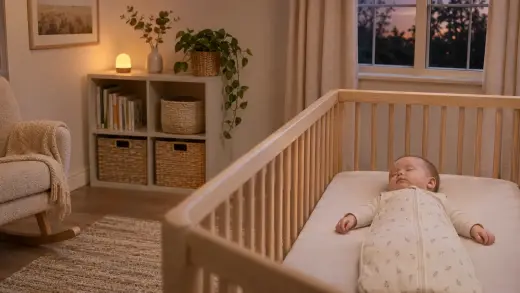
Nursery Night Lights: How to Choose and Use One Safely
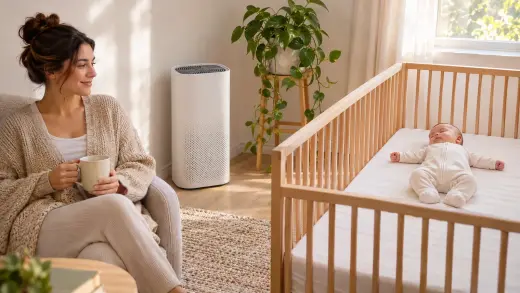
Smart Air Purifiers for Your Baby's Room: How to Choose and Use One Safely

Smart Humidifiers for a Baby's Room: Do You Need One, and How to Use One Safely