










Are Eco-Friendly Baby Monitors More Expensive? Costs, Power, and Safety
Are eco-friendly baby monitors worth the cost? Compare upfront price, power use, battery life, and official safety advice for AU, UK, US, and Canada.
On this page
- Key points
- What makes a baby monitor "eco-friendly"?
- Are eco-friendly baby monitors more expensive to buy?
- Where the real costs hide: power, batteries, and lifespan
- Eco-friendly vs standard baby monitors: side-by-side comparison
- What to look for when choosing a lower-impact monitor
- What monitors can and cannot do for baby safety
- Cord, battery, and smart-device safety
- Official advice across Australia, the UK, the US, and Canada
- Age stages: when a monitor helps and when to pack it away
- Common mistakes parents make
- Frequently asked questions
- Sources
Short answer: Eco-friendly baby monitors often cost more to buy at first. Over time, a simple, low-power monitor with a replaceable battery can save you money. In fact, a basic audio-only monitor is often both the cheapest and the greenest choice. Better still, you may not need a monitor at all for the first six months if your baby sleeps in your room.
Health groups in Australia (Red Nose), the UK (The Lullaby Trust), the US (American Academy of Pediatrics), and Canada (Health Canada) all say the same thing. A baby monitor is a helpful extra tool, not a safety device. It never replaces safe sleep habits or your own care.
Key points
- Upfront price: Monitors sold as "eco-friendly" often cost more on the shelf than basic models.
- Hidden running costs: Screens left on all night use more electricity. Sealed batteries also wear out and force you to buy a whole new unit.
- Greenwashing alert: Some brands put "eco" on the box just for marketing. Always check what is actually inside.
- Simplest is greenest: A plain audio monitor uses far less power and fewer materials than a big Wi-Fi video unit.
- Safety first: Keep all monitor cords at least one metre away from the cot. Never rely on a monitor to prevent sudden infant death syndrome (SIDS).
What makes a baby monitor "eco-friendly"?
There is no single official rule for what makes a baby monitor "eco-friendly". Makers use the label in different ways. Some focus on the materials in the case. Others focus on how much power the unit uses.
Here are the real features that lower a monitor's impact on the planet:
- Recycled plastics: The outer shell uses recycled plastic instead of brand-new plastic made from oil.
- Fewer harmful chemicals: Good makers avoid toxic flame retardants, lead, and certain softeners in cords and cases.
- Eco mode or VOX mode: VOX stands for voice-operated exchange. The screen and radio signal sleep when your baby is quiet. They wake up only when your baby makes a sound.
- Replaceable batteries: You can open the back with a screwdriver and swap in a fresh battery when the old one dies.
- Less packaging: The box uses plain cardboard and paper instead of thick foam and plastic trays.
- Longer lifespan: A tough build and a good warranty mean the monitor lasts for more than one child.
Watch out for greenwashing
Greenwashing is when a company makes a product look greener than it really is. A monitor might come in a brown cardboard box with a leaf logo. Yet inside, it may have a glued-in battery that you cannot replace. Once that battery stops holding a charge, the whole monitor becomes electronic waste (e-waste).
Do not trust the word "eco" on the front of the box. Look at the battery, the power mode, and the warranty instead.
Are eco-friendly baby monitors more expensive to buy?
Yes, monitors marketed as eco-friendly usually cost more upfront than standard budget models. There are a few honest reasons for this.
- Smaller production runs: Big brands make millions of standard plastic monitors, which keeps the price low. Smaller eco-focused brands make fewer units.
- Better materials: Sourcing certified recycled plastic and safer parts costs a bit more per unit.
- Testing and durability: Building a monitor that lasts longer or uses higher-grade batteries adds to the factory cost.
However, you do not have to buy an expensive "eco" branded monitor to make a green choice. A basic, well-made audio monitor from a standard brand often costs very little. It uses tiny amounts of power, has no big screen to break, and creates much less waste than a complex smart camera.
Do you even need a monitor right away?
Before you spend any money, think about when you will actually use a monitor. Red Nose in Australia, The Lullaby Trust in the UK, the American Academy of Pediatrics (AAP) in the US, and Health Canada all recommend room-sharing for at least the first 6 months. Some suggest up to 12 months.
Room-sharing means your baby sleeps in their own safe cot or bassinet in your bedroom. When your baby is right next to your bed, you can hear and see them directly. Many parents find they do not need a monitor at night during those first months. Waiting to buy lets you see what your home really needs. You might even borrow one from a friend or skip buying one altogether.
Baby Monitors worth a look
Real products from our catalogue. We don't show star ratings or review counts; check the current price, stock and reviews on Amazon before you buy.

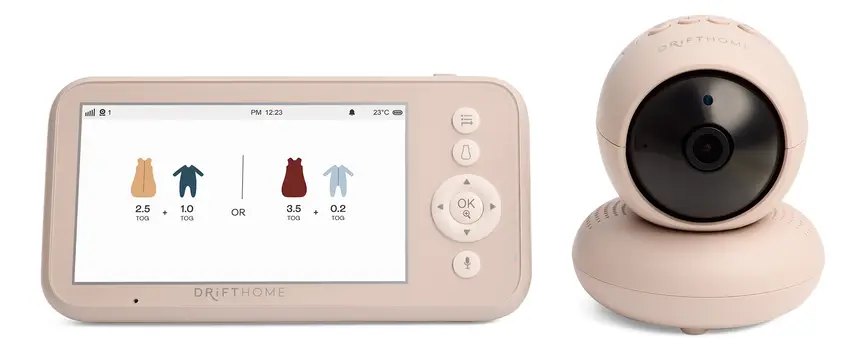
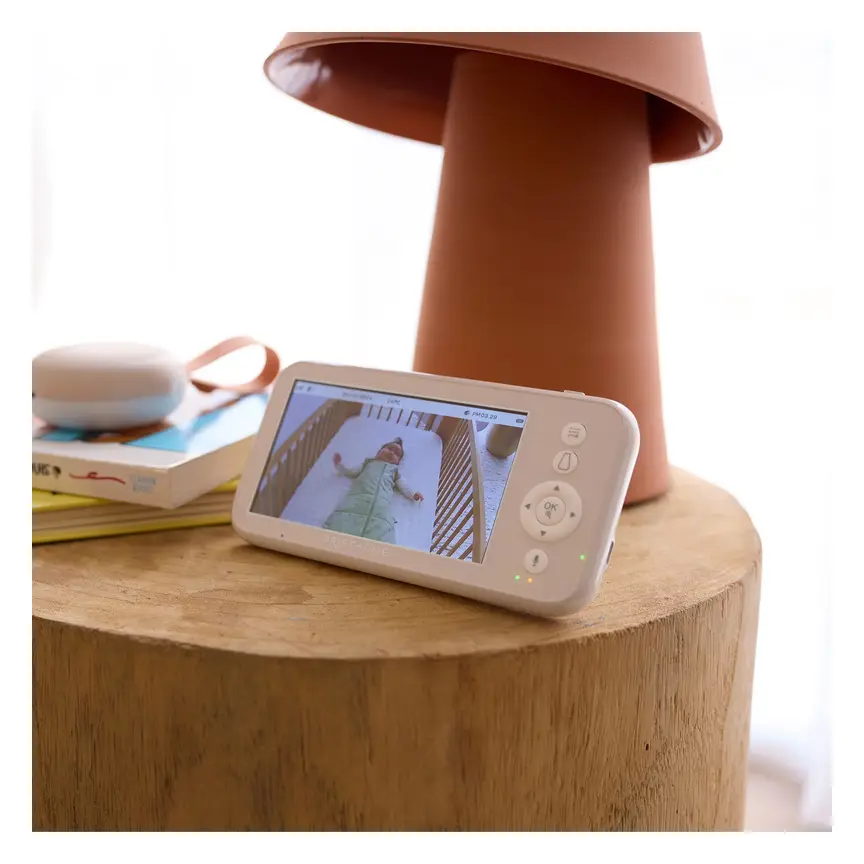
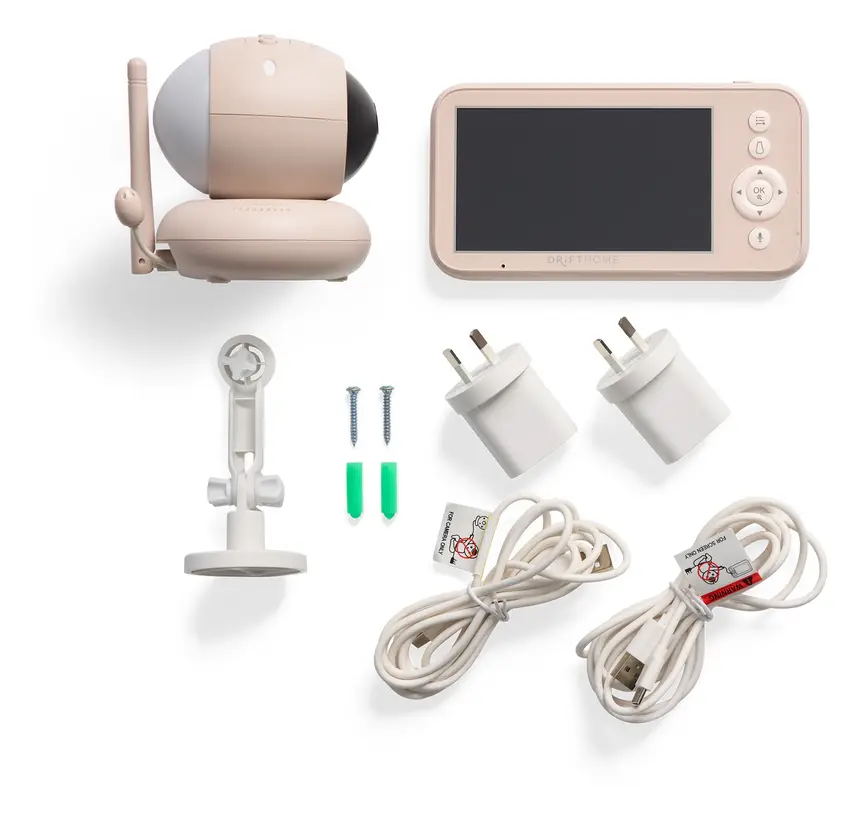
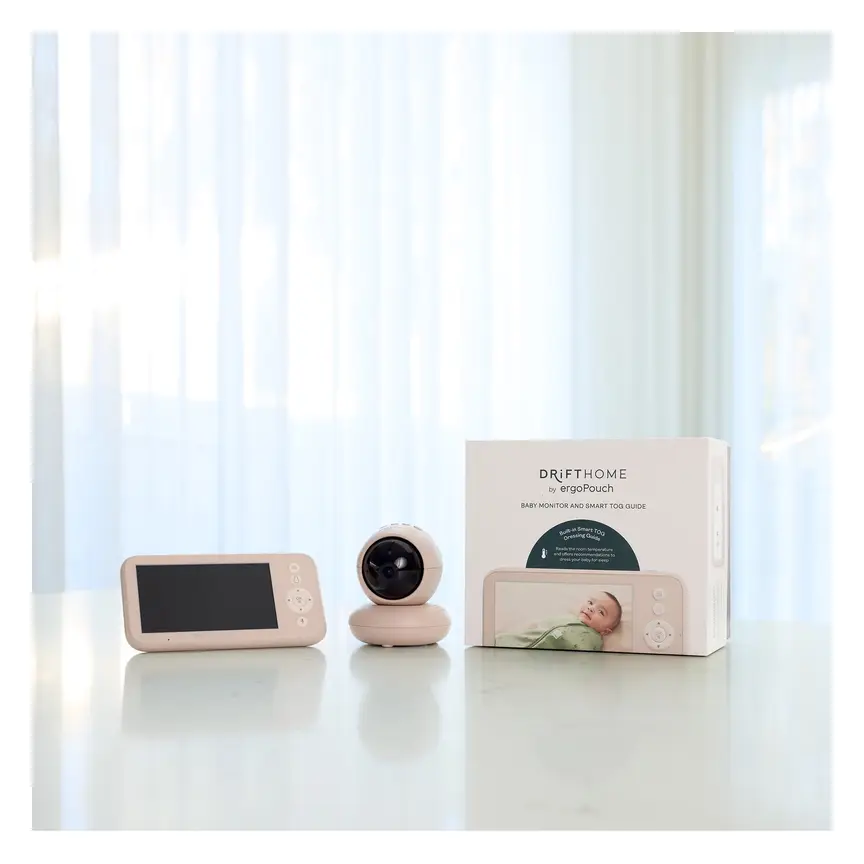
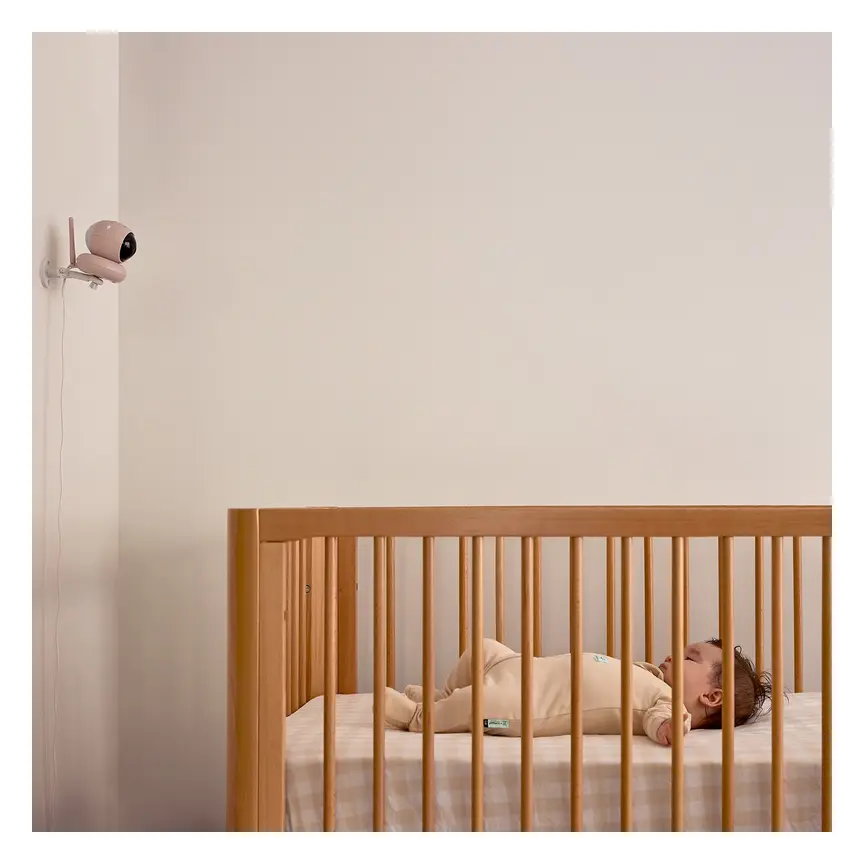
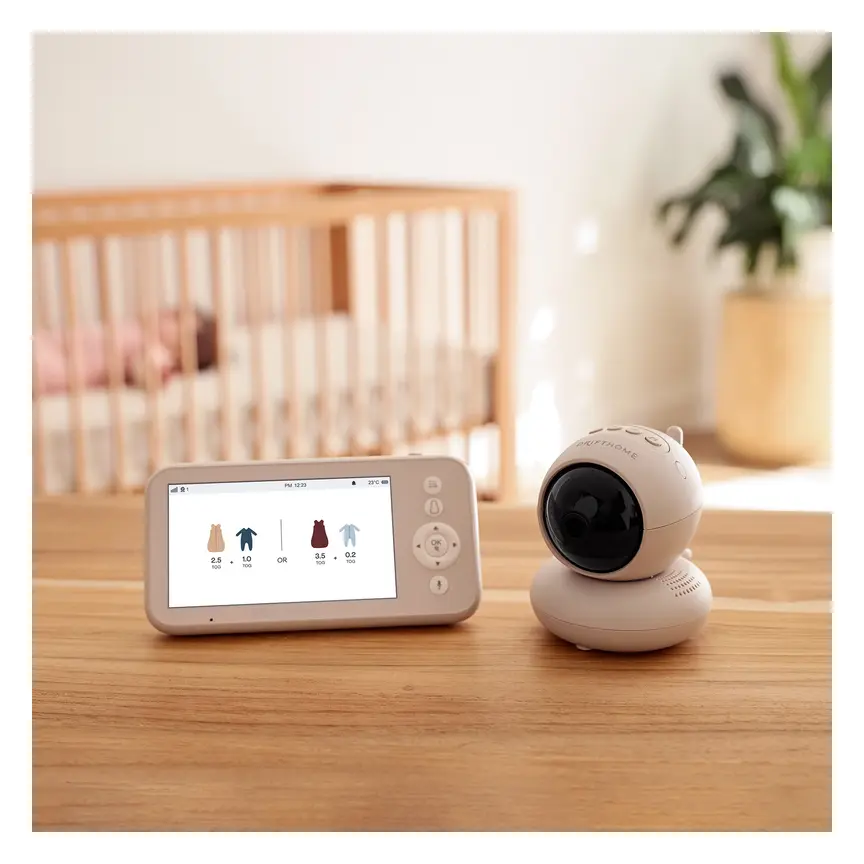
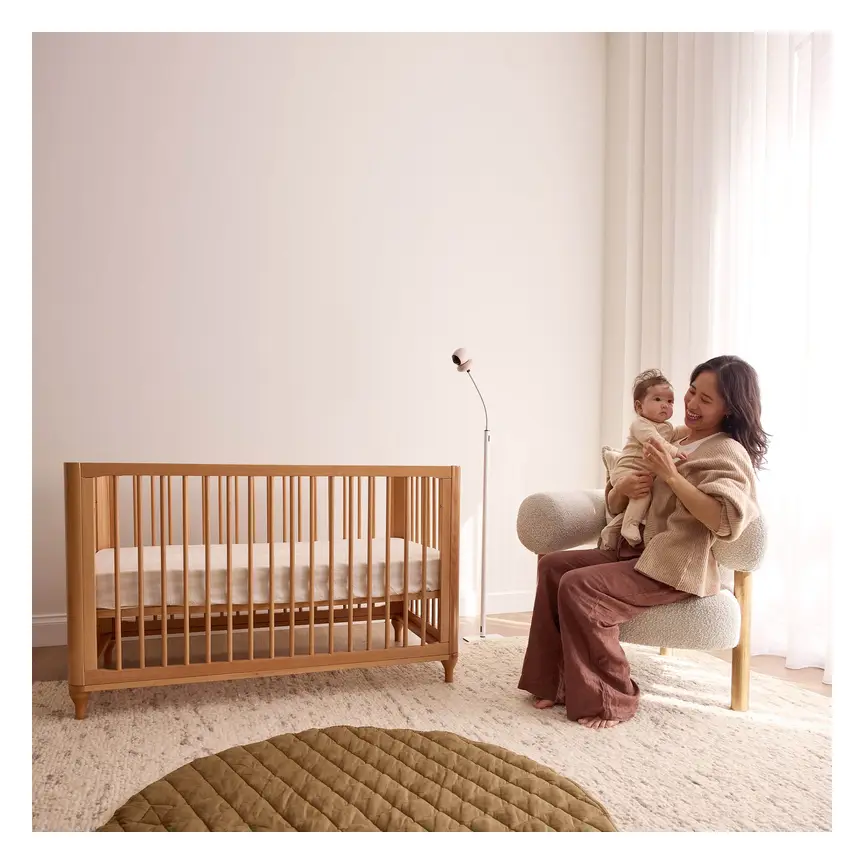
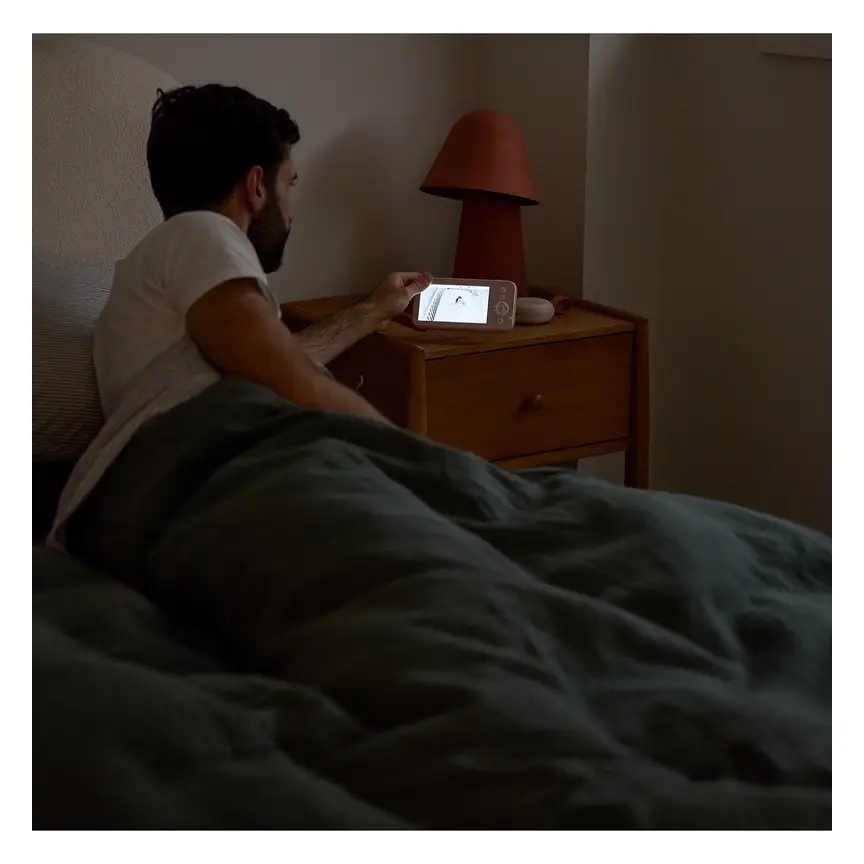
ergoPouch Drifthome Baby Monitor
A non-Wi-Fi monitor with a built-in TOG dressing guide and up to 300 m range.
Read our full review →
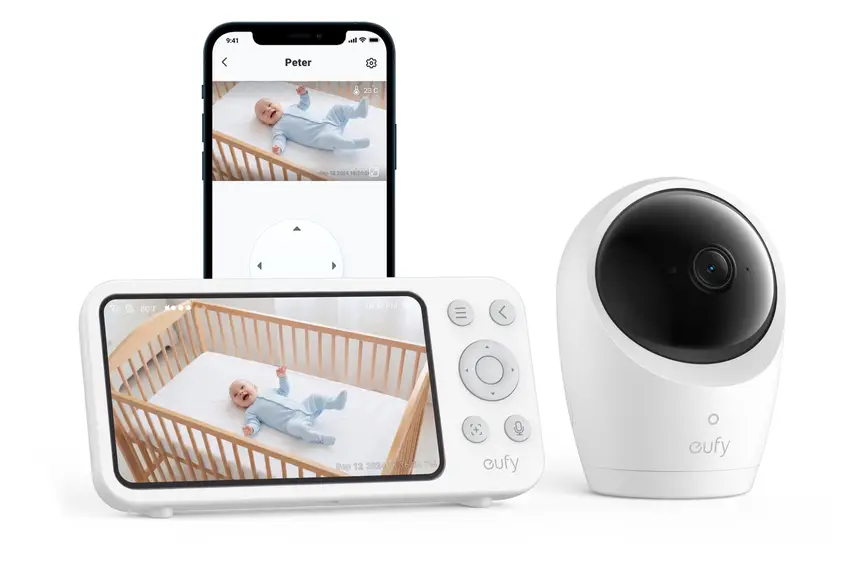
Eufy Baby Monitor E20
A monitor that works with or without Wi-Fi. You can share the app with up to 5 family members.
Read our full review →
Eufy Baby Monitor E21
The step-up Eufy monitor. It works with or without Wi-Fi and shares with up to 5 people.
Where the real costs hide: power, batteries, and lifespan
The price tag on the shelf is only part of what a baby monitor costs you. Over two or three years of daily use, other costs add up.
1. Electricity use night after night
A baby monitor runs for many hours every day. If you use a video monitor with a bright screen that stays lit all night, both the camera and the parent screen draw steady power. A monitor with VOX or eco mode turns off the screen and cuts radio signals while your baby sleeps peacefully.
Audio-only monitors use even less electricity because they have no screen to light up. While a single monitor will not double your power bill, cutting wasted standby power every night for three years does save electricity and money.
2. Sealed batteries vs replaceable batteries
This is the biggest hidden cost. Most modern video parent units use a rechargeable lithium-ion battery. Over hundreds of charges, every battery loses strength. After a year or two, a worn battery might last only an hour off the charger.
If the battery is sealed inside with glue, you cannot swap it safely. Many parents end up buying a second monitor for their toddler or next baby. That doubles your cost and doubles the e-waste. A monitor that uses standard rechargeable batteries or an easy-to-order spare battery pack costs much less over five years.
3. Wi-Fi subscriptions and broken apps
Many smart Wi-Fi baby monitors seem handy because they use your phone as the screen. Watch out for ongoing fees. Some brands lock video clips, sleep tracking, or extra alerts behind a monthly subscription. Over two years, those monthly fees can cost more than the camera itself.
Smart monitors also depend on company servers and phone app updates. If the maker stops updating the app after a few years, a working camera can become useless. A non-Wi-Fi monitor with its own parent unit works without internet, apps, or monthly fees.
4. Repair and resale value
Cheap monitors with fragile charging ports or glued cases break easily. If a micro-USB port snaps off, you are back at the shops buying another one. A sturdy monitor with a good warranty and replaceable parts can serve two or three children. When your family is done with it, you can pass it on or sell it second-hand, getting some of your money back.
Eco-friendly vs standard baby monitors: side-by-side comparison
This table shows how the main types of baby monitors compare on cost, power use, and long-term waste.
| Feature | Basic audio monitor | Low-power / eco video monitor | Standard always-on video monitor | Wi-Fi / smart app monitor |
|---|---|---|---|---|
| Upfront price | Usually lowest | Mid to high | Low to mid | Mid to very high |
| Ongoing fees | None | None | None | Often has optional or required app fees |
| Power use | Very low (no screen) | Low to medium (VOX/eco mode sleeps screen) | Higher (screen and signal stay on) | Medium to high (constant Wi-Fi upload) |
| Battery & lifespan | Often uses easy-to-swap batteries | Varies; check if battery can be replaced | Often has a sealed battery | Camera plugs in; drains your phone battery |
| Privacy & security | Private local radio signal (DECT) | Private local radio signal (FHSS/DECT) | Private local radio signal | Uses home internet; needs strong password setup |
| Best for | Most families wanting simple, low-cost sound | Parents wanting video with lower power use | Short-term use if budget is tight | Families who travel or need remote viewing |
What to look for when choosing a lower-impact monitor
If you want a monitor that is kinder to your wallet and the planet, use this simple checklist before you buy.
- Check the battery door: Look at photos of the back of the parent unit, or read the manual online. Can you open it and replace the battery? Standard AA or AAA rechargeable batteries are easiest to find anywhere.
- Look for VOX or eco mode: Make sure the screen and sound can sleep until your baby cries or stirs. You can usually adjust how sensitive this is so quiet house noise does not wake the screen.
- Skip extra gadgets: Built-in nightlights, starry ceiling projectors, and lullaby players use extra power and add parts that can break. Raising Children Network (Australia) notes that babies sleep best in a dark, quiet room without bright lights or loud sounds.
- Check the cord and plug: Look for sturdy plugs and standard charging cables, such as USB-C. Loose or rare custom plugs are a common reason monitors get thrown away early.
- Consider a non-Wi-Fi model: Non-Wi-Fi monitors use a direct radio link between the baby unit and parent unit. They work during internet outages, need no app updates, and do not add load to your home router.
- Read the warranty: A two-year or three-year warranty is a good sign that the maker expects the product to last.
What monitors can and cannot do for baby safety
Many parents buy expensive monitors hoping they will keep their baby safe from sudden infant death syndrome (SIDS). It is very important to know what health experts say about this.
Monitors do not prevent SIDS. Red Nose (Australia), The Lullaby Trust (UK), the American Academy of Pediatrics (US), and Health Canada all state clearly that no baby monitor has been proven to prevent SIDS.
The Children's Hospital of Philadelphia (CHOP) notes that consumer baby monitors have little proven benefit for healthy babies. Some expensive monitors claim to track your baby's heart rate, breathing, or blood oxygen levels through a sock, clip, or mat. A 2018 study published in JAMA tested two consumer infant pulse oximetry monitors. Researchers found that these home devices were not accurate enough to be relied on like hospital gear. They can give false alarms that cause huge stress, or miss real drops in oxygen.
The Lullaby Trust advises against using breathing or movement monitors for healthy babies unless a doctor asks you to use one for a specific medical reason. If you ever feel worried about your baby's breathing, colour, or health, call a doctor or emergency services straight away. Never wait for a monitor to tell you something is wrong.
What actually keeps a sleeping baby safe
Instead of spending big money on high-tech sensors, follow the proven safe sleep steps:
- Always place your baby on their back to sleep, for every nap and every night.
- Use a firm, flat mattress that fits the cot or bassinet with no gaps.
- Keep the cot completely clear. No pillows, loose blankets, cot bumpers, or soft toys.
- Keep your baby's face and head uncovered.
- Keep your home and car completely smoke-free.
- Sleep your baby in a cot in your room for the first 6 to 12 months.
Side by side: more baby monitors to compare
Real products from our catalogue. We don't show star ratings or review counts; check the current price, stock and reviews on Amazon before you buy.

Eufy SpaceView Pro
Budget-friendly closed-system monitor with a large parent screen and pan/tilt camera.

Lollipop Smart Baby Camera
A Wi-Fi camera with AI cry, noise and crossing alerts and 1080p video.
 Reviewed
Nanit Pro Camera
Overhead 1080p Wi-Fi camera that tracks sleep and — with patterned Breathing Wear — breathing motion, without any electronics on the baby.
Read our full review →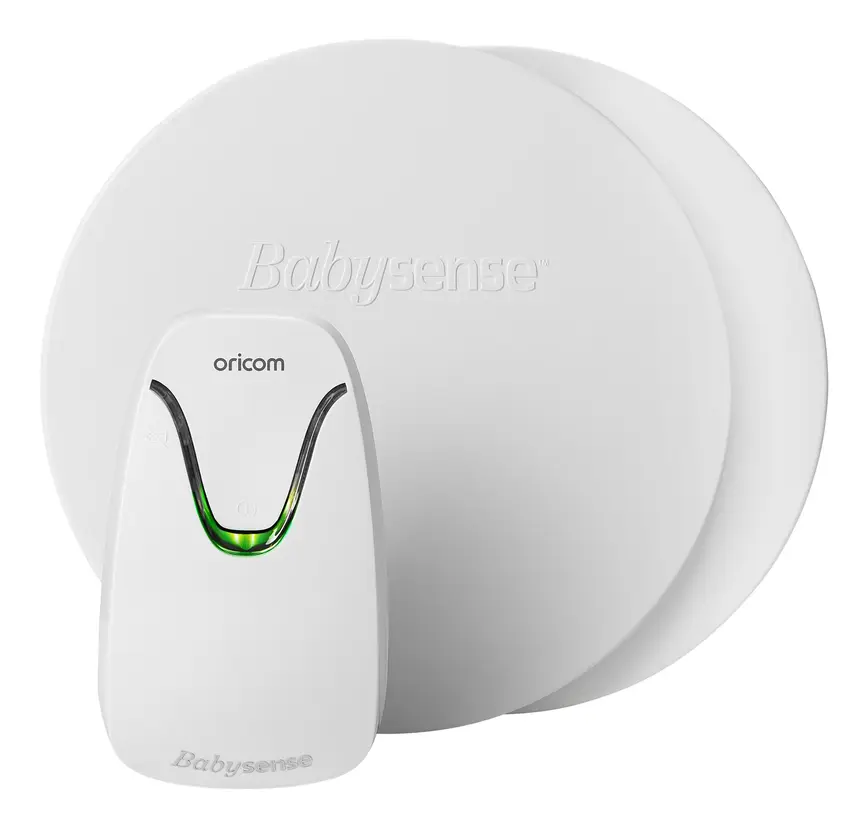
Oricom Babysense7 Breathing & Movement Monitor
A sensor pad listed as a medical device on the Australian Register of Therapeutic Goods. It sounds an alarm if it stops sensing breathing movement.
Cord, battery, and smart-device safety
Any baby monitor—eco-friendly or not—brings electrical parts into your baby's room. Follow these safety rules to avoid real home hazards.
1. Keep cords far away from the cot
Loose power cords are a serious strangulation hazard. The U.S. Consumer Product Safety Commission (CPSC) warns that babies and toddlers can pull cords into their cot and get tangled around the neck. Even young babies who cannot walk yet can reach a cord once they start rolling or pulling up.
- Place the camera and its power cord at least one metre (about three feet) away from the cot, bassinet, or bed.
- Never clip a corded camera onto the cot rail or place it inside the cot.
- Use cord covers fixed to the wall if a cord has to run near a play area.
- Check the cord distance again every time you lower the cot mattress or move your toddler to a bed.
2. Handle lithium-ion batteries with care
Most cordless parent units run on lithium-ion batteries. Fire and Rescue NSW (Australia) warns that damaged or poorly charged lithium-ion batteries can overheat and catch fire.
- Only use the charger that came with your monitor, or an approved replacement with the exact same power rating.
- Charge the parent unit on a hard surface, like a bedside table. Never charge it under a pillow, on a sofa, or on your bed, where heat builds up.
- Stop using the monitor right away if the battery swells, leaks, smells strange, or feels very hot.
- Never put dead batteries or old monitors in your normal household rubbish or yellow recycling bin. They can be crushed in rubbish trucks and start fires.
3. Check for button batteries
Some small monitors, temperature sensors, or remote controls use small, round coin-cell batteries (button batteries). Product Safety Australia (ACCC) warns that if a child swallows a button battery, it can burn through their throat in just two hours and cause fatal injury.
Check every part of your monitor setup. If any piece uses a button battery, the battery cover must be secured with a screw so little fingers cannot open it. If the cover clips off easily, do not use that item near children.
4. Lock down Wi-Fi monitors
If you choose a Wi-Fi monitor, treat it like a computer in your home. Get Cyber Safe (Government of Canada), the UK Government's smart device security rules (PSTI), and the Australian Department of Home Affairs all give clear advice for connected baby gear:
- Change the factory password straight away to a strong, unique password.
- Turn on two-factor authentication (a second code sent to your phone) on the monitor app.
- Install firmware and app updates as soon as they appear, because updates fix security holes.
- Use a strong password and encryption on your home Wi-Fi router.
- Turn the camera off or point it at the wall when you are not using it.
Official advice across Australia, the UK, the US, and Canada
Safety rules and health advice line up closely across all four countries. Here is what the main official bodies say.
| Country | Official bodies | Key advice on baby monitors |
|---|---|---|
| Australia | Red Nose Australia; ACCC / Product Safety Australia; Fire and Rescue NSW; Department of Home Affairs | Room-sharing is safest for the first 6 to 12 months. Monitors do not prevent SIDS. Keep cords away from cots, check button battery locks, recycle lithium-ion batteries safely, and secure smart devices. |
| United Kingdom | The Lullaby Trust; NHS; Office for Product Safety and Standards (OPSS) | Room-sharing is best for the first 6 months. Breathing or movement monitors are not needed for healthy babies. Keep cords out of reach and follow smart-device security rules (no weak default passwords). |
| United States | American Academy of Pediatrics (AAP); U.S. Consumer Product Safety Commission (CPSC); Federal Communications Commission (FCC) | Room-share without bed-sharing for at least 6 months. Do not rely on cardiorespiratory or oxygen monitors to prevent SIDS. Keep monitor cords at least 3 feet (about 1 metre) from the crib. |
| Canada | Health Canada; Canadian Paediatric Society (Caring for Kids); Get Cyber Safe | Room-sharing for the first 6 months lowers SIDS risk. Monitors are not a substitute for safe sleep. Check Health Canada recalls before buying new or used, and lock down Wi-Fi baby gear with strong passwords. |
Age stages: when a monitor helps and when to pack it away
Your need for a baby monitor changes fast as your child grows. Buying with all stages in mind stops you from wasting money on gear you only use for a few months.
Newborn to 6 months
During this stage, your baby should sleep in a cot or bassinet in your room at night. You usually only need a monitor for daytime naps when your baby sleeps in another room and you are in the kitchen or garden. An audio monitor or basic VOX video monitor is plenty. Keep the unit well away from the bassinet.
6 to 12 months
Many families move their baby into their own bedroom after 6 months. This is when a monitor gets the most use. Babies start rolling, sitting up, and pulling up on cot rails. Check your camera position now. A cord that seemed far away when your newborn lay still might suddenly be within reach of a standing 9-month-old.
1 to 3 years
Toddlers often climb out of cots or move to a toddler bed. A video monitor can help you see if your child has climbed out safely without opening the door and waking them up. At this stage, many parents switch off the sound sensitivity or lower the screen brightness so small toddler noises do not wake the whole house. Keep checking that cords are tucked safely behind heavy furniture.
3 years and older
Most children can walk to your room or call out clearly by age three. It is usually time to pack the monitor away. Give your child privacy as they grow, especially if you used a camera. Clean the unit, remove any batteries if storing it for a sibling, or pass it on safely.
Common mistakes parents make
Even careful parents fall into a few common traps when shopping for or setting up a baby monitor.
- Paying extra for an "eco" badge without checking the battery: A recycled plastic case does not help much if the battery is glued inside and dies in 18 months.
- Leaving the video screen on all night at full brightness: This wastes power, wears out the battery faster, and fills your bedroom with blue light that can hurt your own sleep. Turn on VOX or eco mode, or dim the screen.
- Putting the camera on the cot rail: This puts a power cord and warm electronics right beside your baby. Always mount or stand the camera at least one metre away.
- Trusting a breathing monitor over safe sleep rules: False alarms cause panic, and false comfort can make parents relax safe sleep habits. Back to sleep in a clear cot always comes first.
- Leaving Wi-Fi passwords as the factory default: Unsecured smart cameras can be accessed by strangers online. Always set a strong password and turn on two-step sign-in.
- Throwing old monitors in the kerbside bin: Lithium-ion batteries inside monitors can spark fires in rubbish trucks and landfills. Always drop them at a proper battery or e-waste recycling point.
More options, from budget to premium
Real products from our catalogue. We don't show star ratings or review counts; check the current price, stock and reviews on Amazon before you buy.

 Reviewed
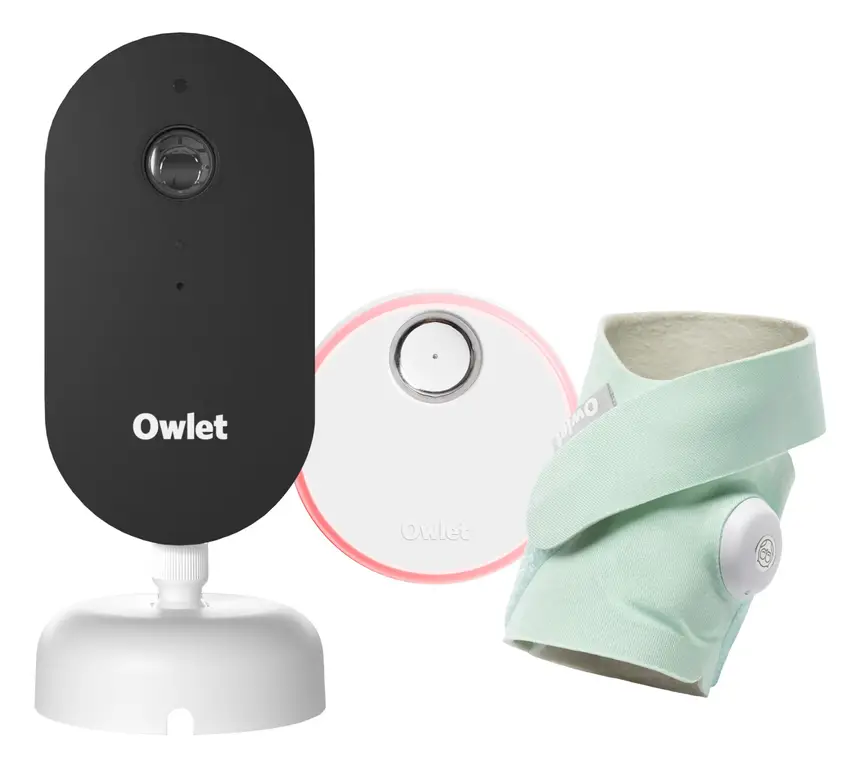
Owlet Dream Duo 3
A 2K camera plus the Dream Sock sensor that tracks pulse rate and oxygen. Like all monitors, it cannot prevent SIDS or SUDI.
Read our full review →
VTech BM2220 Digital Audio Baby Monitor
A low-cost sound-only monitor with two-way talk, a room temperature sensor and a night light.
Frequently asked questions
Are eco-friendly baby monitors actually cheaper in the long run?
It depends on which type you buy. A high-priced eco-branded video monitor may still cost more overall than a simple audio monitor. However, a durable monitor with VOX power-saving mode, no monthly app fees, and a replaceable battery can easily outlast two cheap units. That saves you money across multiple children.
Is an audio-only monitor more eco-friendly than a video monitor?
Yes, in almost every case. An audio-only monitor has no screen, no camera sensor, and fewer electronic parts to mine and make. It uses much less electricity each night and often runs on standard rechargeable batteries you can swap at home. If you want the lowest cost and lowest environmental impact, an audio monitor is hard to beat.
What does "eco mode" or "VOX mode" on a baby monitor mean?
Eco mode (also called VOX mode) puts the monitor into a low-power rest state when the nursery is quiet. The screen turns off and the wireless signal pauses or drops. As soon as your baby cries, coughs, or makes a loud sound, the monitor wakes up straight away so you can hear and see them. This saves battery life, lowers power use, and keeps your bedroom dark while you sleep.
Is it safe to buy a second-hand baby monitor?
Buying second-hand is a great way to save money and reduce e-waste, as long as you do a few checks first. Search the brand and model on your national recall list—such as Product Safety Australia, the UK OPSS recall page, the US CPSC, or Health Canada Recalls—to make sure it has not been recalled. Check that the power cord is not frayed, the charger is the original one, and the battery is not swollen or overheating. If it is a Wi-Fi monitor, do a full factory reset and set your own password.
Do baby monitors prevent SIDS?
No. Red Nose, The Lullaby Trust, the American Academy of Pediatrics, and Health Canada all confirm that baby monitors do not prevent SIDS. Even monitors that track breathing or oxygen levels are not proven to protect healthy babies. The safest steps are always putting your baby on their back, on a firm flat mattress, in a clear cot, in a smoke-free home, and sharing your room for the first 6 to 12 months.
How do I recycle an old baby monitor safely?
Never throw an old baby monitor or its batteries into your normal household rubbish or kerbside recycling bin. Lithium-ion batteries can catch fire when crushed. Check your local council website or community e-waste drop-off point. Many electronics stores and hardware shops also have free battery and small e-waste recycling bins near the entrance. If the monitor still works well and has no recalls, consider donating it or passing it to another family.
Sources
- Red Nose Australia – Baby monitors
- The Lullaby Trust (UK) – Baby monitors
- Children's Hospital of Philadelphia – Consumer baby monitors have little proven benefit for healthy infants (2017)
- U.S. Consumer Product Safety Commission – Infants and toddlers can strangle in baby monitor cords (Publication 5066)
- Get Cyber Safe (Government of Canada) – Cyber security tips for your baby gear
- Product Safety Australia – Button batteries guide
- Fire and Rescue NSW – Lithium-ion batteries: shop, charge and recycle safely
- UK Government – Security rules for smart devices (PSTI)
Related guides
More Gadgets & Electronics →
Eco-Friendly Baby Monitors: What Matters, Power Use, and Safety

Do Eco-Friendly Baby Monitors Save Money in the Long Run?

Smart Baby Monitors: New Features, Safety Rules, and What Actually Helps
