











Multi-Port GaN Travel Chargers for Family Trips: Powering Monitors, Warmers, Sound Machines and Pumps From One Plug
How to pick a multi-port GaN travel charger for family trips: power monitors, warmers, pumps and sound machines safely from one plug.
On this page
- Key points
- What a multi-port GaN travel charger is
- Why families need one on trips
- What baby gear you can power from one plug
- How to read watts, volts and amps on your baby gear
- Comparing multi-port GaN travel chargers
- What to look for in a family travel charger
- Safety rules for charging around babies and toddlers
- Safety checks and official advice in Australia, the UK, the US and Ca…
- Packing and flying with chargers and battery-powered baby gear
- How to set up a safe charging station in a hotel or holiday home
- Common mistakes parents make with travel chargers
- Frequently asked questions
- Sources
Short answer: A multi-port GaN travel charger lets you power a baby monitor, sound machine, breast pump and phone from one wall socket. GaN stands for gallium nitride. It is a newer chip material that stays cooler and fits more power into a smaller block. For most family trips, a 65W to 100W charger with three or four USB ports handles everyday baby gear well. Always check the power label on your portable bottle warmer, keep cords at least one metre away from your baby's cot, and only buy chargers with an official safety mark.
This guide follows electrical, battery and baby sleep safety advice from Australia (ACCC, Fire and Rescue NSW, CASA, Red Nose), the UK (Office for Product Safety and Standards, The Lullaby Trust), the US (Consumer Product Safety Commission, FAA) and Canada (Health Canada, Transport Canada).
Key points
- What GaN means: Gallium nitride handles higher power in a smaller, cooler case than older silicon chargers.
- Port mix matters: Look for at least two USB-C ports and one USB-A port so older and newer baby gear both fit.
- Power is shared: A 65W or 100W rating is the total power across all ports, not the amount each port gives at once.
- High-draw gear: Portable bottle warmers and laptops pull much more power than sound machines or monitor cameras.
- Cord safety: Keep every charging cable and power brick at least one metre outside a cot, bassinet or travel cot.
- Heat and fire safety: Charge on a hard, flat surface, never under pillows or blankets.
- Flying rules: Wall chargers can go in checked bags, but spare lithium-ion batteries and power banks must stay in your carry-on bag.
What a multi-port GaN travel charger is
A multi-port GaN travel charger is a small wall plug with two, three or four USB outlets built into one body. Instead of packing four separate white plugs for a weekend away, you pack one block and a few cables.
Older wall chargers use silicon chips inside. Silicon gets warm fast when it handles high power. To stop it from overheating, older high-power bricks had to be large and heavy.
GaN stands for gallium nitride. It is a newer material used in modern power chips. It moves electricity with less wasted heat. Because it wastes less energy as heat, makers can place parts closer together. The result is a charger that fits in your palm yet still powers several items at once.
Most multi-port GaN chargers also work on dual voltage. That means they accept wall power from 100 volts to 240 volts. You still need the right pin shape for the country you visit, though. Some travel models come with slide-on plug heads for Australia, the UK, the US and Europe. Others use a standard plug and pair with a simple travel adapter.
Why families need one on trips
Hotel rooms, holiday rentals and guest bedrooms rarely have enough wall plugs near the bed. Often there is only one free socket beside the bed and one more near a desk.
When you travel with a baby or toddler, your power list grows fast:
- A baby monitor camera near the travel cot.
- A monitor parent screen beside your bed.
- A portable white noise machine.
- A wearable or portable breast pump.
- A portable bottle warmer or travel steriliser.
- One or two parent phones and a smartwatch.
If every item needs its own plug, you run out of sockets right away. You may feel tempted to use a cheap uncertified power board or a loose travel adapter stack. Those stacks often sag out of worn hotel sockets and spark or fall out overnight.
One solid multi-port GaN charger solves that crowding. You plug one neat unit into the wall. Then you run tidy USB cables to the items that need power.
Baby Monitors worth a look
Real products from our catalogue. We don't show star ratings or review counts; check the current price, stock and reviews on Amazon before you buy.

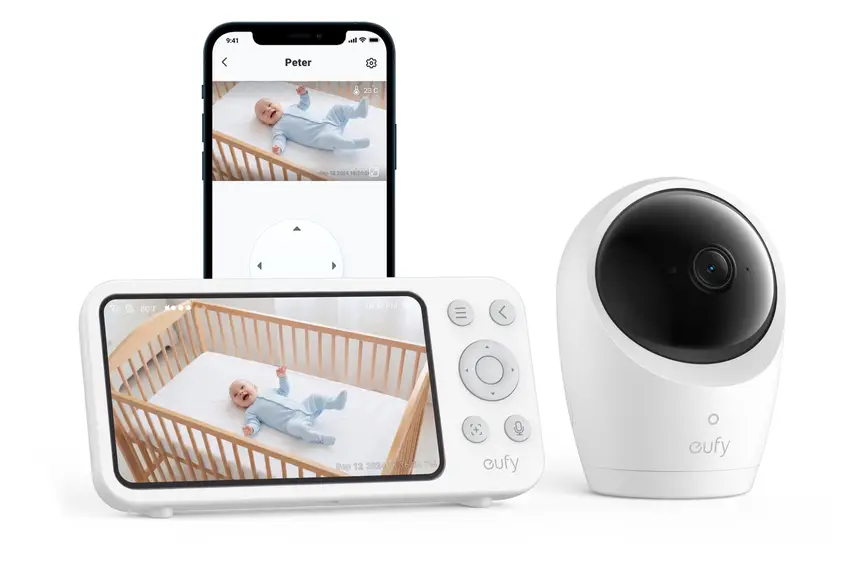
Eufy Baby Monitor E20
A monitor that works with or without Wi-Fi. You can share the app with up to 5 family members.
Read our full review →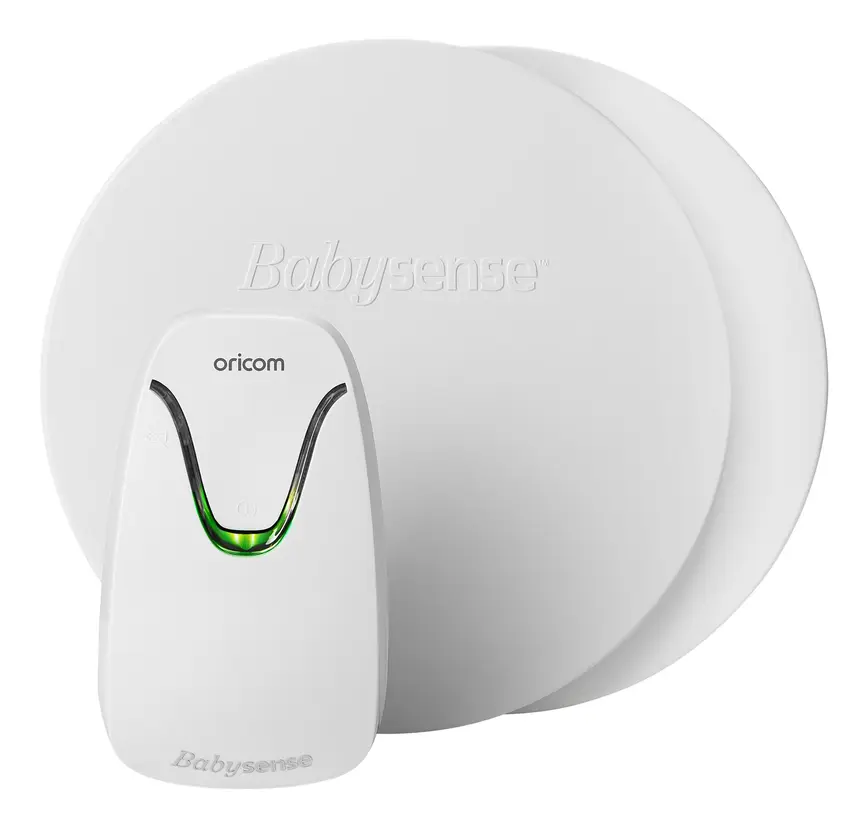
Oricom Babysense7 Breathing & Movement Monitor
A sensor pad listed as a medical device on the Australian Register of Therapeutic Goods. It sounds an alarm if it stops sensing breathing movement.
 Reviewed
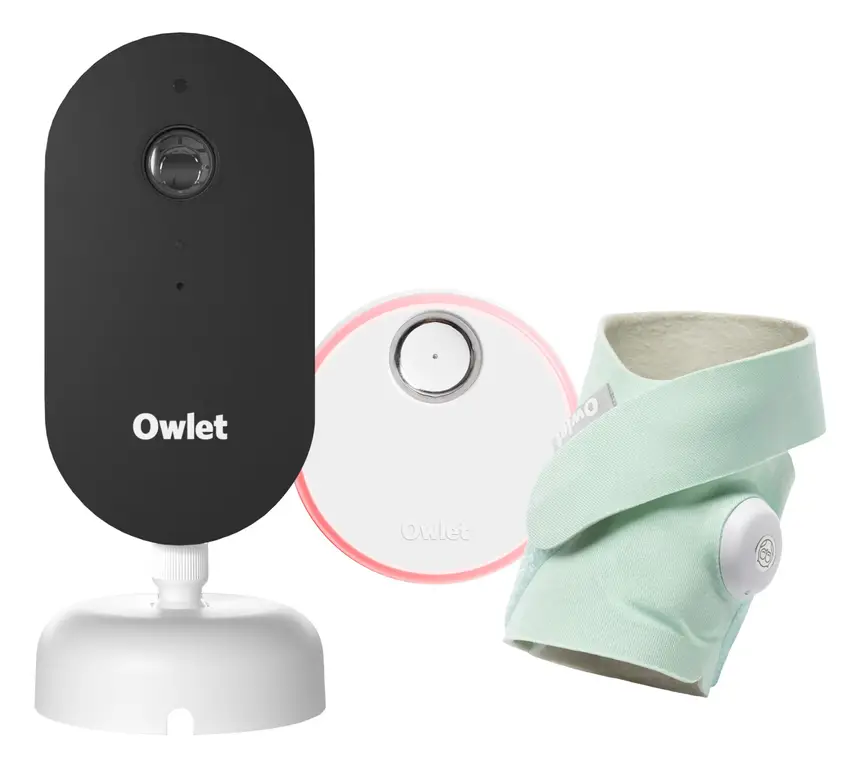
Owlet Dream Duo 3
A 2K camera plus the Dream Sock sensor that tracks pulse rate and oxygen. Like all monitors, it cannot prevent SIDS or SUDI.
Read our full review →
VTech BM2220 Digital Audio Baby Monitor
A low-cost sound-only monitor with two-way talk, a room temperature sensor and a night light.
What baby gear you can power from one plug
Before you pick a charger, list the exact items you travel with. Baby gear falls into two main power groups: low-power everyday items and high-power heating or motor items.
1. Baby monitors (cameras and parent screens)
Most modern baby monitor cameras and parent units use low power. Many run on 5V USB power, often drawing around 5W to 10W. Some newer models use USB-C. Older models often use micro-USB or a round pin plug.
Check your monitor's original plug before you leave home. If the camera uses a fixed round pin plug instead of a USB cable, a USB GaN charger cannot power it directly. If it uses a USB-A or USB-C cable, a multi-port GaN charger can usually run it easily. Always check the voltage printed on the monitor base first.
2. Sound machines and nightlights
Portable sound machines and soft nightlights need very little power. Many run on a built-in battery that charges via USB-C or micro-USB. Others stay plugged in overnight on 5W or less.
Because their power draw is tiny, they pair well with a USB-A port or a spare USB-C port on a multi-port charger. Keep the sound machine at least two metres from your baby's head and keep the volume low, as loud noise close to a baby can harm hearing.
3. Wearable and portable breast pumps
Many modern wearable and compact breast pumps charge with a USB-C cable. Most ask for a standard 5V input, though some faster-charging models accept USB Power Delivery.
Always read the pump manual before using a high-speed charger. Some pump makers warn against fast chargers and ask you to stick to a standard 5V USB output. A good GaN charger talks to the device and only sends 5V when the device asks for 5V. Even so, checking the pump manual protects your warranty and your battery.
4. Portable bottle warmers
Portable bottle warmers are the trickiest item on the list. Heating water or milk takes a lot of energy.
There are two types of portable warmers:
- Battery-powered warmers: These heat milk from an internal lithium-ion battery. You recharge them between feeds using a USB-C cable. Many recharge faster on a 20W to 45W USB-C port, while others take several hours on a 10W port.
- Plug-in travel warmers: Some warmers do not have a battery. They must plug straight into a wall outlet or a high-wattage USB-C PD port while heating. A plug-in warmer can ask for 45W, 65W or even 100W on its own.
If your warmer needs 65W while heating, and you plug it into a 65W charger that is already charging a phone and a monitor, the warmer may not get enough power. It might heat very slowly or refuse to start. Always check the warmer label for the exact watts it needs.
5. Parent phones, tablets and laptops
Phones usually draw 15W to 30W when fast charging. Tablets often draw 20W to 35W. A slim laptop can ask for 45W to 65W or more.
If one parent works remotely while the baby naps, a 100W charger gives enough headroom to run a laptop alongside baby gear.
How to read watts, volts and amps on your baby gear
Electrical labels look confusing at first, but you only need three basic ideas.
- Volts (V): Think of volts as water pressure in a pipe. Older USB plugs always used 5V. Modern USB-C chargers can step up to 9V, 12V, 15V or 20V when a device asks for it.
- Amps (A): Think of amps as how fast the water flows. A device might ask for 1A, 2A or 3A.
- Watts (W): Watts equal volts times amps. Watts tell you the total power moving through the cable. For example, 5V times 2A equals 10W.
Modern USB-C ports use a rule called USB Power Delivery, often written as USB-C PD. It works like a polite handshake. When you plug in a cable, the charger and the baby monitor talk for a split second. The monitor says, "I only want 5V and 2A." The charger agrees and sends only 10W. It will not force 100W into a tiny sound machine.
How power sharing works across ports
Here is the catch many buyers miss. If a box says "65W 3-Port GaN Charger", it does not give 65W to every port at the same time. The 65W number is the total budget for the whole block.
When you use only one port, that port may give up to 65W. When you plug in a second cable, the charger splits the budget. For example, port one might drop to 45W while port two gives 20W. When you plug in a third cable, it might split to 45W, 10W and 10W.
Notice what happens when you plug in or unplug a cable. Many multi-port chargers pause power for one or two seconds while they recalculate the split. During that brief pause, a plugged-in device without a battery—such as a baby monitor camera—will turn off and restart. Your monitor parent screen might beep to warn you that it lost signal.
To avoid midnight wake-up beeps, plug in all overnight items before you go to sleep. Avoid plugging your phone in and out of the same charger that runs a battery-free monitor camera.
Comparing multi-port GaN travel chargers
The best charger for your family depends on what gear you pack and how long you travel. The table below compares the four main types side by side.
| Charger type | Typical port mix | Best baby gear match | Main strengths | Watch-outs |
|---|---|---|---|---|
| Compact 30W to 45W GaN | 1 USB-C, 1 USB-A (or 2 USB-C) | Two phones, or a monitor and a sound machine | Tiny, light, stays steady in loose wall sockets | Not enough power for a laptop or fast plug-in bottle warmer |
| Mid-size 65W GaN | 2 USB-C, 1 USB-A | Monitor, sound machine, pump and a phone | Good balance of size, weight and power for short trips | Drops power per port when all three ports run at once |
| High-power 100W to 140W GaN | 3 USB-C, 1 USB-A (or 4 USB-C) | Bottle warmer, laptop, pump, monitor and phones | Handles high-draw gear without slowing down other ports | Heavier block; can sag out of worn vertical wall plugs |
| GaN charger with a desk cord | 3 to 4 USB ports on a short AC cord | Shared hotel bedside table and desk setups | Sits flat on a table so it never falls out of a loose wall socket | Extra cord to coil and pack in your bag |
If you stay in older hotels or overseas rentals, a GaN charger with a detachable wall cord (often called a desktop GaN charger) is worth considering. Heavy wall-wart plugs can slip out of worn wall sockets. A desktop charger sits safely on the bedside table and reaches the wall with a slim plug.
What to look for in a family travel charger
Ignore flashy marketing claims and focus on practical details that keep your trip easy and safe.
1. Check the port split chart
Look at the product listing or the fine print on the box for a power-sharing diagram. Good makers show exact numbers for one port, two ports, three ports and four ports used together. Check that at least two ports stay strong enough for your needs at the same time.
2. Mix of USB-C and USB-A ports
Many new phones and breast pumps use USB-C. However, lots of baby monitors, sound machines and small nightlights still ship with USB-A to micro-USB cables. Having at least one USB-A port saves you from buying extra adapters.
3. Foldable pins or travel heads
Foldable pins keep the metal prongs from scratching your breast pump, baby clothes or screen inside your bag. If you travel across borders, check whether the charger supports snap-on international heads or needs a separate travel adapter.
4. Braided or soft silicone cables in the right lengths
A charger is only as good as the cables you pair with it. Pack cables that match the wattage of your gear. A standard thin cable can slow down a fast bottle warmer or heat up under heavy load. Shorter cables (around one metre) are tidy beside your bed for phones. Longer cables help you place a baby monitor camera safely away from the cot.
5. Official electrical safety marks
Never buy the cheapest unbranded charger from an unknown online marketplace. Poorly made chargers skip basic insulation inside. They can overheat, melt or give a mild electric shock. Always look for the official safety mark required where you live.
Side by side: more baby monitors to compare
Real products from our catalogue. We don't show star ratings or review counts; check the current price, stock and reviews on Amazon before you buy.
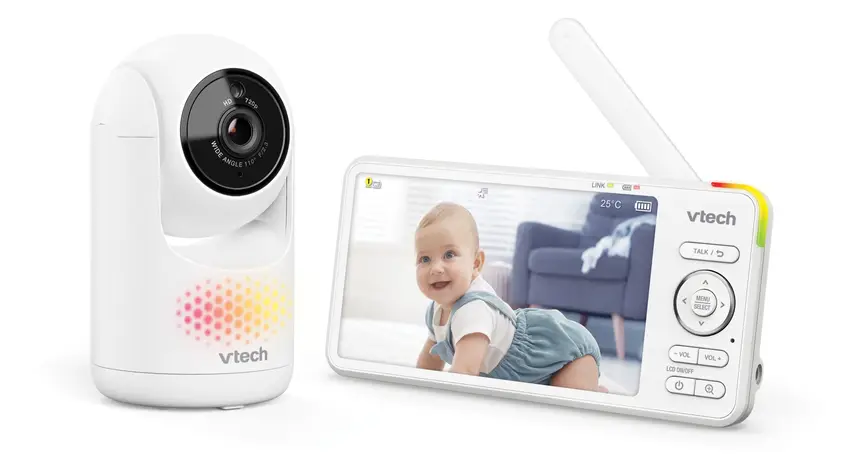

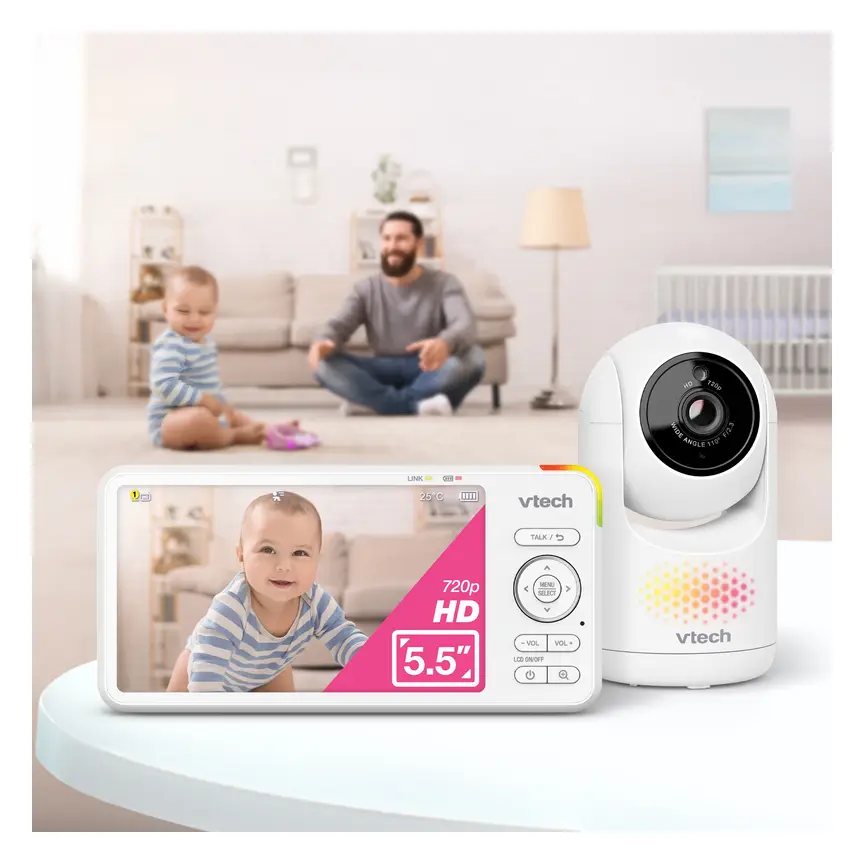
VTech BM5850HD Video Monitor
A non-Wi-Fi HD monitor with a 5.5" screen and a camera you can pan and tilt from the parent unit.
Read our full review →
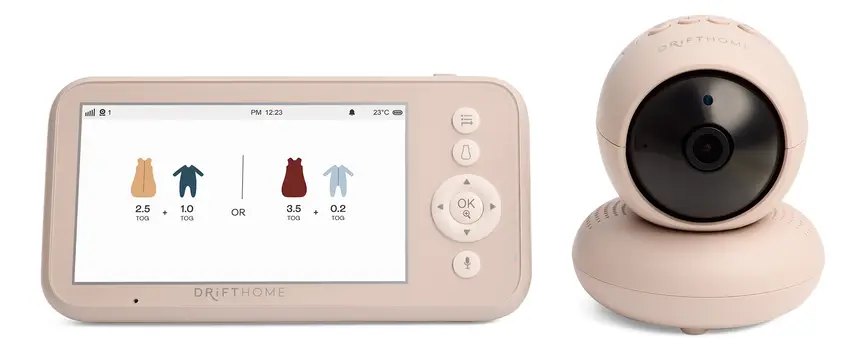
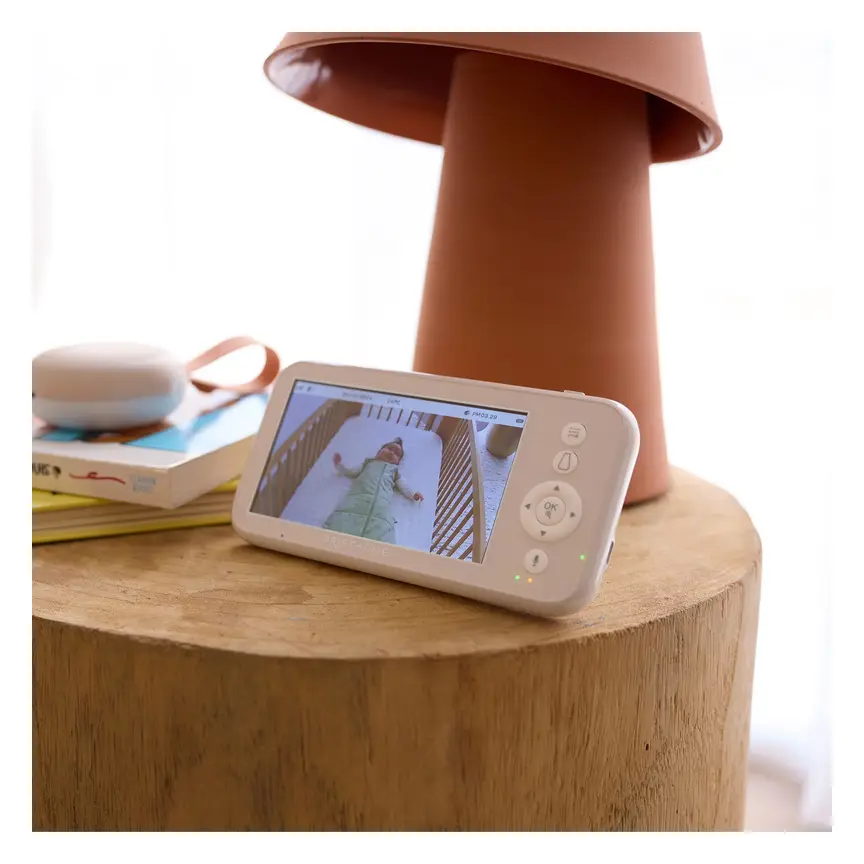
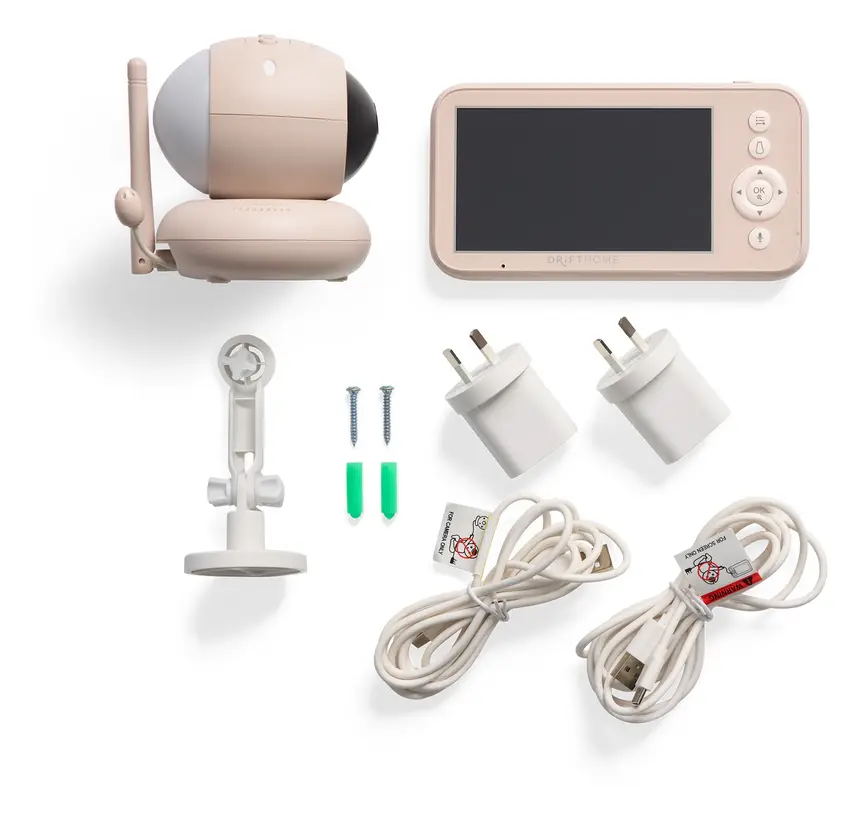
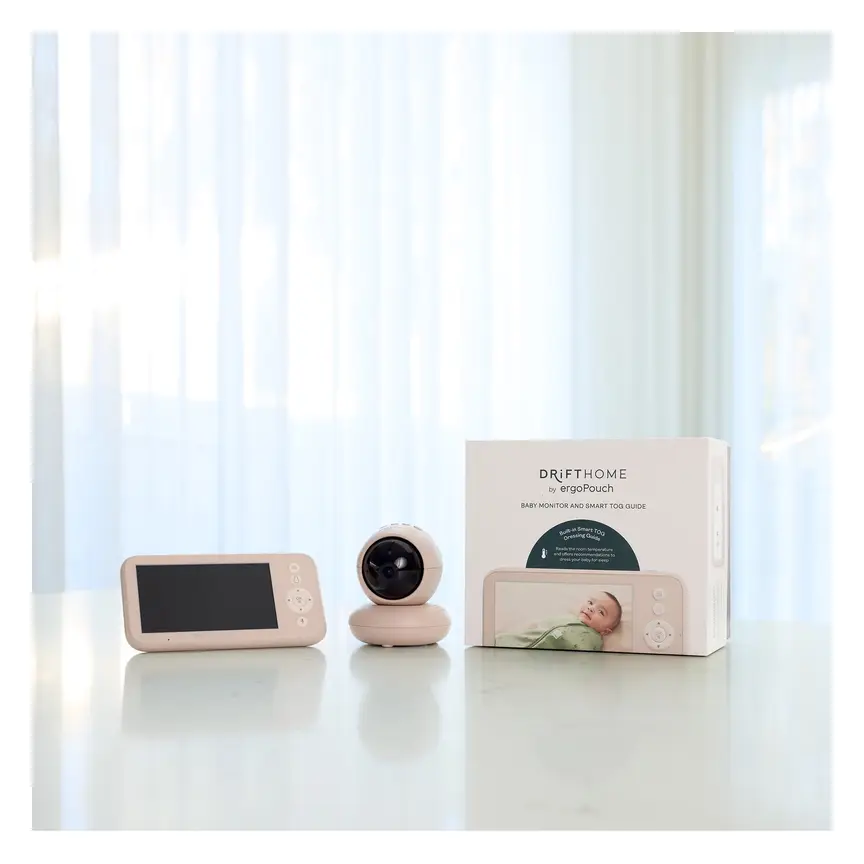
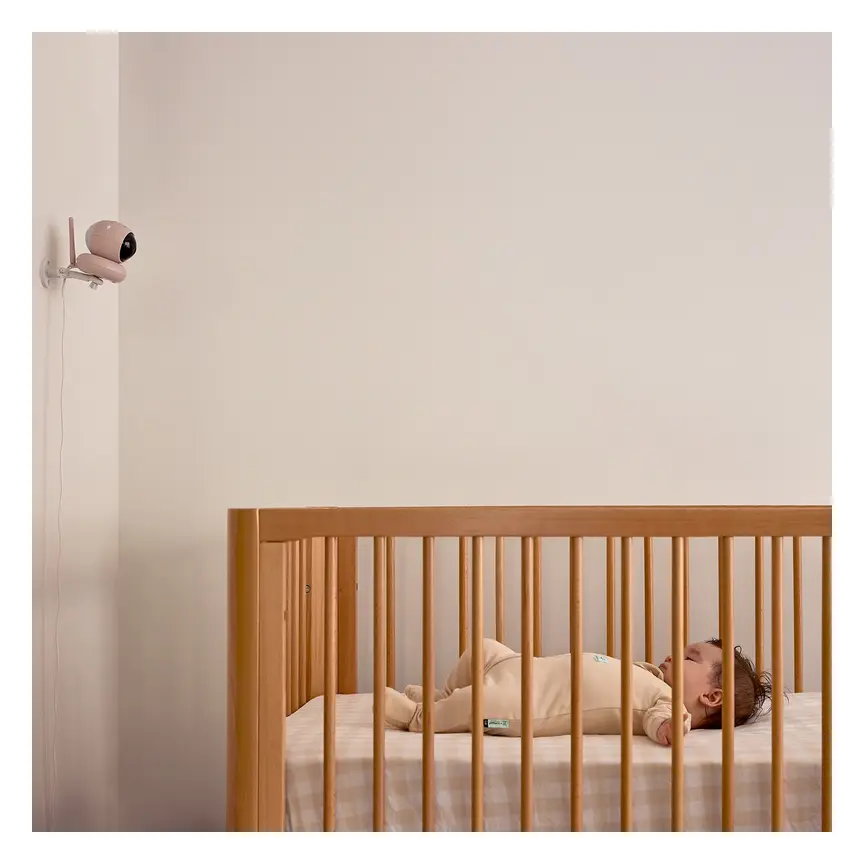
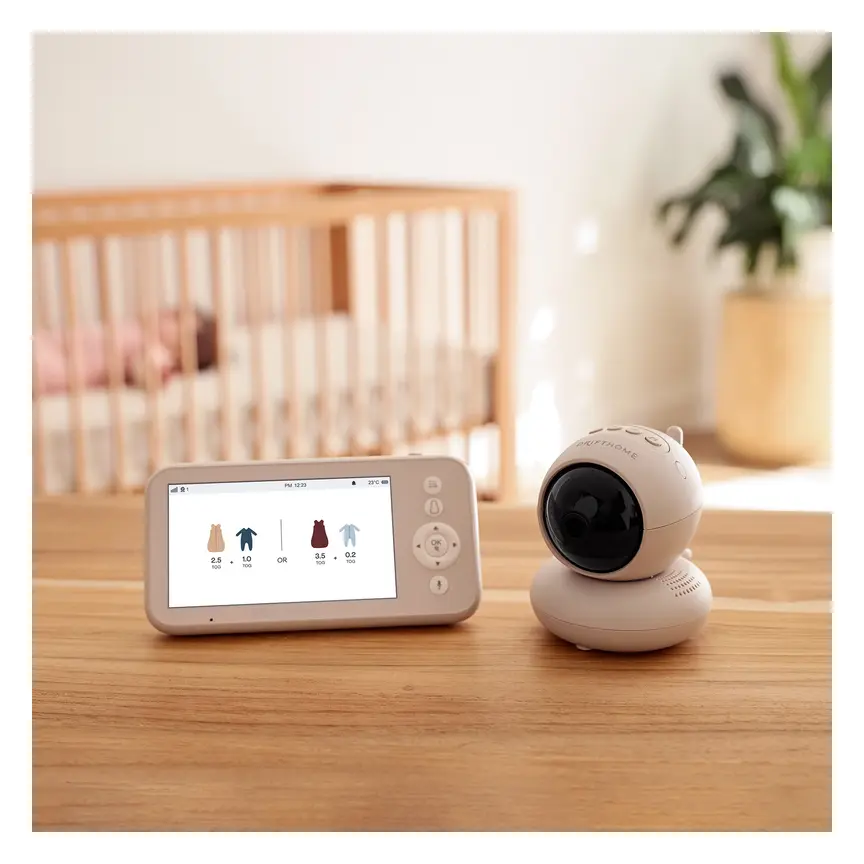
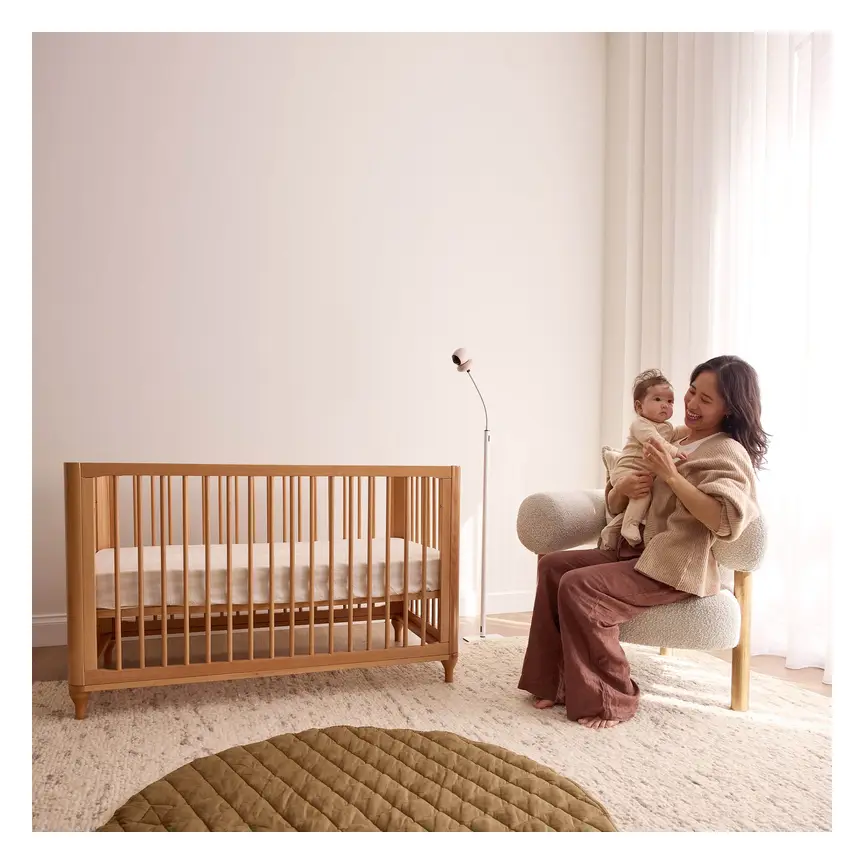
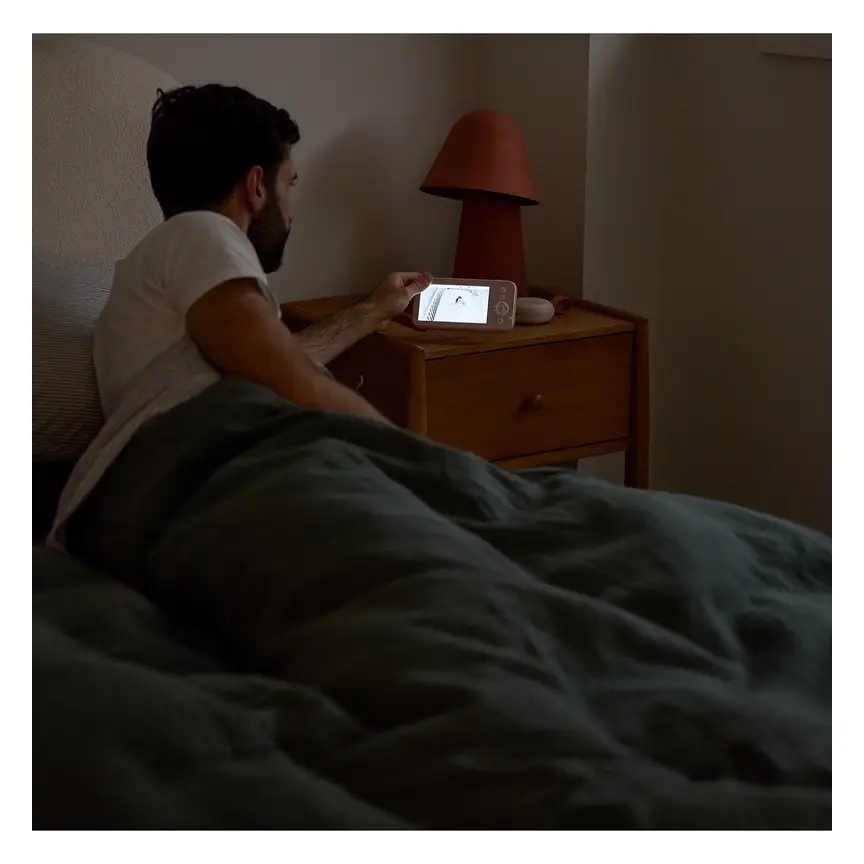
ergoPouch Drifthome Baby Monitor
A non-Wi-Fi monitor with a built-in TOG dressing guide and up to 300 m range.
Read our full review →
Eufy Baby Monitor E21
The step-up Eufy monitor. It works with or without Wi-Fi and shares with up to 5 people.
Safety rules for charging around babies and toddlers
Travelling puts your baby in unfamiliar rooms. Hotel rooms and holiday homes are rarely baby-proofed. Extra care with cords and power points keeps everyone safe.
Keep cords far from the cot
This is the single most important safety rule. The US Consumer Product Safety Commission (CPSC), Red Nose in Australia and The Lullaby Trust in the UK all warn that baby monitor cords and charging cables are a strangulation risk. Babies and toddlers can pull loose cords into a cot and wrap them around their necks.
- Place every power brick, power board and charging cable at least one metre away from a cot, bassinet, travel cot or playpen.
- Never drape a charging cord over the cot rail or tuck it under a mattress.
- Remember that older babies can stand up and reach further than you expect.
- Use cord clips, painter's tape or furniture placement to keep wires flat against the wall and out of reach.
Prevent heat build-up and battery fires
Fire and Rescue NSW gives clear rules for charging lithium-ion battery devices safely, and the same habits protect you when using a multi-port GaN charger:
- Charge on a hard, flat, non-flammable surface such as a wooden table or tiled bench.
- Never charge a phone, pump, warmer or power bank on a bed, sofa, pillow, rug or under blankets. Soft bedding traps heat.
- Keep charging gear out of direct sunlight, away from heaters and out of hot parked cars.
- Never block hallways or hotel room doors with charging cables, in case you need to leave quickly in an emergency.
- Unplug gear once it is full if you do not need it running overnight.
Watch for warning signs
Stop using a charger or battery device right away if you notice any of these signs:
- The charger feels too hot to hold comfortably.
- A battery case looks swollen, bulging or cracked.
- You smell burning plastic or a sweet chemical smell.
- You hear hissing, popping or buzzing noises.
- A cable is frayed, kinked or has exposed wires near the plug.
Keep water and milk away
Portable bottle warmers, breast pump parts and baby bottles bring liquids close to your charging station. Never handle wall chargers or cables with wet hands. Wipe up spilled milk or water before plugging anything in. Do not place your GaN charger right next to a hotel bathroom sink or in a damp spot.
Safety checks and official advice in Australia, the UK, the US and Canada
Safety rules and plug shapes differ slightly across countries, even though the core advice is the same. The table below sets out the official bodies and what to look for in each country.
| Country | Main safety bodies | What to check on the charger | Wall voltage and plug notes |
|---|---|---|---|
| Australia | ACCC (Product Safety Australia), Fire and Rescue NSW, Red Nose, CASA | Look for the Regulatory Compliance Mark (tick inside a triangle) and buy from trusted local sellers | 230V power with angled flat pins; check overseas adapters fit tightly |
| United Kingdom | Office for Product Safety and Standards (OPSS), GOV.UK, The Lullaby Trust | Look for a UKCA or CE mark from a known seller; GOV.UK warns against fake imports | 230V power with three square pins; UK sockets often have a wall switch |
| United States | Consumer Product Safety Commission (CPSC), FAA, American Academy of Pediatrics | Look for a recognised safety lab mark such as UL or ETL on the case | 120V power with two flat pins; check your gear works on 100–240V |
| Canada | Health Canada, Transport Canada, Canadian Paediatric Society | Look for a CSA, cUL or cETL mark showing it meets Canadian rules | 120V power with two flat pins; same voltage as the US |
Notice one key detail when travelling between the US or Canada (120V) and Australia or the UK (230V). A genuine multi-port GaN charger almost always prints "Input: 100–240V" in small text on the side. That means it works safely in all four countries with a simple pin adapter. However, older plug-in devices with heavy transformers or heating coils—like a mains-powered bottle warmer or steriliser—may only work on one voltage. Always read the voltage label on every item before plugging it into an overseas wall.
Packing and flying with chargers and battery-powered baby gear
Airlines treat wall chargers and batteries very differently. Knowing the difference saves stress at airport security.
Wall chargers and cables
A GaN wall charger has no battery inside. You can pack it in either your carry-on bag or your checked suitcase. Most parents keep one charger and a couple of short cables in their carry-on bag so they can charge phones, pumps or a portable warmer during delays.
Portable power banks and battery gear
Power banks, battery-powered bottle warmers, cordless breast pumps and monitor parent screens contain lithium-ion batteries. Aviation regulators—including CASA in Australia, the FAA in the US, Transport Canada and UK aviation rules—require spare lithium-ion batteries and power banks to travel in your carry-on cabin bag, never in checked luggage.
This rule exists because damaged lithium batteries can overheat and catch fire. Cabin crew can spot and handle a problem in the cabin, but a fire in the cargo hold is dangerous.
- Keep battery gear in your carry-on bag, protected from crushing.
- Cover or tape exposed battery terminals if you pack loose spare batteries.
- Check the watt-hour (Wh) rating on large power banks. Most airlines allow personal power banks up to 100Wh without special approval, though rules vary for larger units.
- If a portable bottle warmer has a built-in battery, check airline rules and pack it in your carry-on with the power button protected so it cannot turn on inside your bag.
How to set up a safe charging station in a hotel or holiday home
Taking two minutes when you arrive saves a lot of stress at 2:00 AM.
- Walk the room first. Find the wall sockets and check which ones sit far from the travel cot or bed.
- Test the socket fit. Plug your GaN charger in and give it a gentle wiggle. If the wall socket is loose and the charger tilts down, move to a tighter socket or use a charger with a desk cord.
- Separate wet and dry zones. Charge your portable bottle warmer on the kitchenette bench or desk, away from the sink. Keep the baby monitor screen and phones on your bedside table.
- Check the cot distance. Place the baby monitor camera on a high shelf or dresser at least one metre from the cot. Tuck extra cable slack behind the furniture so little hands cannot grab it.
- Plug everything in before sleep. Connect the camera, sound machine and overnight devices before you turn off the lights. That way, nothing restarts and beeps at midnight.
Common mistakes parents make with travel chargers
Even organised parents get caught out by a few simple mistakes on the road.
Mistake 1: Using a tiny old phone cube for heavy gear
Old 5W or 10W phone plugs take hours to top up a battery-powered bottle warmer or a modern tablet. Worse, running a cheap low-wattage plug at full load all night makes it run hot. A 65W or 100W GaN charger runs cooler because it has plenty of spare room.
Mistake 2: Buying a cheap travel adapter without checking voltage
A travel adapter only changes the shape of the pins. It does not change 230V wall power into 120V power. While a multi-voltage GaN charger handles 100–240V fine, plugging a single-voltage North American bottle warmer into an Australian or UK wall socket through a simple adapter can ruin the warmer and trip the room's power.
Mistake 3: Using frayed or mixed-up cheap cables
Cables take a beating when stuffed into nappy bags and stroller baskets. A bent connector or frayed sleeve can overheat or stop fast charging. Pack fresh, sturdy cables in a small zip pouch so they do not tangle with keys or snacks.
Mistake 4: Placing the charger under pillows or clothes
In a cramped hotel room, it is easy to drop a coat or spare blanket over a bedside charger. Even a cool-running GaN charger needs open air around it to shed warmth. Keep the top and sides clear.
Mistake 5: Leaving a monitor cable within reach of a standing toddler
A baby who could not reach a table last month might pull up and grab a dangling cord this month. Always check cord reach from inside the travel cot at the start of every trip.
More options, from budget to premium
Real products from our catalogue. We don't show star ratings or review counts; check the current price, stock and reviews on Amazon before you buy.

Eufy SpaceView Pro
Budget-friendly closed-system monitor with a large parent screen and pan/tilt camera.
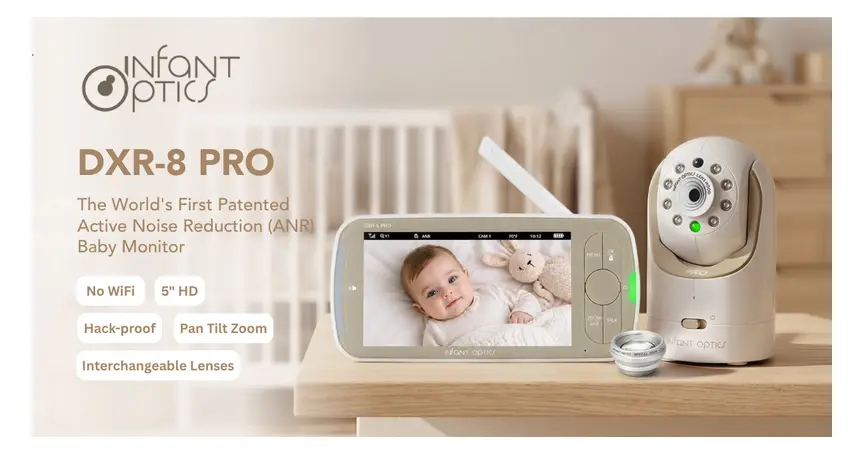
Infant Optics DXR-8 PRO
No app, no cloud, no subscription: a dedicated parent screen on a closed radio link, with interchangeable lenses.
 Reviewed
LeapFrog LF3925HD HD Video Monitor
A 5" HD monitor with a 1080p pan-and-tilt camera and colour night vision.
Read our full review →Frequently asked questions
Can one GaN charger safely power a baby monitor and a breast pump at the same time?
Yes, as long as the charger's total wattage covers both items and both use compatible USB cables. Most baby monitors and wearable breast pumps use modest power, so a 45W to 65W multi-port GaN charger usually handles both easily. Always check your breast pump manual first to make sure the maker allows USB-C fast chargers.
Will a high-wattage GaN charger damage my low-power sound machine?
No, if it is a certified USB charger in good condition. Devices pull only the power they need; the charger does not push extra power into them. A 100W GaN charger will send just 5W to a sound machine that only asks for 5W. Still, double-check that your sound machine actually uses standard 5V USB power and not a special high-voltage plug.
Why did my baby monitor briefly turn off when I plugged in my phone?
Many multi-port GaN chargers pause power for one or two seconds when a new cable is plugged in or removed. They do this to safely re-split their total watts across the active ports. If your monitor camera has no internal battery, that brief pause makes it restart. To prevent this, plug all devices in before bed, or keep a battery-free camera on its own dedicated port or charger.
Do I need a voltage converter when travelling overseas with a GaN charger?
Usually no. Almost all modern multi-port GaN chargers are dual-voltage, rated for 100V to 240V. Check the small print on the charger body to confirm it says "100–240V". If it does, you only need a simple pin adapter to match the local wall socket. Remember that single-voltage heating gear, such as some plug-in bottle warmers, may still not work overseas.
Are GaN chargers safe to leave plugged in all night in a hotel room?
A genuine, safety-certified GaN charger is designed to run safely for long periods when used properly. To keep risks low, plug it into a firm wall socket, set it on a hard flat surface away from bedding and curtains, use undamaged cables, and keep all wires at least one metre away from your baby's sleeping space. Unplug the charger when you leave the room for the day.
Can I pack my GaN charger and portable power bank in checked luggage?
You can pack a GaN wall charger and USB cables in checked luggage because they have no battery inside. However, portable power banks and baby gear with built-in or spare lithium-ion batteries must go in your carry-on cabin bag. Aviation regulators in Australia (CASA), the UK, the US (FAA) and Canada (Transport Canada) ban spare lithium batteries from checked bags for fire safety.
Sources
- Fire and Rescue NSW – Lithium-ion batteries: shop, charge and recycle safely
- Civil Aviation Safety Authority (Australia) – Lithium batteries
- Federal Aviation Administration (US) – PackSafe: lithium batteries
- Transport Canada – What you can't bring on a plane
- UK Government – Buy safe, be safe
- U.S. Consumer Product Safety Commission – Infants and toddlers can strangle in baby monitor cords (Publication 5066)
- Red Nose Australia – Baby monitors
- The Lullaby Trust (UK) – Baby monitors
Related guides
More Car Seats & Travel →
Long-Range Audio-Only DECT Baby Monitors: Why Zero-Screen Units Still Win for Backyard, Camping, and Travel

Portable Battery Bottle Warmers for Flights and Road Trips: What Works and What's Allowed

Baby Travel Gear: What You Need for Safer, Easier Trips